
We read your photo as:
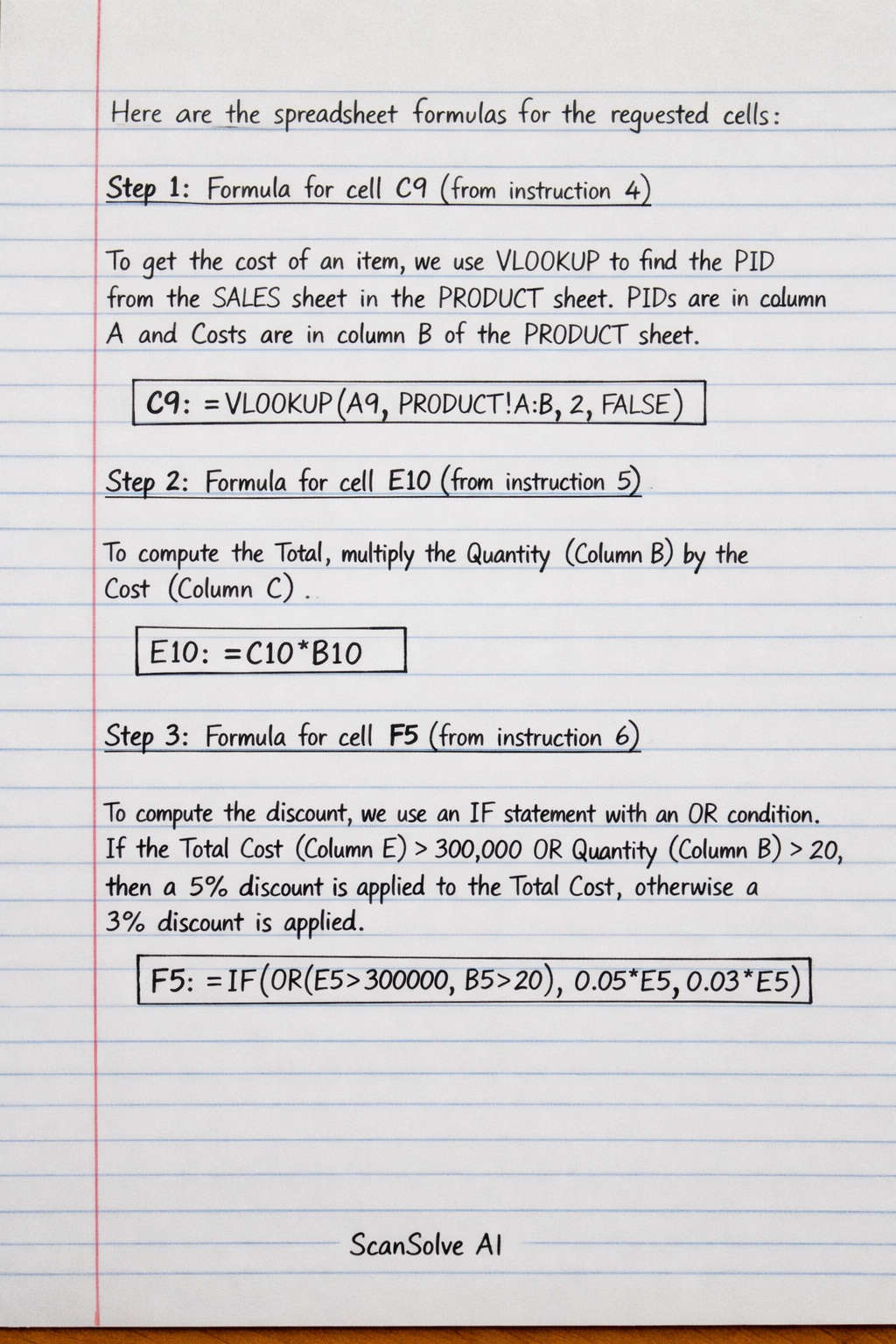
Formula for cell C9 (from instruction 4)
ScanSolve AI Answer
Step-by-step solution
4 stepsHere are the spreadsheet formulas for the requested cells:
Formula for cell C9 (from instruction 4)
To get the cost of an item, we use
VLOOKUPto search for the Product ID (PID) from theSALESsheet (Column A) in thePRODUCTsheet. Assuming Product IDs are in column A and Costs are in column B of thePRODUCTsheet.Formula for cell E10 (from instruction 5)
To compute the Total, multiply the Quantity (Column B) by the Cost (Column C).
Formula for cell F5 (from instruction 6)
To compute the discount, an
IFstatement with anORcondition is used. If the Total Cost (Column E) is greater than 300,000 OR the Quantity (Column B) is greater than 20, a 5% discount is applied to the Total Cost; otherwise, a 3% discount is applied.Formula for cell G13 (from instruction 7)
To compute the final amount, subtract the Discount (Column F) from the Total (Column E).
Still stuck on this one?
Ask a follow-up, and the answer starts from this question.
More Biology Questions
Handwritten Step-by-Step Solution
Get this as a handwritten image on WhatsApp — like a tutor wrote it for you.
Try on WhatsApp