This computer science problem involves algorithmic thinking and programming concepts. The solution below explains the approach, logic, and implementation step by step.
What is a key advantage of using ConstraintLayout in Android apps?
Computer Science

ScanSolve AI Answer
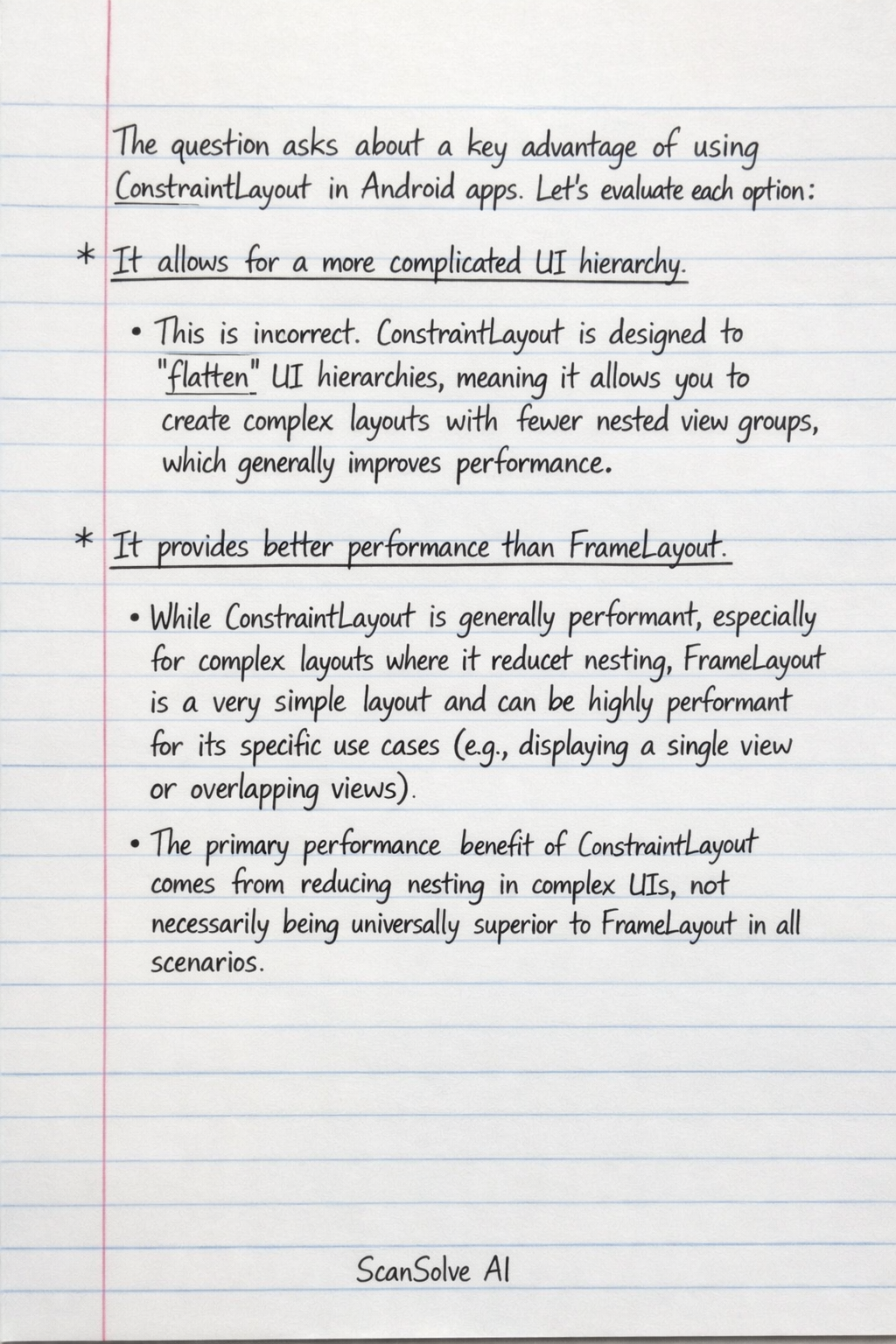
The question asks about a key advantage of using ConstraintLayout in Android apps. Let's evaluate each option:
-
It allows for a more complicated UI hierarchy.
- This is incorrect.
ConstraintLayoutis designed to flatten UI hierarchies, meaning it allows you to create complex layouts with fewer nested view groups, which generally improves performance.
- This is incorrect.
-
It provides better performance than FrameLayout.
- While
ConstraintLayoutis generally performant, especially for complex layouts where it reduces nesting,FrameLayoutis a very simple layout and can be highly performant for its specific use cases (e.g., displaying a single view or overlapping views). The primary performance benefit ofConstraintLayoutcomes from reducing nesting in complex UIs, not necessarily being universally superior toFrameLayoutin all scenarios.
- While
-
It is the only layout that supports animations.
- This is incorrect. Many Android layouts and views support various types of animations.
ConstraintLayoutdoes offer powerful features for animating layout changes (e.g., withConstraintSet), but it is not unique in supporting animations.
- This is incorrect. Many Android layouts and views support various types of animations.
-
It enables the creation of complex responsive designs efficiently.
- This is a major advantage of
ConstraintLayout. It allows developers to define flexible relationships (constraints) between UI elements, making it highly effective for building complex user interfaces that adapt well to various screen sizes, orientations, and aspect ratios. This leads to responsive designs that are both powerful and efficient to implement.
- This is a major advantage of
The correct option is:
- It enables the creation of complex responsive designs efficiently.
Was this helpful?
Still stuck on this one?
Ask a follow-up, and the answer starts from this question.
Got a different question?Ask your own question
More Computer Science Questions
QIn Android development, what is the main purpose of using padding in a layout?QWhat is the primary purpose of using a RelativeLayout in Android development?QWhat is the primary purpose of RelativeLayout in Android UI development?QWhich Android class is responsible for managing the layout and positioning of child views?QWhat is the main purpose of padding in an Android layout, and how does it differ from margins?

Handwritten Step-by-Step Solution
Get this as a handwritten image on WhatsApp — like a tutor wrote it for you.
Try on WhatsAppScanSolve AI Answer
The question asks about a key advantage of using ConstraintLayout in Android apps. Let's evaluate each option: It allows for a more complicated UI hierarchy. This is incorrect. ConstraintLayout is designed to flatten* UI hierarchies, meaning it allows you to create complex layouts with fewer nested view groups, which generally improves performance. It provides better performance than FrameLayout. While ConstraintLayout is generally performant, especially for complex layouts where it reduces nesting, FrameLayout is a very simple layout and can be highly performant for its specific use cases (e.g., displaying a single view or overlapping views). The primary performance benefit of ConstraintLayout comes from reducing nesting in complex UIs, not necessarily being universally superior to FrameLayout in all scenarios. It is the only layout that supports animations. This is incorrect. Many Android layouts and views support various types of animations. ConstraintLayout does offer powerful features for animating layout changes (e.g., with ConstraintSet), but it is not unique in supporting animations. It enables the creation of complex responsive designs efficiently. This is a major advantage of ConstraintLayout. It allows developers to define flexible relationships (constraints) between UI elements, making it highly effective for building complex user interfaces that adapt well to various screen sizes, orientations, and aspect ratios. This leads to responsive designs that are both powerful and efficient to implement. The correct option is: It enables the creation of complex responsive designs efficiently.