
We read your photo as:
What is an Operating System? Describe its types, functions, and benefits. Also mention the types of OS, and its advantages.
ScanSolve AI Answer
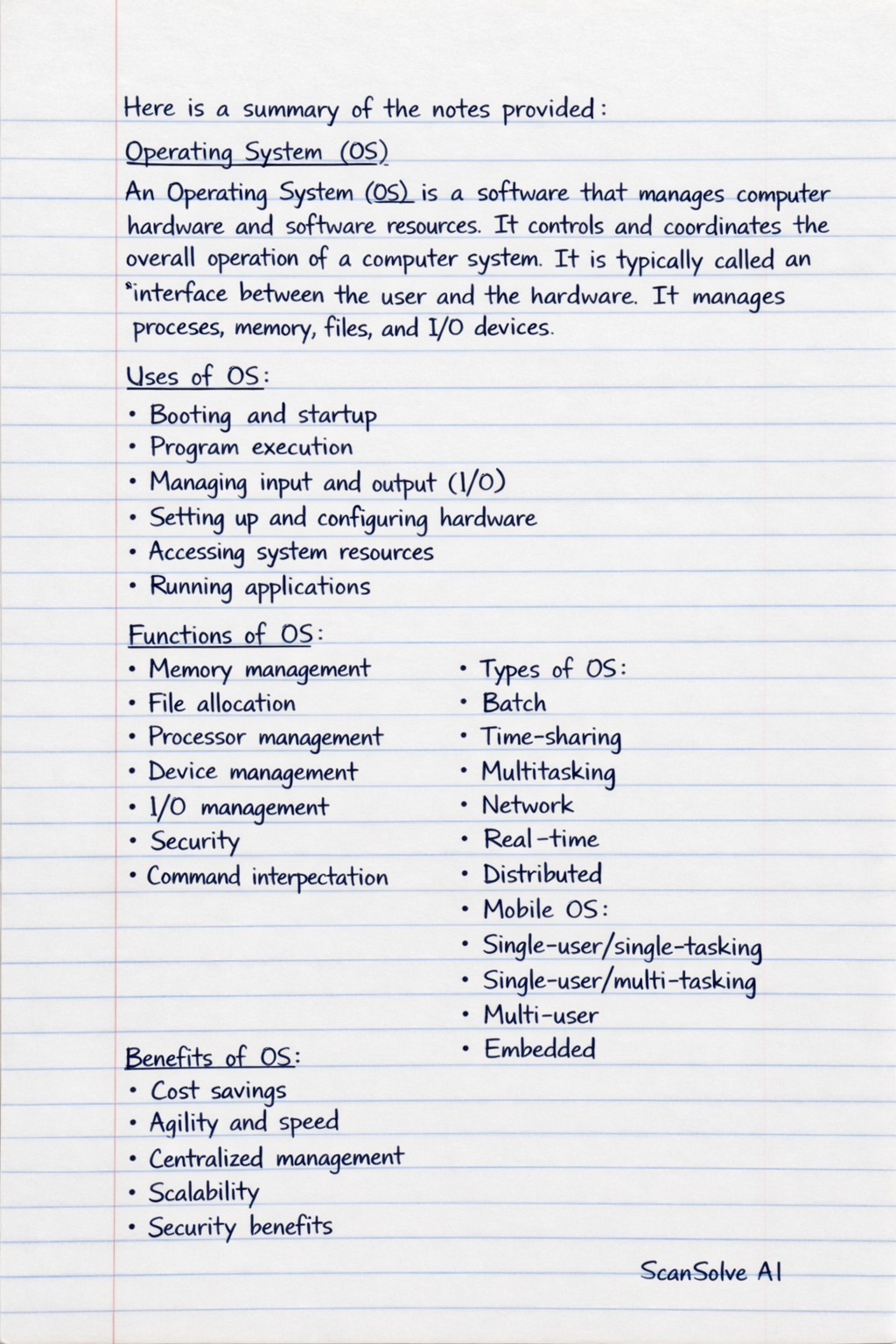
Here is a summary of the notes provided:
Operating System (OS)
An Operating System (OS) is a software that manages computer hardware and software resources. It controls and coordinates the overall operation of a computer system. It is typically called an interface between the user and the hardware. It manages processes, memory, files, and I/O devices.
Uses of OS
- Booting and startup
- Program execution
- Managing input and output (I/O)
- Setting up and configuring hardware
- Accessing system resources
- Running applications
Functions of OS
- Memory management
- File allocation
- Processor management
- Device management
- I/O management
- Security
- Command interpretation
Types of OS
- Batch
- Time-sharing
- Multitasking
- Network
- Real-time
- Distributed
- Mobile OS
- Single-user/single-tasking
- Single-user/multi-tasking
- Multi-user
- Embedded
Benefits of OS
- Cost savings
- Agility and speed
- Centralized management
- Scalability
- Security benefits
Windows Version
This refers to a new level of Windows OS with major changes to the core part.
Windows Edition
This is when each Windows version is released in several separated packages, e.g., Windows 7.
Components of OS
- Kernel: The computer's core part, responsible for managing hardware and software resources. It is the layer that manages hardware and provides an interface for applications.
Sections of OS
- Boot files
- File management
- Utility files
Troubleshooting Steps
- Reboot your computer.
- Press F8 key.
- Locate the safe mode section.
- For CPU configuration: Load default settings.
- Find new settings.
- For virtualization: Select the option for enabling.
- Save the changes you have made.
- Exit BIOS and restart the computer.
Application
An application is a program or software, a portion of your computer that runs for a program, not while it's running.
BIOS (Basic Input/Output System)
BIOS is responsible for managing hardware and provides an interface for applications.
Disk Operating System (DOS)
DOS is a collection of programs and commands used to control the overall computer operation, e.g., MS-DOS, PC-DOS, DR-DOS, FreeDOS.
Still stuck on this one?
Ask a follow-up, and the answer starts from this question.
More Computer Science Questions
Handwritten Step-by-Step Solution
Get this as a handwritten image on WhatsApp — like a tutor wrote it for you.
Try on WhatsApp