
We read your photo as:
Compare and contrast Microsoft Access and Microsoft Excel in terms of their use cases and functionalities for data management.
Computer Science
ScanSolve AI Answer
Step-by-step solution
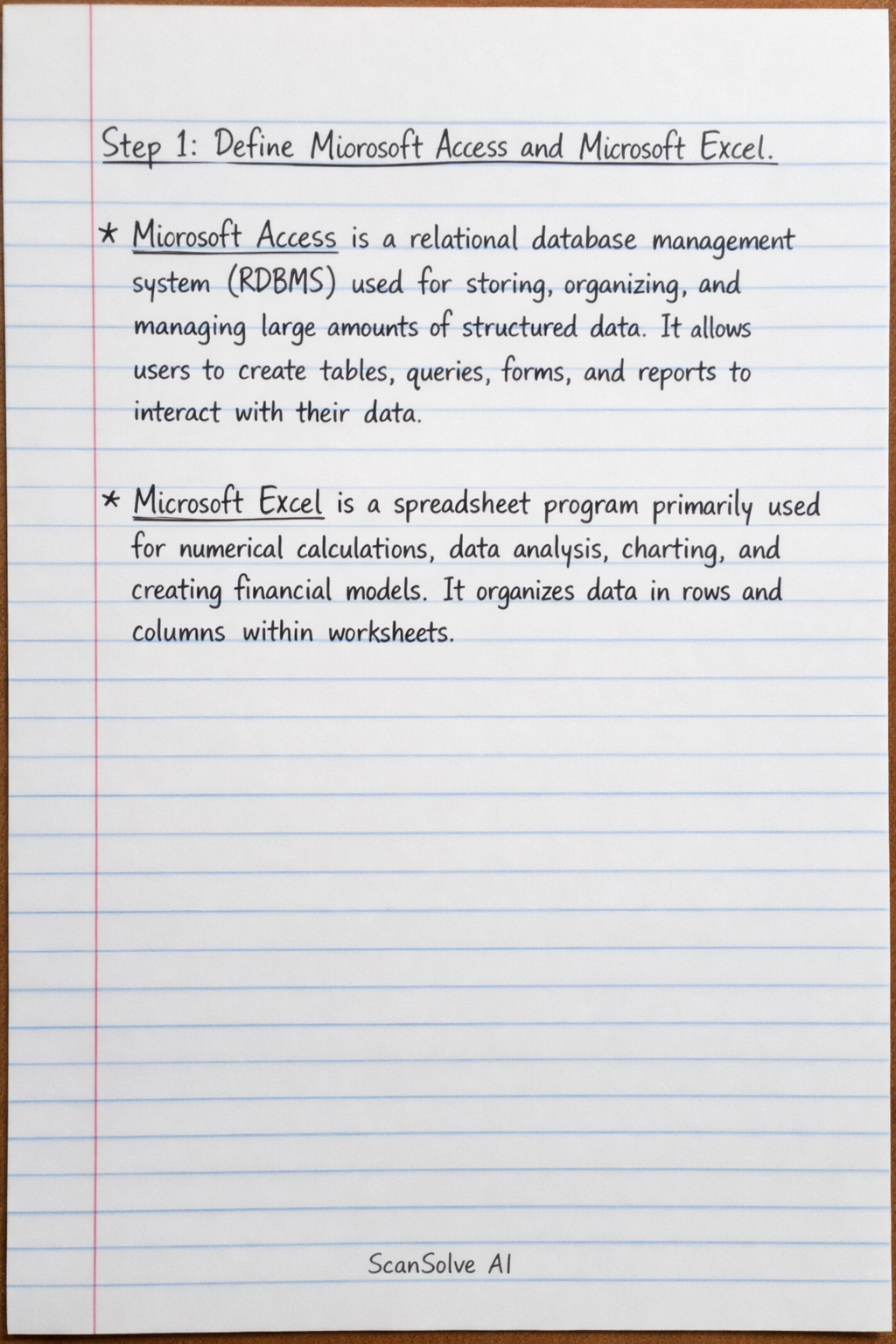
3 stepsDefine Microsoft Access and Microsoft Excel.
- Microsoft Access is a relational database management system (RDBMS) used for storing, organizing, and managing large amounts of structured data. It allows users to create tables, queries, forms, and reports to interact with their data.
- Microsoft Excel is a spreadsheet program primarily used for numerical calculations, data analysis, charting, and creating financial models. It organizes data in rows and columns within worksheets.
Compare their use cases for data management.
Both applications can be used for data management, but they serve different purposes.
- Similarities in Use Cases: Both can store data in a tabular format, perform basic sorting and filtering, and generate simple reports or summaries. For small, simple lists or datasets that don't require complex relationships, either can be used.
- Differences in Use Cases:
- Excel is ideal for tasks requiring extensive calculations, statistical analysis, budgeting, forecasting, and creating charts from numerical data. It's best for flat-file data where relationships between different data points are not complex or critical.
- Access is designed for managing relational data, where different pieces of information are linked together (e.g., customers linked to orders, products linked to suppliers). It's suitable for large datasets, complex data entry forms, and generating detailed reports based on interconnected data.
Contrast their functionalities for data management.
- Data Structure and Integrity:
- Excel stores data in individual cells within a single worksheet, making it prone to data entry errors and inconsistencies. It lacks built-in mechanisms for enforcing data integrity across multiple related data points.
- Access stores data in multiple, interconnected tables with defined relationships (e.g., one-to-many). It uses primary and foreign keys to enforce referential integrity, ensuring data consistency and preventing orphaned records.
- Data Volume and Complexity:
- Excel is best for smaller to medium-sized datasets. Performance can degrade with very large files, and managing complex relationships manually is difficult.
- Access is built to handle large volumes of data and complex relationships efficiently. It can manage millions of records across multiple tables without significant performance issues.
- Querying and Reporting:
- Excel offers basic filtering, sorting, and PivotTables for data summarization and analysis.
- Access provides powerful querying capabilities (using SQL) to retrieve, filter, and manipulate data from multiple tables based on specific criteria. It also offers robust tools for creating professional, customizable reports.
- User Interface and Automation:
- Excel relies on direct interaction with cells and formulas.
- Access allows the creation of user-friendly forms for data entry and viewing, which can simplify data management for non-technical users. Both support automation through VBA (Visual Basic for Applications), but Access's automation is geared towards database operations.
- Data Structure and Integrity:
Was this helpful?
Still stuck on this one?
Ask a follow-up, and the answer starts from this question.
Got a different question?Ask your own question
More Computer Science Questions
QExplain the core applications within the Microsoft Office Suite and provide a scenario for each…QHow can Microsoft Word, Excel, and PowerPoint be used for a business assignment?QDescribe the Microsoft Office Suite and its common applications, providing student scenarios for…QExplain word processing software and its advanced features in MS-Word, along with file management…QTeach me with examples all the different sql commands I can use in Ms Access
Handwritten Step-by-Step Solution
Get this as a handwritten image on WhatsApp — like a tutor wrote it for you.
Try on WhatsApp