
Differentiate between Ram and RoM input and output devices
Computer Science
ScanSolve AI Answer
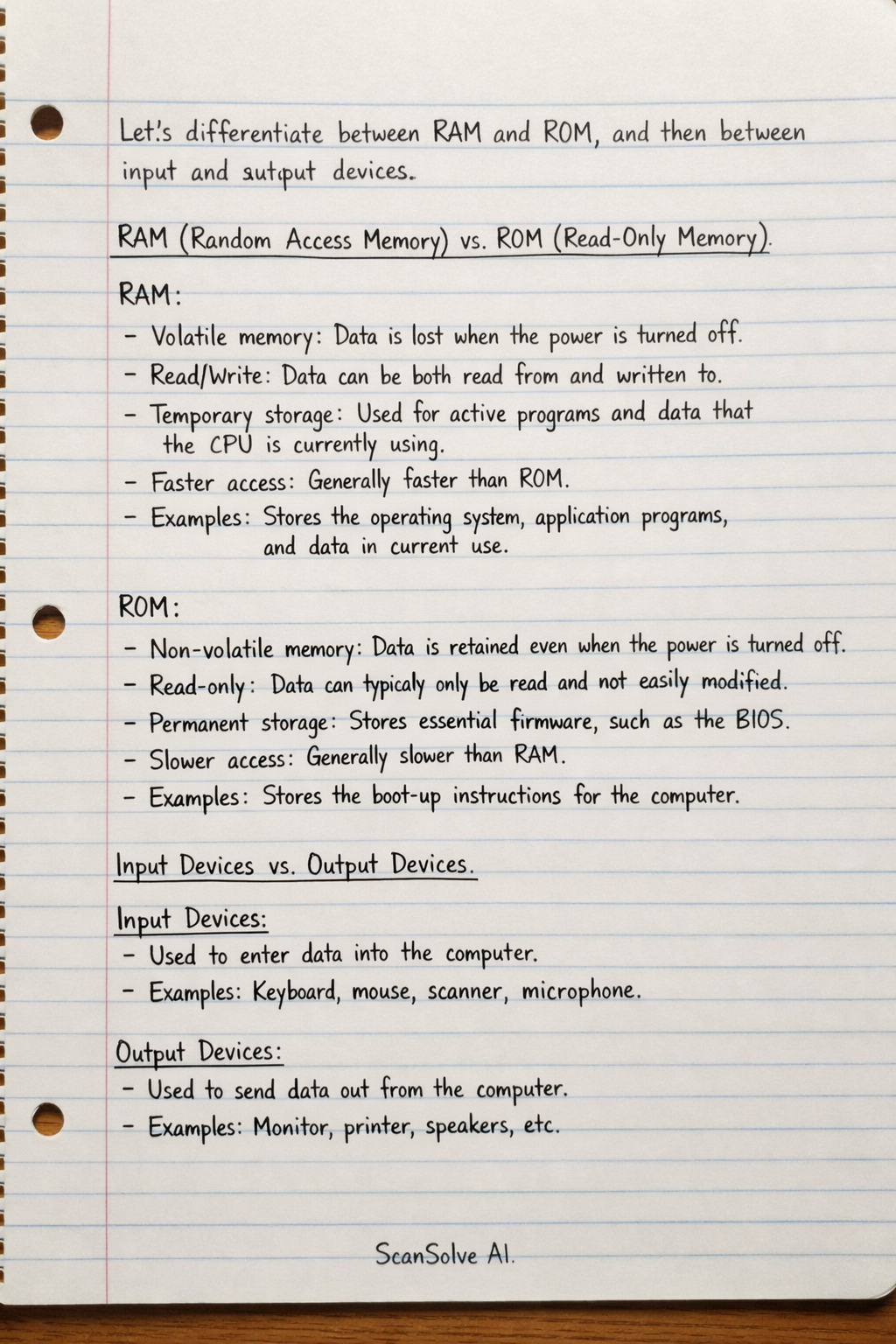
Let's differentiate between RAM and ROM, and then between input and output devices.
RAM (Random Access Memory) vs. ROM (Read-Only Memory)
-
RAM:
- Volatile memory: Data is lost when the power is turned off.
- Read/Write: Data can be both read from and written to.
- Temporary storage: Used for active programs and data that the CPU is currently using.
- Faster access: Generally faster than ROM.
- Examples: Stores the operating system, application programs, and data in current use.
-
ROM:
- Non-volatile memory: Data is retained even when the power is turned off.
- Read-only: Data can typically only be read and not easily modified (or not at all).
- Permanent storage: Stores essential firmware, such as the BIOS (Basic Input/Output System), needed to boot up the computer.
- Slower access: Generally slower than RAM.
- Examples: Stores the boot-up instructions for the computer.
Input Devices vs. Output Devices
-
Input Devices:
- Function: Used to send data and control signals to a computer. They allow users to interact with and provide information to the computer.
- Direction of data flow: Data flows from the device to the computer.
- Examples: Keyboard, mouse, microphone, scanner, webcam, touchscreen.
-
Output Devices:
- Function: Used to receive data from a computer and display, project, or reproduce it in a human-readable or physical form.
- Direction of data flow: Data flows from the computer to the device.
- Examples: Monitor, printer, speakers, headphones, projector.
Was this helpful?
Still stuck on this one?
Ask a follow-up, and the answer starts from this question.
Got a different question?Ask your own question
More Computer Science Questions
QIdentify computer hardware components and classify them as input or output devices.QIdentify the computer hardware components and classify them as input or output devices based on the…QList examples of input and output devices for a computer system.QCategorize the following computer components as input devices, output devices, storage devices, or…QIdentify and classify the computer hardware components labeled A, B, C, and D in the image. Also…
Handwritten Step-by-Step Solution
Get this as a handwritten image on WhatsApp — like a tutor wrote it for you.
Try on WhatsApp