
We read your photo as:
Write down the steps to create a simple program.
ScanSolve AI Answer
Step-by-step solution
5 stepsBased on the image, I will answer "Question No. 1: Write down the steps to create a simple program." I will provide the steps for creating a simple Windows Forms Application using VB.NET in Visual Studio.
Open Visual Studio*.
Launch the Visual Studio integrated development environment (IDE).
Create a new project*.
On the start window, select "Create a new project".
Choose the project template*.
In the "Create a new project" dialog, search for and select "Windows Forms App" (for .NET or .NET Framework, depending on your Visual Studio version). Ensure the language filter is set to "Visual Basic".
Configure the project*.
Click "Next". Then, enter a Project name, choose a Location to save your project, and optionally specify a Solution name.
Finalize creation*.
Click "Create". Visual Studio will then set up your new Windows Forms project, opening the Form Designer where you can begin adding controls and writing code.
Still stuck on this one?
Ask a follow-up, and the answer starts from this question.
More Computer Science Questions
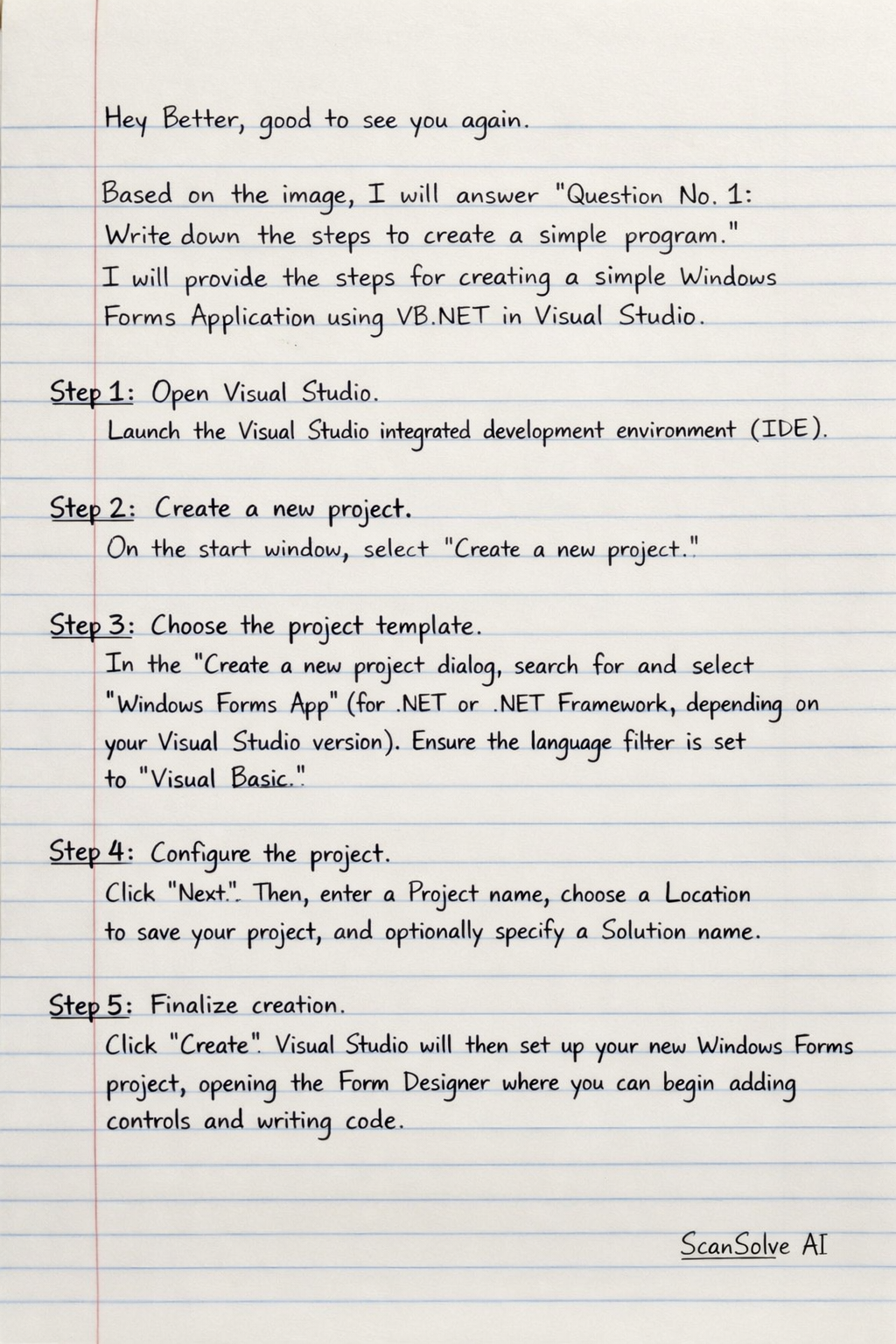
Handwritten Step-by-Step Solution
Get this as a handwritten image on WhatsApp — like a tutor wrote it for you.
Try on WhatsApp