
We read your photo as:
For software used to flash custom ROM recovery for MTK (MediaTek) based Android phones.
ScanSolve AI Answer
Answer
Step-by-step solution
7 stepsAnalyze Question 20.
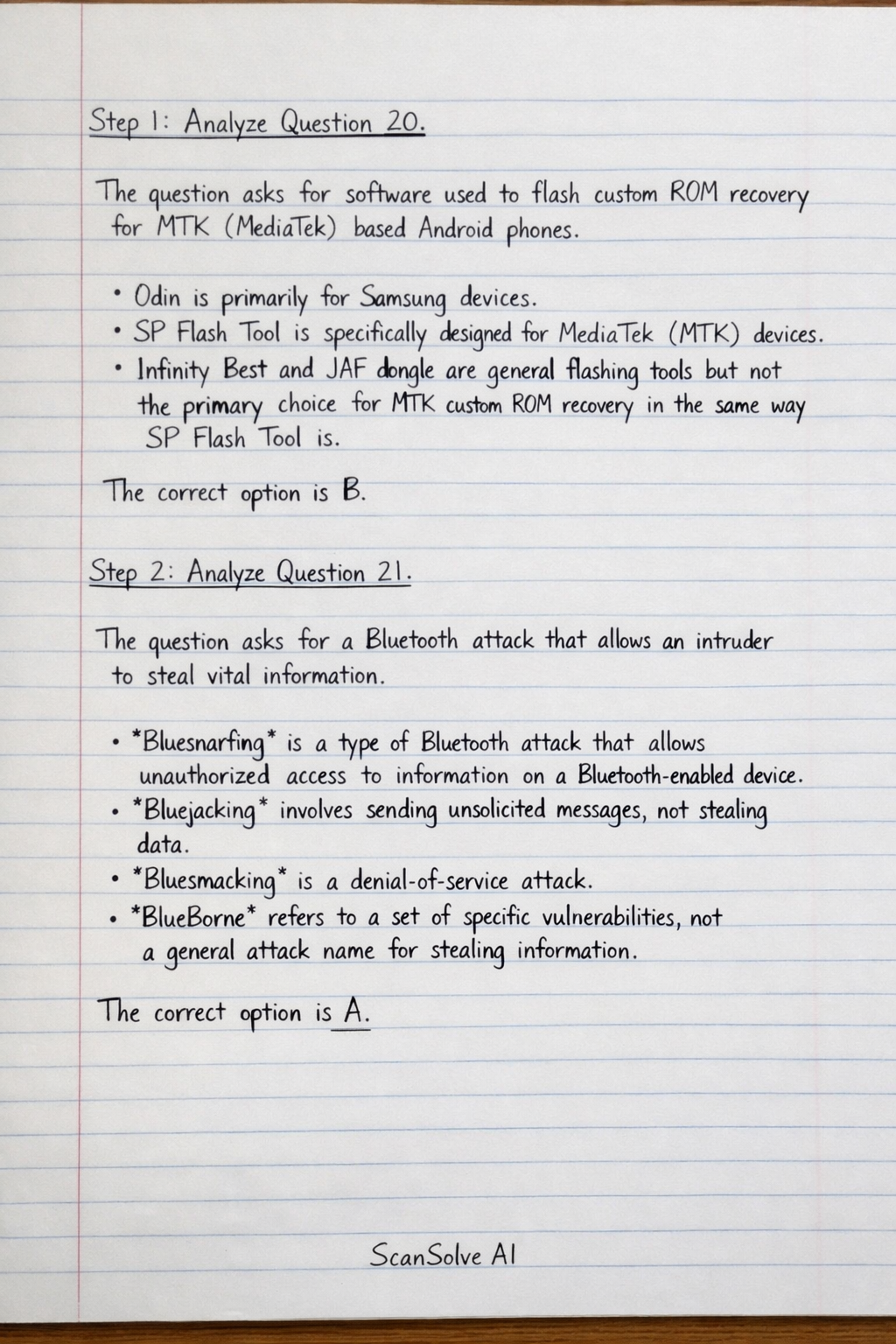
The question asks for software used to flash custom ROM recovery for MTK (MediaTek) based Android phones.
- Odin is primarily for Samsung devices.
- SP Flash Tool is specifically designed for MediaTek (MTK) devices.
- Infinity Best and JAF dongle are general flashing tools but not the primary choice for MTK custom ROM recovery in the same way SP Flash Tool is. The correct option is B.
Analyze Question 21.
The question asks for a Bluetooth attack that allows an intruder to steal vital information.
- Bluesnarfing is a type of Bluetooth attack that allows unauthorized access to information on a Bluetooth-enabled device.
- Bluejacking involves sending unsolicited messages, not stealing data.
- Bluesmacking is a denial-of-service attack.
- BlueBorne refers to a set of specific vulnerabilities, not a general attack name for stealing information. The correct option is A.
Analyze Question 22.
The question describes a slow charging fault traced to the PCB, and asks for the first corrective action.
- If the fault is traced to the PCB and involves charging, the charging IC (Integrated Circuit) is the likely component.
- "Servicing" a component (like cleaning, checking connections, or reflowing solder) is generally a less invasive first step than immediately replacing it, especially for a "slow charging" issue rather than a complete failure.
- Options C and D are incorrect because the fault is traced to the PCB, not the charging port. The correct option is B.
Analyze Question 23.
The question describes a smartphone with a blank screen that auto reboots without completing the boot process.
- A blank screen combined with auto reboots (boot loop) without completing the boot process is a classic symptom of corrupted firmware or software.
- "Flashing the phone" (reinstalling the operating system/firmware) is the standard corrective action for such software-related boot issues.
- Replacing the LCD would address the blank screen but not the rebooting.
- "Rebooting" a power IC or display IC is not a standard repair procedure in this context. The correct option is D.
Analyze Question 24.
The question asks for a cause of the "No Network Signal" error message.
- A corrupt IMEI (International Mobile Equipment Identity) can prevent a phone from registering on any cellular network, leading to a "No Network Signal" message.
- Wrong SIM insertion or a broken SIM socket would typically result in a "No SIM card detected" message.
- A SIM card not being registered might show "No Service" or "Emergency Calls Only," but a corrupt IMEI is a more fundamental reason for the phone to fail to find any network signal. The correct option is A.
Analyze Question 25.
The question provides battery specifications and usage data to determine its condition.
- Rated battery capacity:
- Current delivered:
- Time delivered:
- Total charge delivered = Current Time =
- The battery delivered but is rated for . This means it delivered only half of its rated capacity.
- This indicates that the battery's actual capacity is significantly lower than its advertised capacity, meaning the battery cells are degrading or getting weak. The correct option is B.
Analyze Question 26.
The question asks what the Android notification icon shown in Fig. 5 implies.
- The icon (a circle with an exclamation mark inside, often accompanied by a smaller dot) is a widely recognized Android notification icon for a low storage warning or when storage is full.
- It is not typically used for syncing data, clearing cache, or updating applications. The correct option is C.
The final answers are: 20. B 21. A 22. B 23. D 24. A 25. B 26. C
Try one yourself
A new problem that tests the same skill.
Still stuck on this one?
Ask a follow-up, and the answer starts from this question.
More Computer Science Questions
Handwritten Step-by-Step Solution
Get this as a handwritten image on WhatsApp — like a tutor wrote it for you.
Try on WhatsApp