
We read your photo as:
How do I create a Windows Forms application in Visual Basic.NET with buttons to draw shapes?
Computer Science
ScanSolve AI Answer
This answer stops before the end.
It was cut off when it was first written. Ask ScanSolve this question again for the full working.
To create this Visual Basic (VB) application, you will need to set up a Windows Forms project.
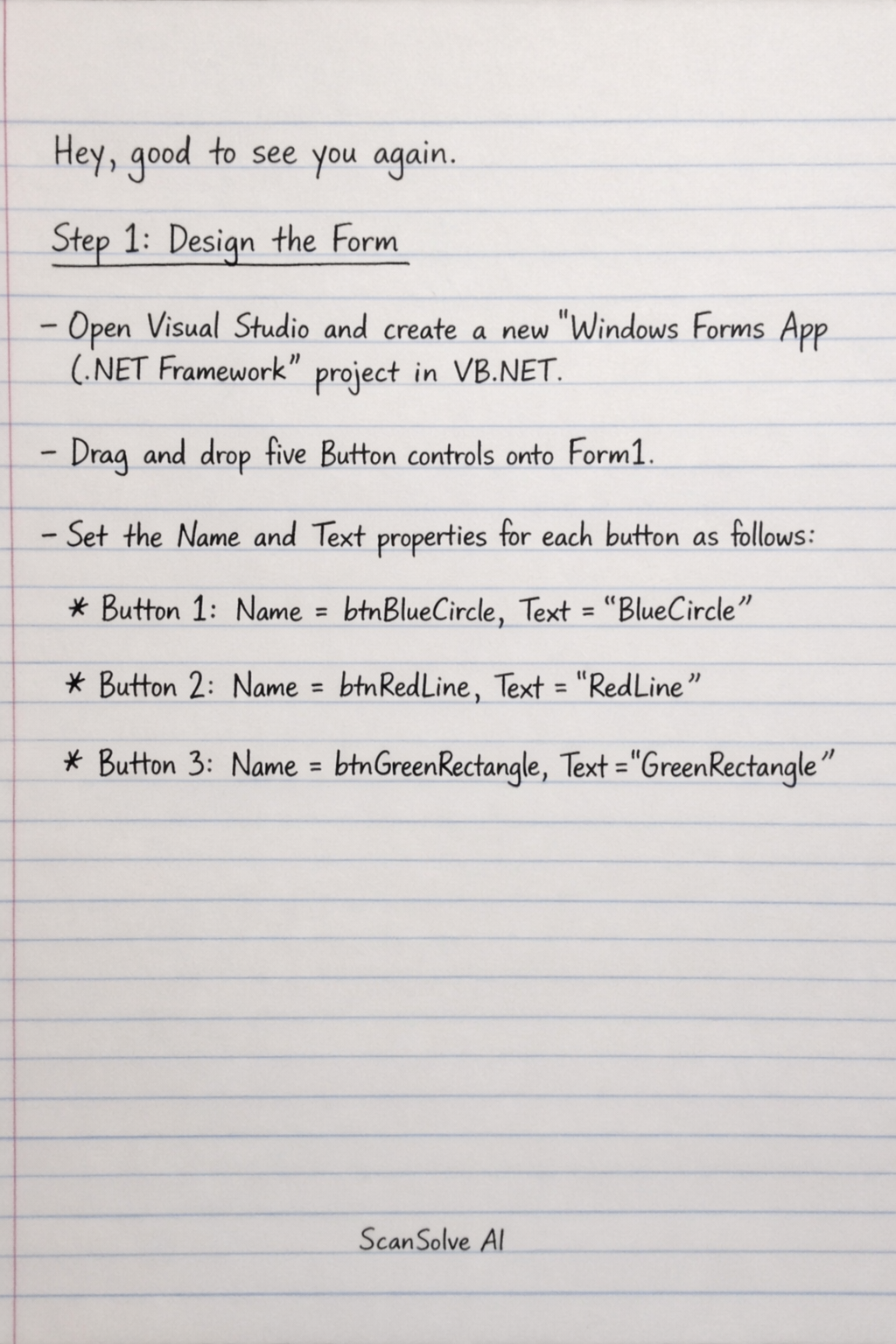
Step 1: Design the Form
- Open Visual Studio and create a new "Windows Forms App (.NET Framework)" project in VB.NET.
- Drag and drop five
Buttoncontrols ontoForm1. - Set the
NameandTextproperties for each button as follows:- Button 1:
Name = btnBlueCircle,Text = BlueCircle - Button 2:
Name = btnRedLine,Text = RedLine - Button 3:
Name = btnGreenRectangle,Text = GreenRectangle
- Button 1:
Was this helpful?
Still stuck on this one?
Ask a follow-up, and the answer starts from this question.
Got a different question?Ask your own question
More Computer Science Questions
QDesign a Visual Basic application with five buttons to draw different shapes (circle, line…QWrite VB.NET code for a reset button and a data validation function for a product form.QCreate drawings in the MS Paint Drawing Area, like the examples provided (paint palette/brush, bow)…QWhat are the answers to the following multiple-choice questions on Visual Basic?QDescribe four key features of Visual Basic.
Handwritten Step-by-Step Solution
Get this as a handwritten image on WhatsApp — like a tutor wrote it for you.
Try on WhatsApp