
We read your photo as:
Identify output devices, data security measures, word processing applications, and page formatting features relevant to report preparation.
ScanSolve AI Answer
here are the answers to Section A:
-
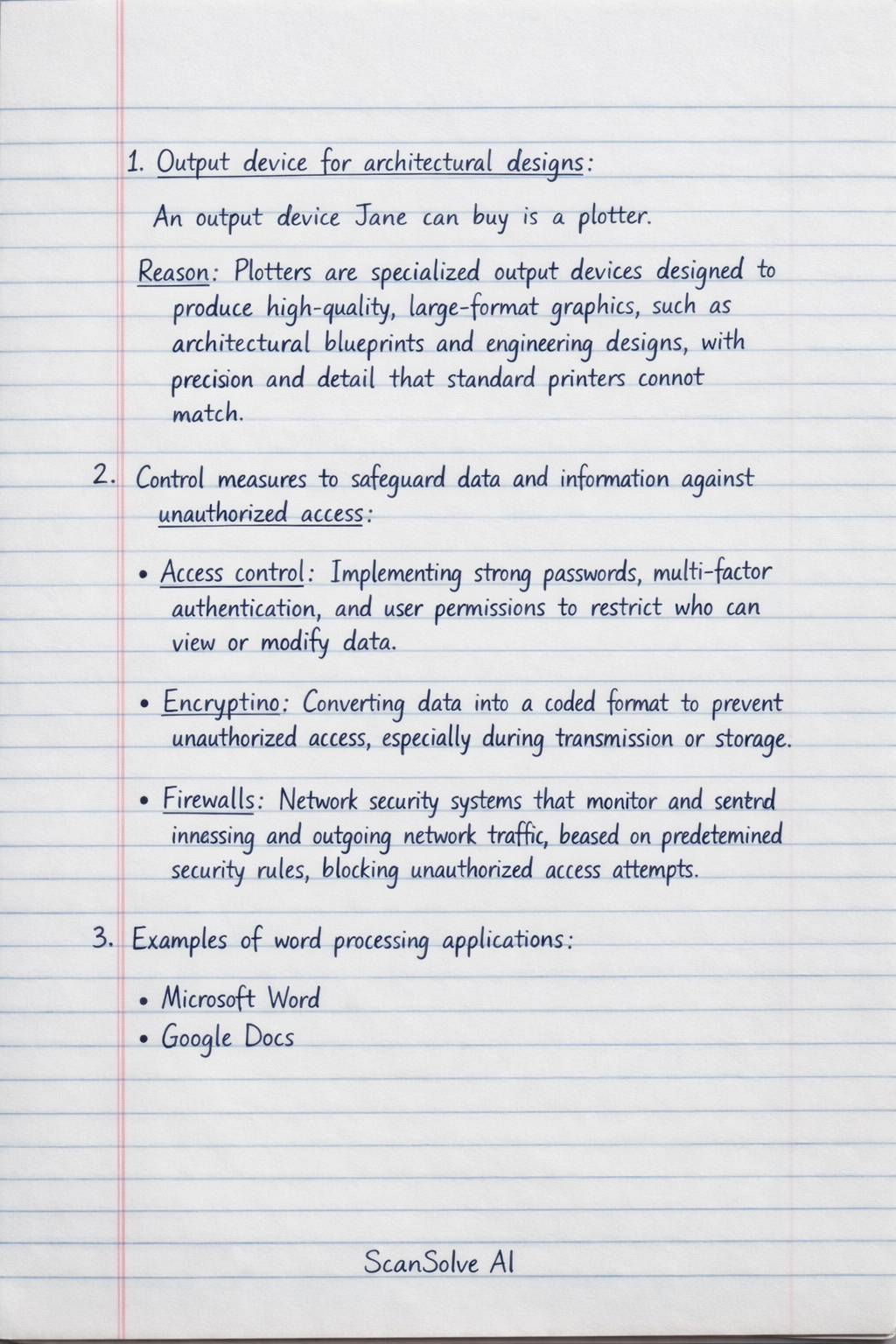
Output device for architectural designs:
- An output device Jane can buy is a plotter.
- Reason: Plotters are specialized output devices designed to produce high-quality, large-format graphics, such as architectural blueprints and engineering designs, with precision and detail that standard printers cannot match.
-
Control measures to safeguard data and information against unauthorized access:
- Access control: Implementing strong passwords, multi-factor authentication, and user permissions to restrict who can view or modify data.
- Encryption: Converting data into a coded format to prevent unauthorized access, especially during transmission or storage.
- Firewalls: Network security systems that monitor and control incoming and outgoing network traffic based on predetermined security rules, blocking unauthorized access attempts.
-
Examples of word processing applications:
- Microsoft Word
- Google Docs
-
Word processing page formatting features for preparing a report:
- Page margins: Adjusting the space between the content and the edges of the page.
- Page orientation: Setting the page to either portrait (vertical) or landscape (horizontal).
- Page numbering: Adding numbers to pages for easy navigation and referencing.
- Headers and footers: Inserting recurring information (like report titles or dates) at the top or bottom of each page.
-
Documents Collins should carry along to an ICT Technician interview:
- Curriculum Vitae (CV)/Resume: A detailed summary of his skills, experience, and qualifications.
- Academic certificates/Transcripts: Proof of his educational background and qualifications.
- Letters of recommendation/References: Testimonials from previous employers or mentors vouching for his skills and character.
-
Online job platforms Joe can use:
- Indeed
- Glassdoor
- Fiverr (for freelance opportunities)
-
Types of booting a computer:
- Cold booting: Starting a computer from a completely powered-off state.
- Warm booting: Restarting a computer that is already running, without completely cutting off power (e.g., using the restart option in the operating system).
-
Distinguishing terms as used in spreadsheets:
- a. Worksheet and workbook:
- A worksheet is a single page or sheet within a spreadsheet application, consisting of rows and columns where data is entered.
- A workbook is a collection of one or more worksheets, typically saved as a single file, allowing for organization of related data.
- b. A row and a column:
- A row is a horizontal series of cells in a worksheet, typically identified by numbers (e.g., 1, 2, 3).
- A column is a vertical series of cells in a worksheet, typically identified by letters (e.g., A, B, C).
- a. Worksheet and workbook:
-
Ways of connecting to the Internet:
- Wi-Fi (Wireless Fidelity): Connecting wirelessly to a local area network (LAN) that provides internet access.
- Ethernet cable: Connecting a device directly to a router or modem using a physical cable.
- Mobile data (e.g., 4G/5G): Using cellular networks provided by mobile service providers to access the internet.
-
Types of mouse input devices:
- Optical mouse: Uses an LED light and a sensor to detect movement.
- Laser mouse: Uses a laser diode for more precise tracking, often on various surfaces.
- Wireless mouse: Connects to the computer without a cable, typically via Bluetooth or a USB receiver.
-
Online collaboration tools Juma can use for a flexible working structure:
- Google Workspace (formerly G Suite): Includes Google Docs, Sheets, Slides, and Meet for real-time document collaboration and video conferencing.
- Microsoft 365 (formerly Office 365): Offers online versions of Word, Excel, PowerPoint, and Teams for document sharing, co-editing, and communication.
- Slack: A messaging platform designed for team communication, file sharing, and project organization.
-
Mathematical functions a trainer can use in a spreadsheet application to analyze results:
- SUM: Calculates the total of a range of numbers.
- AVERAGE: Determines the arithmetic mean of a range of numbers.
- MAX/MIN: Finds the largest (MAX) or smallest (MIN) value in a range of numbers.
Still stuck on this one?
Ask a follow-up, and the answer starts from this question.
More Computer Science Questions
Handwritten Step-by-Step Solution
Get this as a handwritten image on WhatsApp — like a tutor wrote it for you.
Try on WhatsApp