This computer science problem involves algorithmic thinking and programming concepts. The solution below explains the approach, logic, and implementation step by step.
Which tool within Android Studio is primarily used for examining the execution of an Android application and diagnosing potential issues? For example, if you want to step through your code to see the state of your app variables and check the flow, which feature would you use?
Computer Science

ScanSolve AI Answer
The question asks about a tool in Android Studio used for examining application execution, diagnosing issues, stepping through code, and checking variable states and flow.
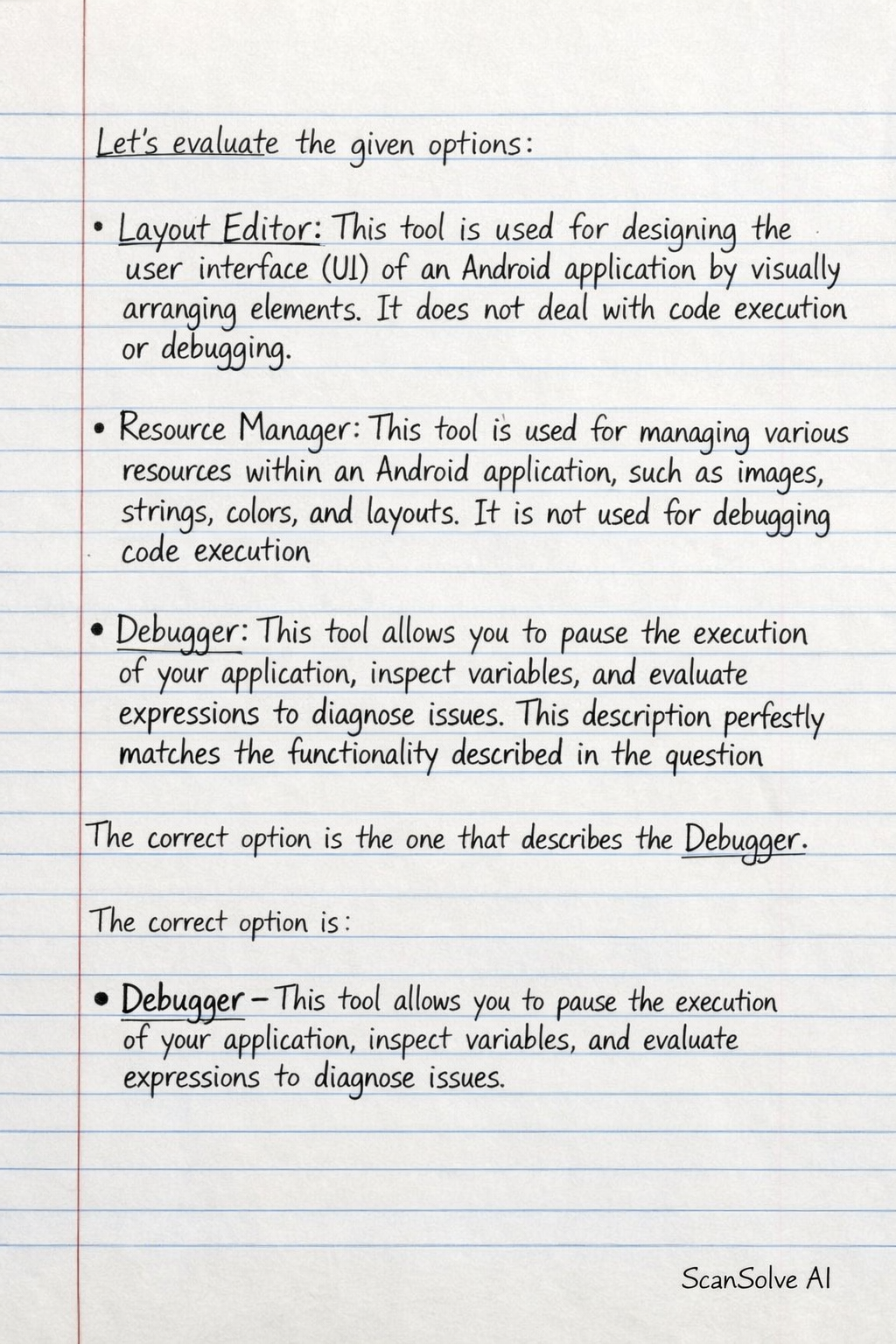
Let's evaluate the given options:
- Layout Editor: This tool is used for designing the user interface (UI) of an Android application by visually arranging elements. It does not deal with code execution or debugging.
- Resource Manager: This tool is used for managing various resources within an Android application, such as images, strings, colors, and layouts. It is not used for debugging code execution.
- Debugger: This tool allows you to pause the execution of your application, inspect variables, and evaluate expressions to diagnose issues. This description perfectly matches the functionality described in the question.
The correct option is the one that describes the Debugger.
The correct option is:
- Debugger - This tool allows you to pause the execution of your application, inspect variables, and evaluate expressions to diagnose issues.
Was this helpful?
Still stuck on this one?
Ask a follow-up, and the answer starts from this question.
Got a different question?Ask your own question
More Computer Science Questions
QWhat is the role of the Android Gradle plugin in the development of an Android app using Android Stu…QWhat is the primary role of classes in Kotlin for Android development?QWhat is the primary role of the Android Gradle plugin in the Android build system?QWhich of the following is the primary purpose of XML in Android app development?QWhich programming language is officially preferred for Android app development?

Handwritten Step-by-Step Solution
Get this as a handwritten image on WhatsApp — like a tutor wrote it for you.
Try on WhatsAppScanSolve AI Answer
The question asks about a tool in Android Studio used for examining application execution, diagnosing issues, stepping through code, and checking variable states and flow. Let's evaluate the given options: Layout Editor: This tool is used for designing the user interface (UI) of an Android application by visually arranging elements. It does not deal with code execution or debugging. Resource Manager: This tool is used for managing various resources within an Android application, such as images, strings, colors, and layouts. It is not used for debugging code execution. Debugger: This tool allows you to pause the execution of your application, inspect variables, and evaluate expressions to diagnose issues. This description perfectly matches the functionality described in the question. The correct option is the one that describes the Debugger. The correct option is: Debugger - This tool allows you to pause the execution of your application, inspect variables, and evaluate expressions to diagnose issues.