
We read your photo as:
Open Tux Paint on a computer (or look at your textbook). Identify and write down the names of these 4 main screen areas:
ScanSolve AI Answer
यहाँ गतिविधियों के उत्तर दिए गए हैं:
Activity 2: Memory Storage Sorting
- RAM: Temporary memory / Loses data when power goes off.
- ROM: Contains permanent startup instructions.
- Hard Disk: Internal secondary storage device with high capacity.
- Pen Drive: Portable secondary storage device carried in a pocket.
Activity 3: Creative Thinking
यह एक रचनात्मक गतिविधि है। यहाँ एक उदाहरण दिया गया है:
एक नया सेकेंडरी मेमोरी डिवाइस: क्लाउड ड्राइव (Cloud Drive)
आकार: एक छोटे, गोल बादल जैसा।
यह कितने फ़ाइलें स्टोर कर सकता है: अनंत (Infinite) फ़ाइलें, क्योंकि यह क्लाउड-आधारित है।
Activity 4: Main Screen Labeling
- The left sidebar containing tools like Paint and Line: टूल्स पैलेट (Tools Palette)
- The center white area where you draw: ड्राइंग कैनवास (Drawing Canvas)
- The right sidebar containing different brush shapes: ब्रशेस पैलेट (Brushes Palette)
- The bottom strip containing different colors: कलर्स पैलेट (Colors Palette)
Activity 5: Tool Matcher
- To write your name and class: टेक्स्ट टूल (Text Tool)
- To draw a straight, perfect line for a house roof: लाइन टूल (Line Tool)
- To free-hand draw a tree or a cloud: पेंट टूल (Paint Tool)
- To remove a mistake you made while drawing: इरेज़र टूल (Eraser Tool)
- To bring back a drawing step you deleted by mistake: अनडू टूल (Undo Tool)
Activity 6: Practical Summer Scenery Challenge
यह एक व्यावहारिक गतिविधि है जिसमें Tux Paint का उपयोग करना शामिल है। यहाँ प्रत्येक चरण के लिए उपयोग किए जाने वाले उपकरण दिए गए हैं:
- Open Tux Paint on a computer or laptop.
- Use the Paint tool to draw mountains and a bright sun.
- Use the Line tool to draw a small hut.
- Use the Eraser tool if you make any mistakes.
- Use the Text tool to write "HAPPY SUMMER VACATION" at the top.
- Take a printout or a photo of your screen and paste it in your computer notebook.
Still stuck on this one?
Ask a follow-up, and the answer starts from this question.
More Computer Science Questions
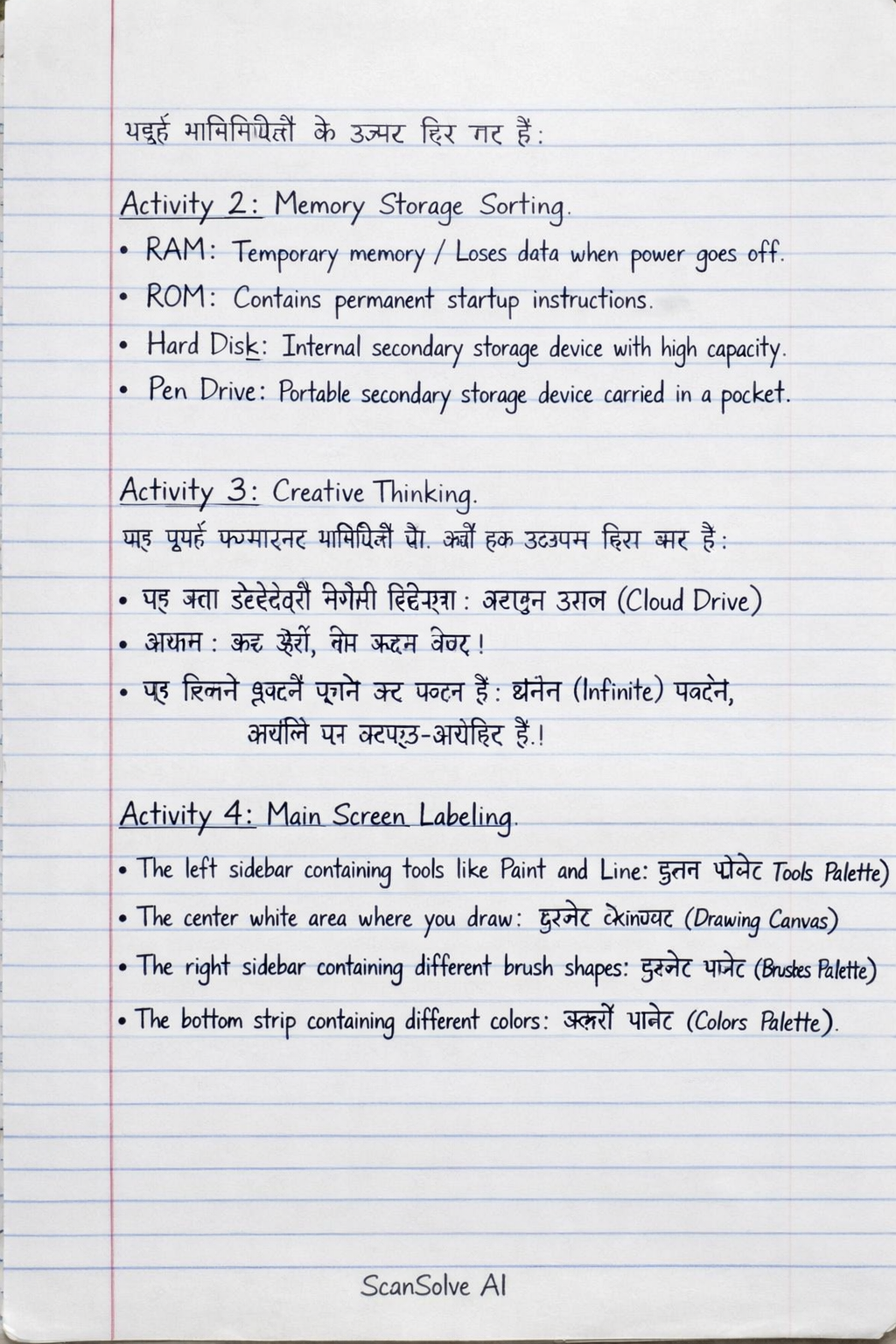
Handwritten Step-by-Step Solution
Get this as a handwritten image on WhatsApp — like a tutor wrote it for you.
Try on WhatsApp