
We read your photo as:
Explain the process life cycle, clearly illustrating all the states.
ScanSolve AI Answer
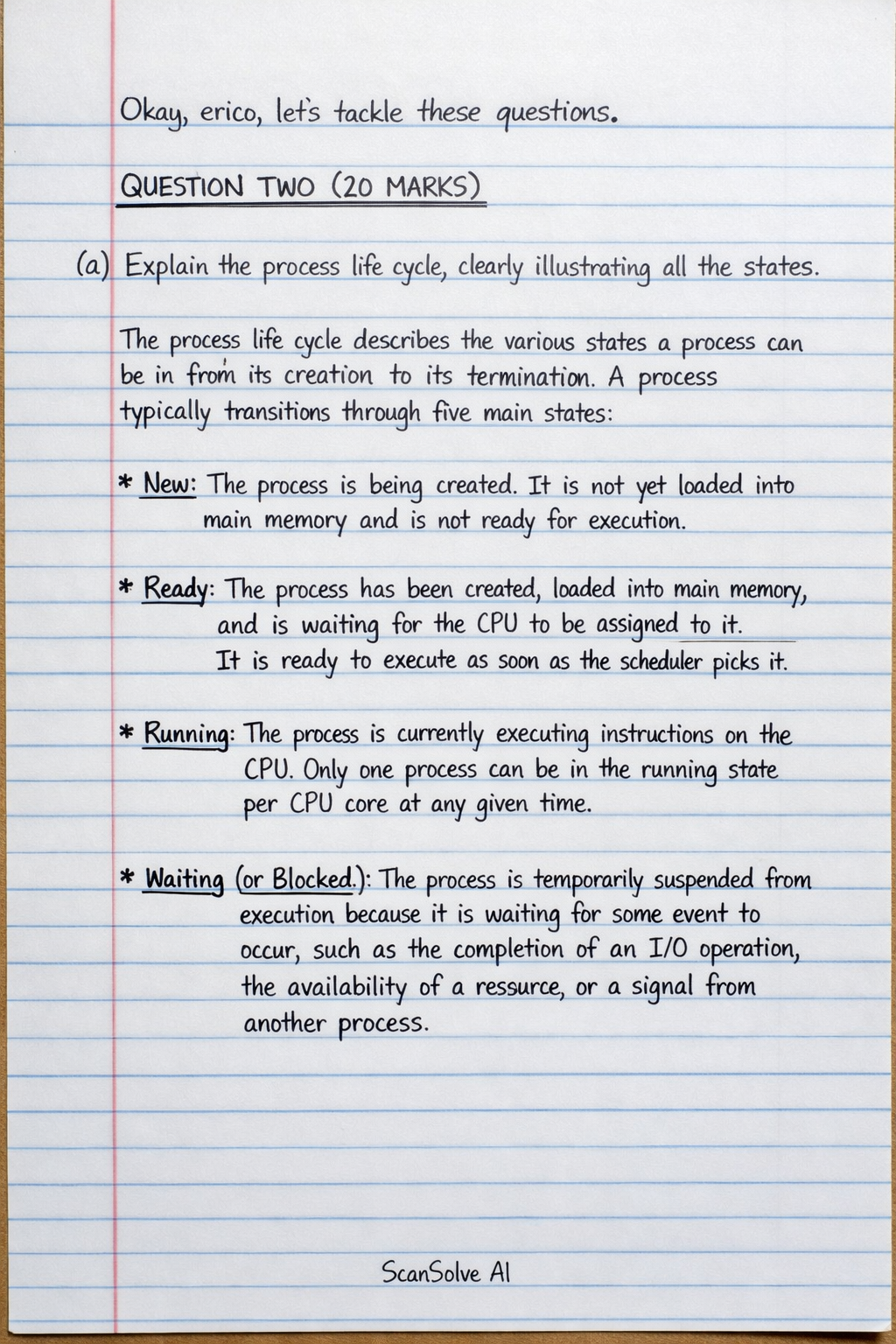
Okay, erico, let's tackle these questions.
QUESTION TWO (20 MARKS)
a) Explain the process life cycle, clearly illustrating all the states.
The process life cycle describes the various states a process can be in from its creation to its termination. A process typically transitions through five main states:
- New: The process is being created. It is not yet loaded into main memory and is not ready for execution.
- Ready: The process has been created, loaded into main memory, and is waiting for the CPU to be assigned to it. It is ready to execute as soon as the scheduler picks it.
- Running: The process is currently executing instructions on the CPU. Only one process can be in the running state per CPU core at any given time.
- Waiting (or Blocked): The process is temporarily suspended from execution because it is waiting for some event to occur, such as the completion of an I/O operation, the availability of a resource, or a signal from another process.
- Terminated (or Exit): The process has finished its execution, either normally or abnormally (e.g., due to an error). Its resources are deallocated by the operating system.
Transitions:
- New Ready: When the OS admits a new process.
- Ready Running: The scheduler dispatches a process from Ready to Running; a running process might be preempted and moved back to Ready.
- Running Waiting: When a running process needs to wait for an I/O event or resource.
- Waiting Ready: When the event a process was waiting for completes.
- Running Terminated: When a process completes its execution or is explicitly terminated.
b) Discuss the role of the Process Control Block (PCB) in process management.
The Process Control Block (PCB), also known as a task control block, is a data structure maintained by the operating system for each process. It contains all the information needed to manage a process, serving as the repository for all process-specific data. Its role is crucial for enabling multitasking and managing process states.
Key roles and contents of a PCB include:
- Process State: Stores the current state of the process (New, Ready, Running, Waiting, Terminated).
- Program Counter: Contains the address of the next instruction to be executed for this process.
- CPU Registers: Stores the values of all CPU registers (e.g., accumulators, index registers, stack pointers) when the process is not running, allowing it to resume execution from where it left off.
- CPU Scheduling Information: Includes process priority, pointers to scheduling queues, and other scheduling parameters.
- Memory Management Information: Contains base and limit registers, page tables, or segment tables, which define the memory space allocated to the process.
- Accounting Information: Records CPU usage time, real time used, time limits, and process ID.
- I/O Status Information: Lists I/O devices allocated to the process, a list of open files, and pending I/O requests.
The OS uses the PCB to keep track of processes, switch between them during context switching, and restore their execution context.
c) Describe context switching and explain why it is important in an operating system.
Context switching is the mechanism by which the operating system saves the state (context) of the currently executing process and loads the saved state of another process. This allows multiple processes to share a single CPU.
When a context switch occurs:
- The state of the currently running process (including its program counter, CPU registers, and memory management information) is saved into its Process Control Block (PCB).
- The state of the next process to be executed is loaded from its PCB into the CPU registers.
- The CPU then starts executing the new process from where it last left off.
Context switching is important for several reasons:
- Multitasking/Multiprogramming: It enables the illusion of parallel execution of multiple processes on a single CPU, allowing users to run several applications concurrently.
- Responsiveness: By rapidly switching between processes, the OS can ensure that interactive applications remain responsive to user input, even when other processes are performing lengthy computations.
- CPU Utilization: It allows the CPU to switch to another ready process when the current process is waiting for an I/O operation, preventing the CPU from sitting idle and maximizing its utilization.
- Resource Sharing: It facilitates the sharing of system resources among multiple processes.
QUESTION THREE (20 MARKS)
a) Define CPU scheduling and explain its importance.
CPU scheduling is the process of deciding which of the ready processes in the main memory should be given the CPU for execution. It is the task of the operating system's scheduler to select a process from the ready queue and allocate the CPU to it.
Its importance stems from:
- Maximizing CPU Utilization: By always having a process ready to run, scheduling ensures the CPU is rarely idle, leading to efficient use of computing resources.
- Fairness: It aims to provide fair access to the CPU for all processes, preventing any single process from monopolizing the CPU.
- Responsiveness: For interactive systems, good scheduling minimizes the response time, making the system feel fast and reactive to user commands.
- Throughput: It increases the number of processes completed per unit of time.
- Turnaround Time/Waiting Time: It helps minimize the total time taken for a process to complete (turnaround time) and the time a process spends waiting in the ready queue.
b) Discuss the following scheduling algorithms:
i. First Come First Served (FCFS)
- Description: FCFS is the simplest CPU scheduling algorithm. Processes are executed in the order they arrive in the ready queue. It is a non-preemptive algorithm, meaning once a process starts executing, it runs to completion or until it voluntarily yields the CPU.
- Pros: Easy to understand and implement.
- Cons: Can lead to the "convoy effect," where a short process gets stuck behind a long process, resulting in high average waiting times and poor resource utilization. Not suitable for time-sharing systems.
ii. Shortest Job Next (SJN)
- Description: SJN (also known as Shortest Job First, SJF) schedules the process that has the smallest burst time (the time required for CPU execution) among all available processes. It can be preemptive (Shortest Remaining Time First) or non-preemptive. The non-preemptive version runs the selected process to completion.
- Pros: Provides the minimum average waiting time for a given set of processes.
- Cons: Difficult to implement in practice because the burst time of a process is usually unknown in advance. Can lead to starvation for long processes if there's a continuous stream of short processes.
iii. Round Robin (RR)
- Description: Round Robin is a preemptive scheduling algorithm designed for time-sharing systems. Each process is given a small unit of CPU time, called a time quantum (or time slice), typically 10-100 milliseconds. If a process does not complete within its time quantum, it is preempted and moved to the end of the ready queue.
- Pros: Provides fair allocation of CPU time among processes. Good for interactive systems as it ensures quick response times. Avoids starvation.
- Cons: Performance heavily depends on the size of the time quantum. A very small quantum leads to frequent context switches, increasing overhead. A very large quantum makes it behave like FCFS.
c) Compare preemptive and non-preemptive scheduling.
-
Preemptive Scheduling:
- Definition: In preemptive scheduling, the CPU can be taken away from a running process before it completes its burst time, typically due to an interrupt (e.g., a higher-priority process arriving, or a time quantum expiring).
- Control: The operating system has control over when a process stops executing.
- Responsiveness: Generally provides better responsiveness for interactive systems as it allows urgent tasks to be handled quickly.
- Complexity: More complex to implement due to the need for context switching and managing interrupts.
- Examples: Round Robin, Shortest Remaining Time First (SRTF), Priority-based (with preemption).
-
Non-preemptive Scheduling:
- Definition: In non-preemptive scheduling, once a process is allocated the CPU, it holds it until it either completes its execution or voluntarily yields the CPU (e.g., by requesting an I/O operation).
- Control: The running process itself decides when to release the CPU.
- Responsiveness: Can lead to poor response times if a long process holds the CPU, making other processes wait.
- Complexity: Simpler to implement as there is no need for complex interrupt handling or frequent context switching.
- Examples: First Come First Served (FCFS), Shortest Job First (SJF) (non-preemptive version), Priority-based (without preemption).
Still stuck on this one?
Ask a follow-up, and the answer starts from this question.
More Computer Science Questions
Handwritten Step-by-Step Solution
Get this as a handwritten image on WhatsApp — like a tutor wrote it for you.
Try on WhatsApp