
We read your photo as:
Provide algorithms/pseudocode for finding the sum of non-negative numbers until a negative number is entered, computing sphere volume, and polishing shoes.
ScanSolve AI Answer
Step-by-step solution
27 stepsHere are the solutions to your assignments:
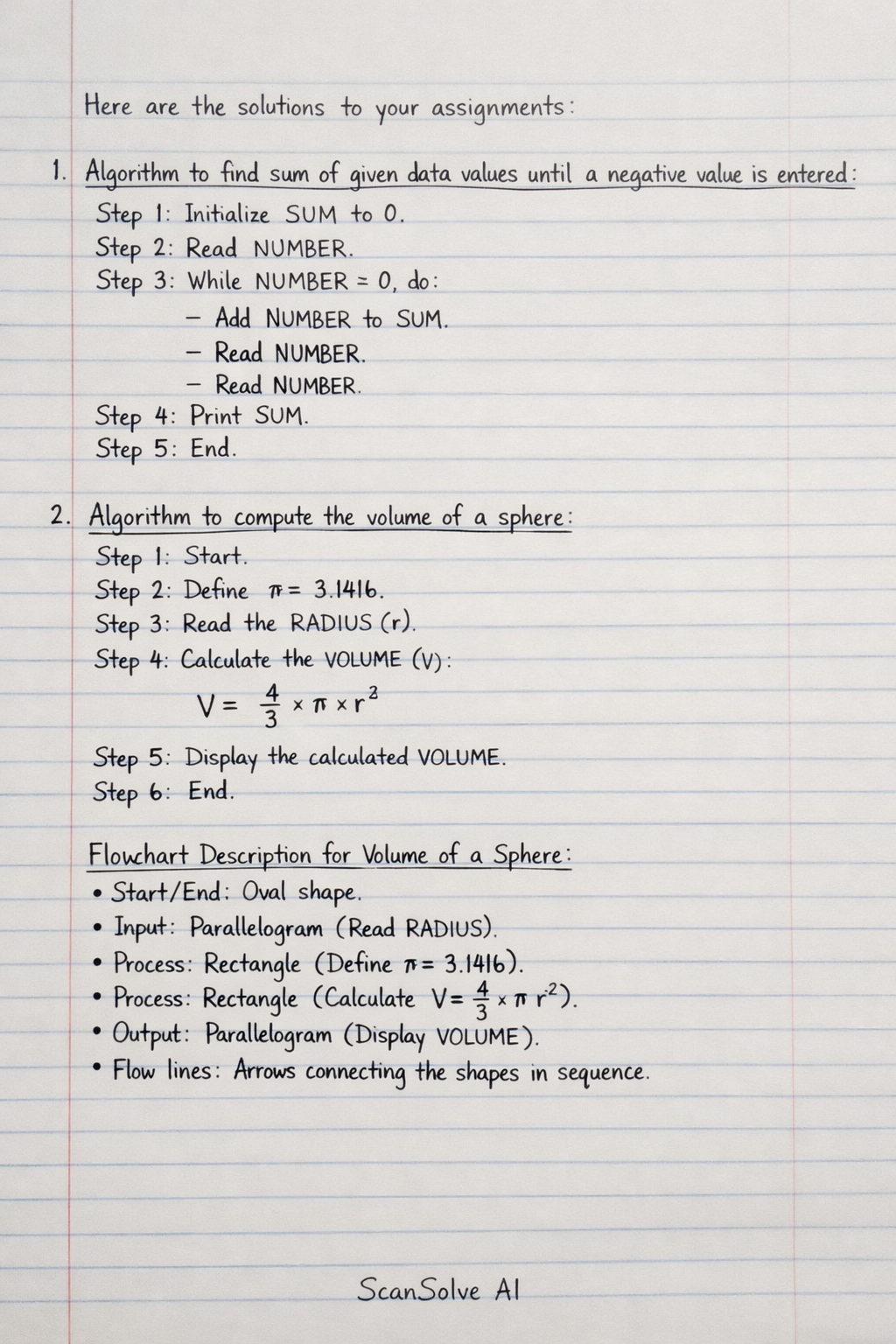
- Algorithm to find sum of given data values until a negative value is entered:
Initialize
SUMto 0.Read
NUMBER.While
NUMBERis greater than or equal to 0, do the following* Add `NUMBER` to `SUM`. * Read `NUMBER`.Print
SUM.End.
- Algorithm to compute the volume of a sphere:
Start.
Define .
Read the
RADIUS(r) of the sphere.Calculate the
VOLUME(V) using the formula$$ V = \frac{4}{3} \times \pi \times r^3 $$Display the calculated
VOLUME.End.
**Flowchart Description for Volume of a Sphere:** * **Start/End:** Oval shape. * **Input:** Parallelogram (Read RADIUS). * **Process:** Rectangle (Define $\pi = 3.1416$). * **Process:** Rectangle (Calculate $V = \frac{4}{3} \times \pi \times r^3$). * **Output:** Parallelogram (Display VOLUME). * **Flow lines:** Arrows connecting the shapes in sequence.3. Pseudocode for polishing shoes:
START
GATHER shoes, brush, polish, and a soft cloth.
OPTIONALLY, REMOVE laces.
CLEAN shoes with the brush to remove dirt and dust.
APPLY a small amount of polish onto the shoes using an applicator or cloth.
RUB the polish into the leather using small circular motions.
ALLOW the polish to dry for a few minutes.
BUFF the shoes vigorously with a clean, soft cloth until they shine.
OPTIONALLY, REPLACE laces.
END
- Algorithm to classify a triangle based on its side lengths:
Start.
Read the three side lengths
SIDE1,SIDE2,SIDE3.If
SIDE1=SIDE2ANDSIDE2=SIDE3* Print "**Equilateral Triangle**".Else If
SIDE1=SIDE2ORSIDE1=SIDE3ORSIDE2=SIDE3* Print "**Isosceles Triangle**".Else
* Print "**Scalene Triangle**".End.
-
Flowchart Description for buying stationery from the market:
- Start: Oval.
- Process: Rectangle (Make a list of stationery needed).
- Decision: Diamond (Do I have enough money?).
- If No: Process (Go to ATM).
- If Yes: Process (Go to market).
- Process: Rectangle (Buy stationery).
- Process: Rectangle (Return home).
- End: Oval.
- Flow lines: Arrows connecting the shapes, with branches from the decision diamond.
-
Flowchart Description for playing music stored in a CD:
- Start: Oval.
- Process: Rectangle (Turn on CD player/computer).
- Process: Rectangle (Open CD tray).
- Process: Rectangle (Insert CD).
- Process: Rectangle (Close CD tray).
- Decision: Diamond (Does music start automatically?).
- If No: Process (Press Play button/Open media player).
- Process: Rectangle (Adjust volume).
- End: Oval.
- Flow lines: Arrows connecting the shapes, with a branch from the decision diamond.
-
Flowchart Description to accept two numbers and perform an operation:
- Start: Oval.
- Input: Parallelogram (Read
NUMBER1,NUMBER2). - Decision: Diamond (Is
NUMBER1>NUMBER2?).- If Yes: Process (Calculate
SUM=NUMBER1+NUMBER2). Output (PrintSUM). - If No: Process (Calculate
PRODUCT=NUMBER1*NUMBER2). Output (PrintPRODUCT).
- If Yes: Process (Calculate
- End: Oval.
- Flow lines: Arrows connecting the shapes, with branches from the decision diamond merging before the End symbol.
-
Still stuck on this one?
Ask a follow-up, and the answer starts from this question.
More Computer Science Questions
Handwritten Step-by-Step Solution
Get this as a handwritten image on WhatsApp — like a tutor wrote it for you.
Try on WhatsApp