
We read your photo as:
What are the answers to the following exercises on Microsoft Word: A. Choose the correct option, B. Tick the correct and cross the wrong statements, C. Match the following, and D. Answer the following
ScanSolve AI Answer
Step-by-step solution
8 stepsHere are the answers to the exercises:
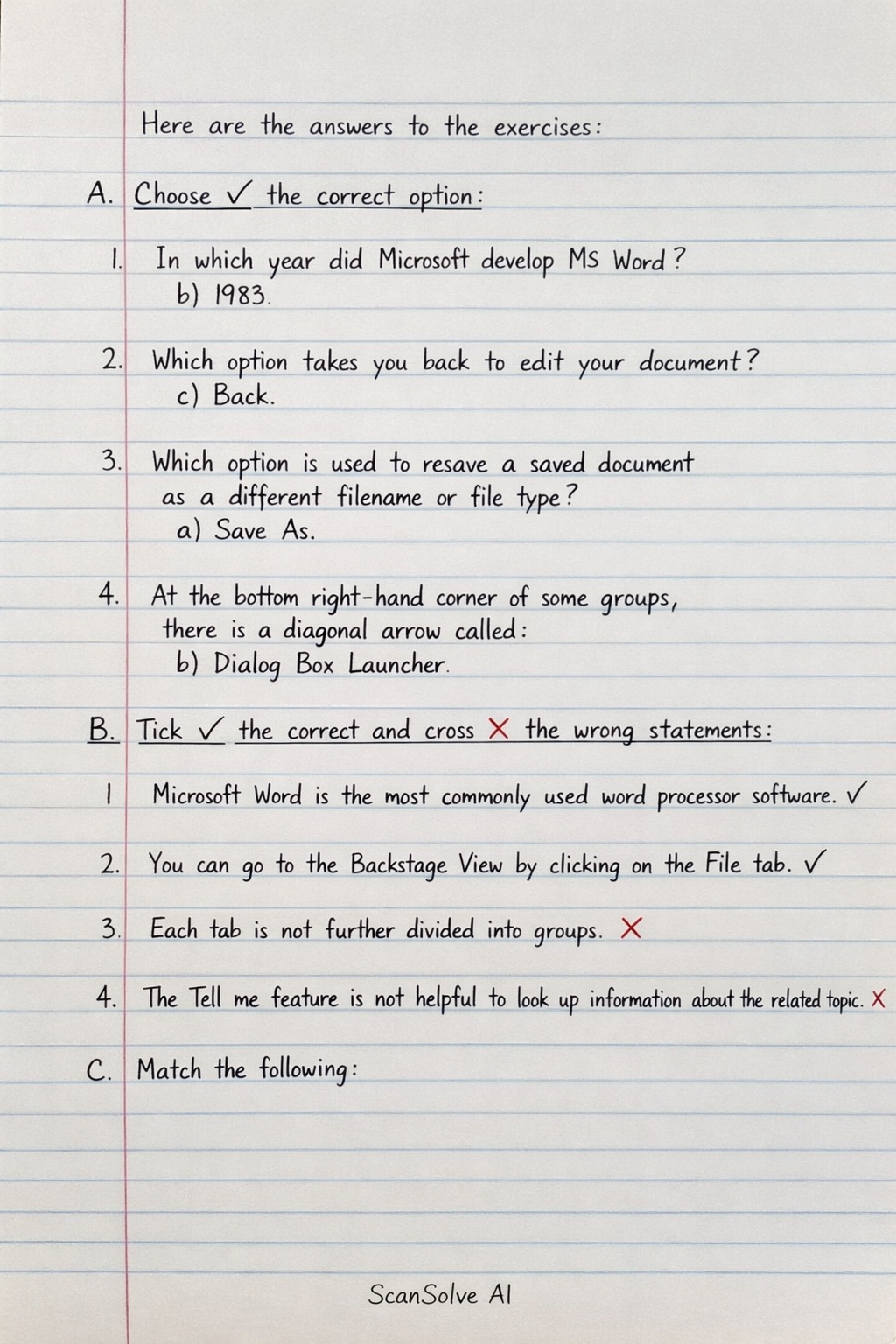
A. Choose (✓) the correct option:
-
In which year did Microsoft develop MS Word?
- b) 1983
-
Which option takes you back to edit your document?
- c) Back
-
Which option is used to resave a saved document as a different filename or file type?
- a) Save As
-
At the bottom right-hand corner of some groups, there is a diagonal arrow called:
- b) Dialog Box Launcher
B. Tick (✓) the correct and cross (X) the wrong statements:
-
Microsoft Word is the most commonly used word processor software.
- ✓
-
You can go to the Backstage View by clicking on the File tab.
- ✓
-
Each tab is not further divided into groups.
- X
-
The Tell me feature is not helpful to look up information about the related topic.
- X
C. Match the following:
- Backstage View iii) Start a new blank document.
- Info iv) Obtain information about your documents.
- Ribbon i) Contains functional groupings of buttons.
- Tell me v) Located on the Menu Bar.
- Status Bar ii) Number of pages.
D. Answer the following questions:
-
What is the use of Microsoft Word?
- Microsoft Word is a word processing software used to create, edit, format, and print text documents.
-
Name components of Word 2019 interface in brief.
- Key components include the Title Bar, Ribbon (with tabs and groups), File Tab (Backstage View), Quick Access Toolbar, Rulers, Document Area, Scroll Bars, and Status Bar.
-
How can you search for a feature in Word 2019? Write all the steps.
Click on the "Tell me what you want to do" search box at the top of the Word window.
Type* the name of the feature or a related keyword.
Select the desired feature from the displayed list of commands.
- How can you customize the status bar?
Right-click* on any empty area of the Status Bar at the bottom of the Word window.
A context menu appears.
Click on the options you want to display or hide (e.g., Word Count, Page Number).
- Write the steps to apply a theme to the document.
Click on the Design tab on the Ribbon.
In the Document Formatting group, click on the Themes button.
Select* a theme from the gallery to apply it to your document.
- Write all the ways to select text in a document.
- • Click and drag the mouse over the text.
- • Double-click a word to select it.
- • Triple-click a paragraph to select it.
- • Click in the left margin next to a line to select the line.
- • Hold
Ctrland click a sentence to select the sentence. - • Use Shift + Arrow keys to extend selection from the cursor.
- • Use
Ctrl + Ato select the entire document.
- Write all the ways to select text in a document.
Still stuck on this one?
Ask a follow-up, and the answer starts from this question.
More Computer Science Questions
Handwritten Step-by-Step Solution
Get this as a handwritten image on WhatsApp — like a tutor wrote it for you.
Try on WhatsApp