
We read your photo as:
The installation of system software and application software for a single-user personal computer.
Computer Science
ScanSolve AI Answer
Answer
System software (like an operating system) manages computer hardware and software resources, while application software performs specific tasks for the user.
Installing system software (e.g., Windows, macOS):
- Preparation: Back up data, check system requirements, and create bootable installation media (USB/DVD).
- Boot from media: Restart the computer and boot from the installation media.
- Setup process: Follow on-screen prompts to select language, time, keyboard, and accept terms.
- Disk partitioning: Choose or create a partition for the installation.
- Installation: The system files are copied and configured.
- Initial setup: After reboot, configure user accounts, network settings, and updates.
Installing application software:
- Obtain installer: Download from a trusted source or insert installation media.
- Run installer: Double-click the setup file (e.g.,
.exeon Windows,.dmgon macOS). - Follow wizard: Accept license agreements, choose installation location, and select components.
- Complete installation: The software files are copied, and shortcuts are created.
- Launch and configure: Open the application and perform any initial setup or activation.
Was this helpful?
Still stuck on this one?
Ask a follow-up, and the answer starts from this question.
Got a different question?Ask your own question
More Computer Science Questions
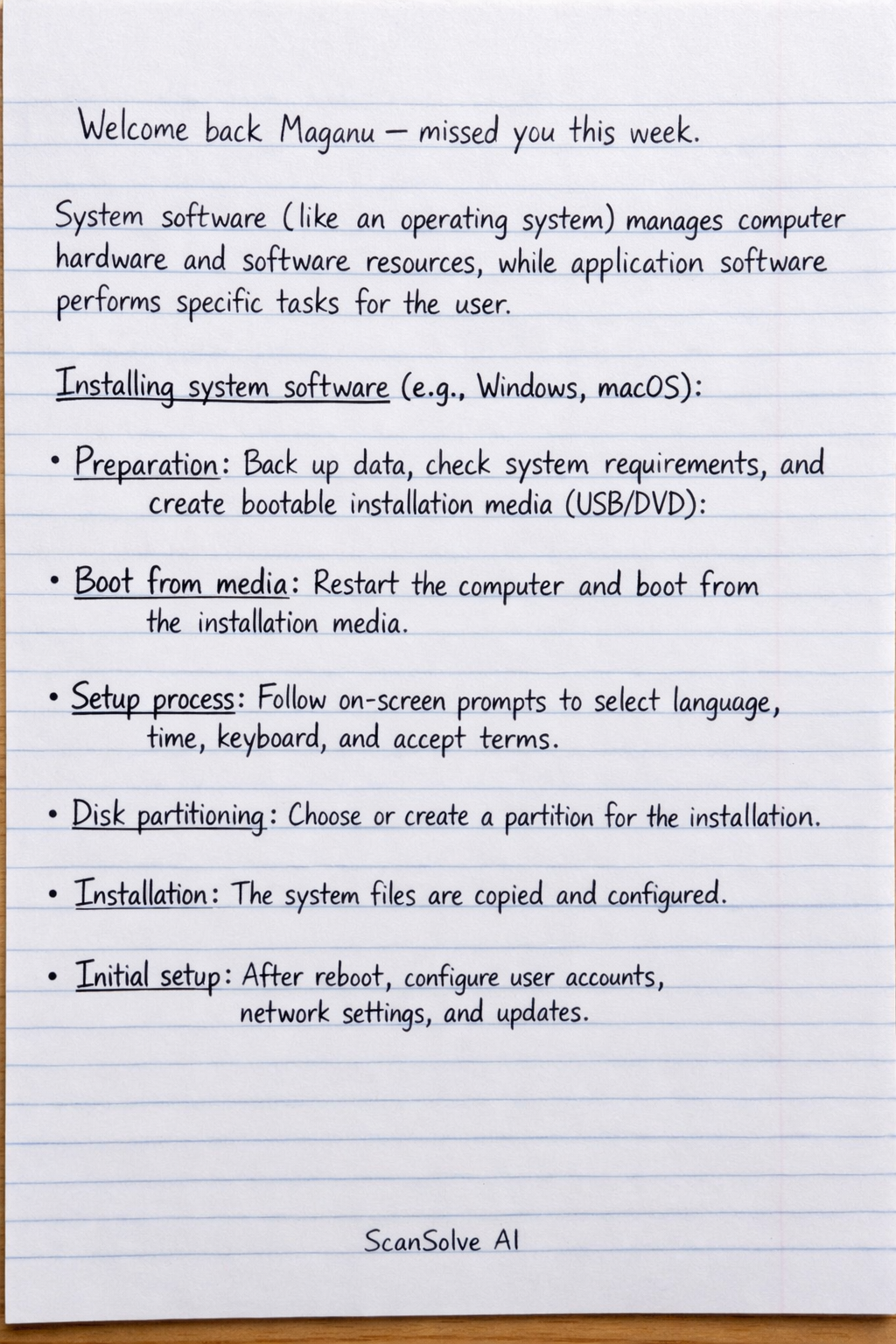
Handwritten Step-by-Step Solution
Get this as a handwritten image on WhatsApp — like a tutor wrote it for you.
Try on WhatsApp