
We read your photo as:
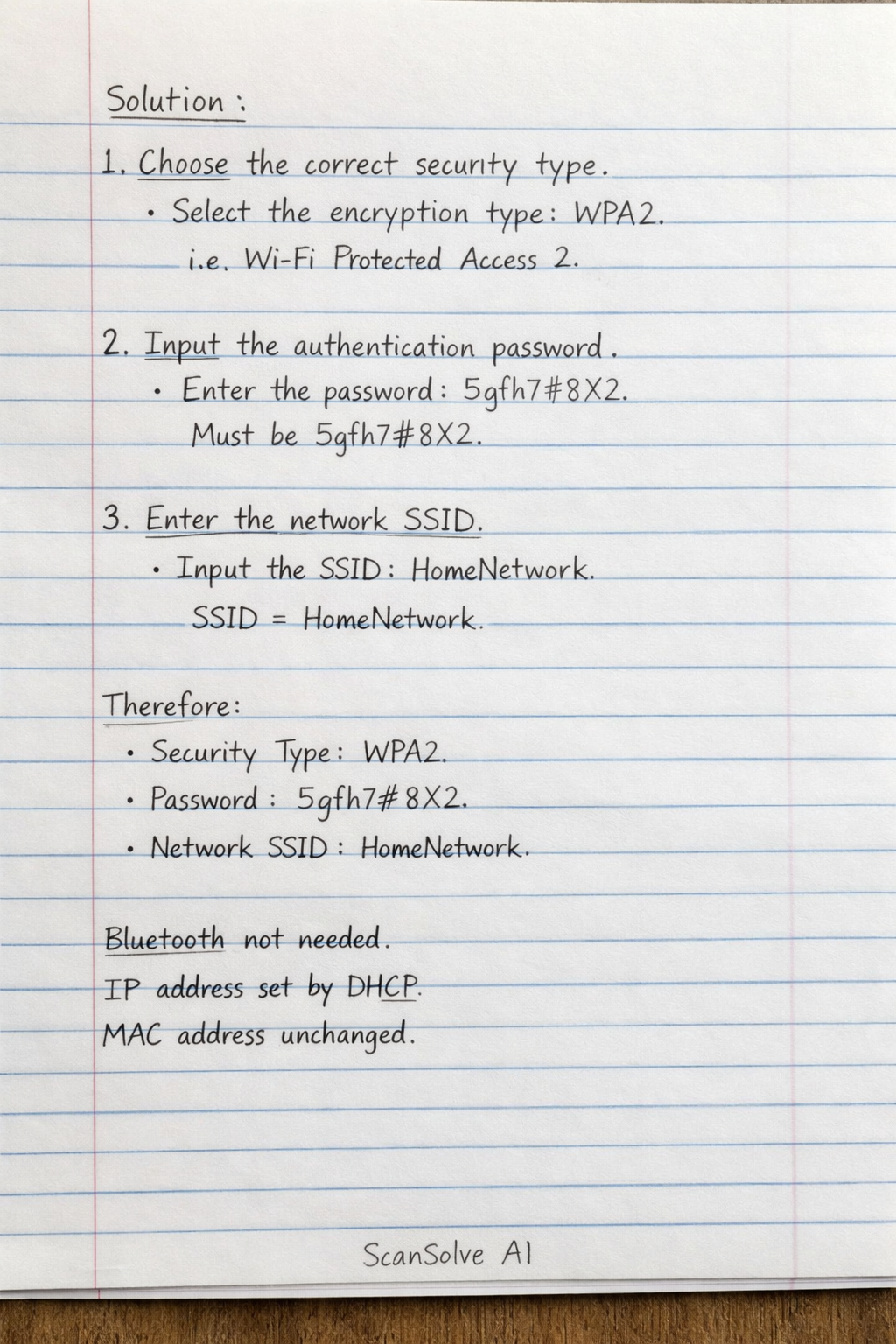
To manually connect an Android or iOS device to a secured wireless network, the following three steps are essential:
Computer Science
ScanSolve AI Answer
To manually connect an Android or iOS device to a secured wireless network, the following three steps are essential:
- Choose the correct security type. This involves selecting the appropriate encryption protocol, such as WPA2 or WPA3, that the network uses.
- Input the authentication password. Secured networks require a password or passphrase to gain access.
- Enter the network SSID. The SSID is the name of the wireless network, which must be provided to connect, especially if the network is hidden.
The other options are generally not required for a standard manual connection:
- Activating the Bluetooth antenna is for Bluetooth connections, not Wi-Fi.
- Setting the IP address is usually handled automatically by DHCP unless a static IP is specifically required.
- Changing the MAC address is not a standard step for connecting to a network.
The three steps are:
- Choose the correct security type.
- Input the authentication password.
- Enter the network SSID.
Was this helpful?
Still stuck on this one?
Ask a follow-up, and the answer starts from this question.
Got a different question?Ask your own question
More Computer Science Questions
QWhich of the following is a common method used to prevent unauthorized access to a Wi-Fi network?QWhich security measure is most effective for protecting a banking application on a smartphone if the…QWhen a computer connects to a network, it is -QScan this QR code on another device to connect to Munganyiwa Wifi without entering the password…QTo complete the sentence: "When a computer connects to a network, it is ."
Handwritten Step-by-Step Solution
Get this as a handwritten image on WhatsApp — like a tutor wrote it for you.
Try on WhatsApp