
We read your photo as:
Explain two safety precautions for computer setup and one benefit of reusing computer e-waste.
Computer Science
ScanSolve AI Answer
Here are the solutions to questions 7b, 7c, and all parts of question 8.
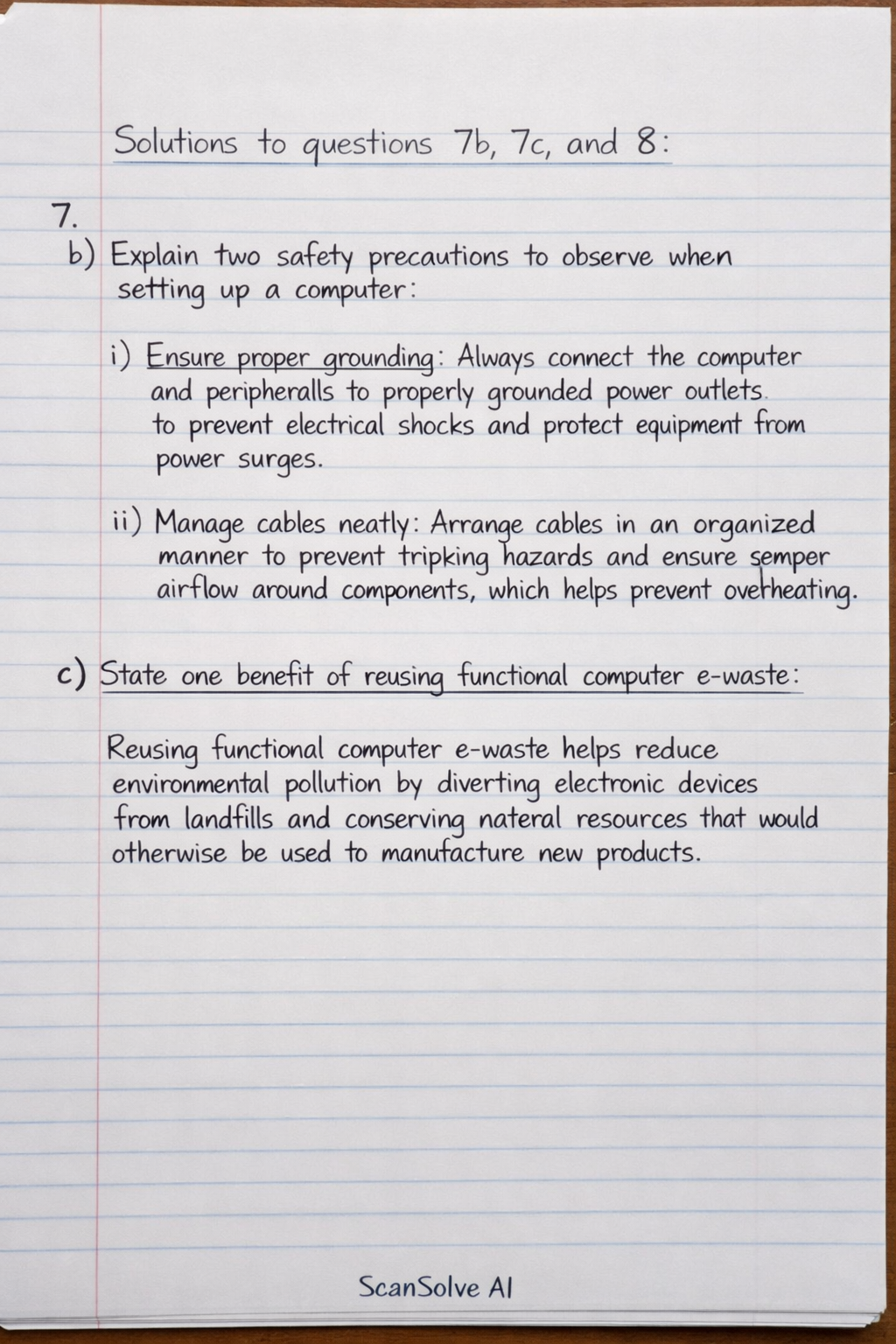
7.
b) Explain two safety precautions to observe when setting up a computer.*
- i. Ensure proper grounding: Always connect the computer and peripherals to properly grounded power outlets to prevent electrical shocks and protect equipment from power surges.
- ii. Manage cables neatly: Arrange cables in an organized manner to prevent tripping hazards and ensure proper airflow around components, which helps prevent overheating.
c) State one benefit of reusing functional computer e-waste.*
- Reusing functional computer e-waste helps reduce environmental pollution by diverting electronic devices from landfills and conserving natural resources that would otherwise be used to manufacture new products.
8.
a) Explain three advantages of using networked storage in the lab.*
- i. Centralized Data Management: All data is stored in one central location, making it easier for administrators to manage, back up, and secure information efficiently.
- ii. Enhanced Collaboration: Students and teachers can easily access and share files from any computer in the lab, facilitating teamwork and collaborative learning.
- iii. Cost-Effectiveness: Instead of purchasing individual storage devices for each computer, a single networked storage solution can serve all machines, reducing overall hardware costs.
b) The lab uses a touch screen and a projector for presentations.*
-
i) Explain how data is input and output in this setup.**
- Input: Data is input through the touch screen when a user interacts directly with the display using their finger or a stylus to select options, type, or draw.
- Output: Data is output through the projector, which displays visual information from the computer onto a larger surface, making it visible to an audience.
-
ii) Suggest one method to secure data on the lab computers.**
- Implement strong password policies: Require all users to create complex passwords and change them regularly to prevent unauthorized access to individual user accounts and stored data.
Was this helpful?
Still stuck on this one?
Ask a follow-up, and the answer starts from this question.
Got a different question?Ask your own question
More Computer Science Questions
Qe) Explain two security measures to protect files on a computer.QWrite 5 ways of care for a computer to keep it in good conditionQMatching: A. Replacing a new Power Supply to the computer due to sudden power supply failure. B…QWhich of the following is a benefit of proper waste management?QWrite 10 advantages of computer
Handwritten Step-by-Step Solution
Get this as a handwritten image on WhatsApp — like a tutor wrote it for you.
Try on WhatsApp