
We read your photo as:
Use your Galaxy A12 to verify that it's you. You can use a passkey to verify that it's really you. Your device may ask you to scan a QR code. Scan this QR code with the device that has the passkey for google.com you'd like to use.
ScanSolve AI Answer
Answer
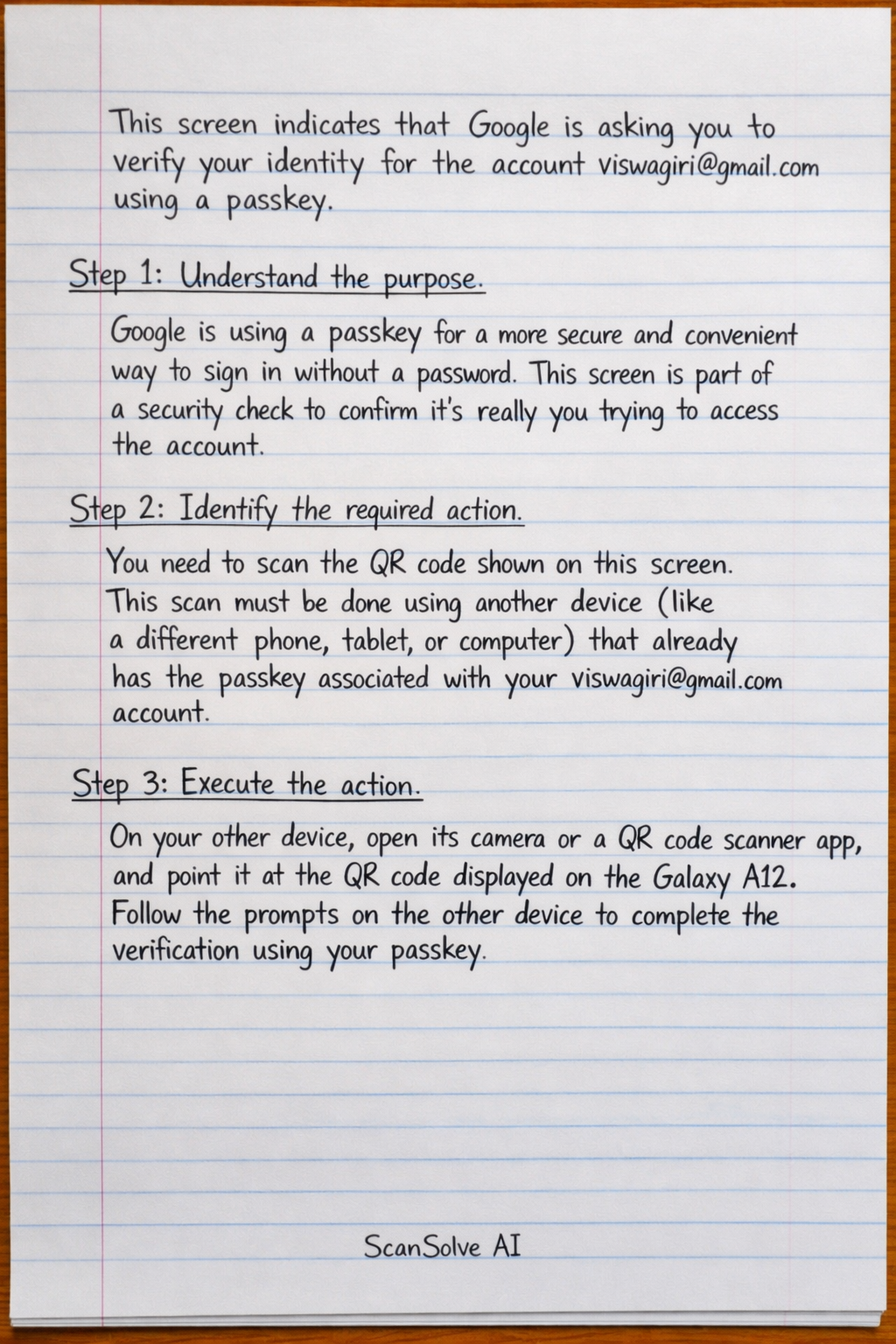
This screen indicates that Google is asking you to verify your identity for the account viswagiri@gmail.com using a passkey.
Step-by-step solution
4 stepsUnderstand the purpose*.
Google is using a passkey for a more secure and convenient way to sign in without a password. This screen is part of a security check to confirm it's really you trying to access the account.
Identify the required action*.
You need to scan the QR code shown on this screen. This scan must be done using another device (like a different phone, tablet, or computer) that already has the passkey associated with your
viswagiri@gmail.comaccount.Execute the action*.
On your other device, open its camera or a QR code scanner app, and point it at the QR code displayed on the Galaxy A12. Follow the prompts on the other device to complete the verification using your passkey.
Alternative option*.
If you cannot scan the QR code or don't have another device with the passkey, you can tap "Cancel" and look for other verification options Google might offer, such as using a password, a security key, or a verification code sent to your phone or email.
Still stuck on this one?
Ask a follow-up, and the answer starts from this question.
More Computer Science Questions
Handwritten Step-by-Step Solution
Get this as a handwritten image on WhatsApp — like a tutor wrote it for you.
Try on WhatsApp