
We read your photo as:
How do you terminate a frozen process like Internet Explorer from the command prompt, and what is the correct command syntax?
ScanSolve AI Answer
Answer
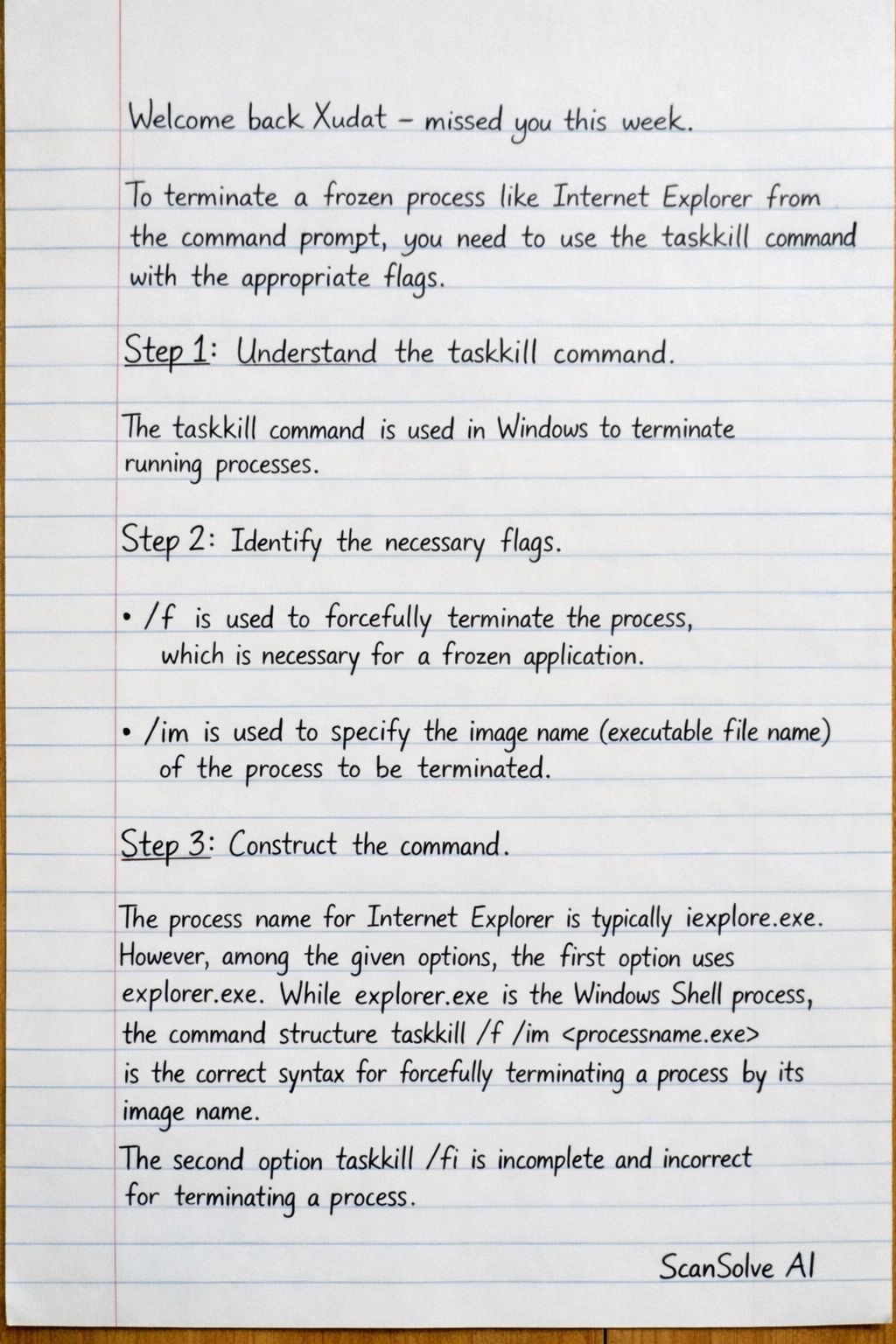
To terminate a frozen process like Internet Explorer from the command prompt, you need to use the taskkill command with the appropriate flags.
Step-by-step solution
3 stepsUnderstand the
taskkillcommand.The
taskkillcommand is used in Windows to terminate running processes.Identify the necessary flags.
/fis used to forcefully terminate the process, which is necessary for a frozen application./imis used to specify the image name (executable file name) of the process to be terminated.
Construct the command.
The process name for Internet Explorer is typically
iexplore.exe. However, among the given options, the first option usesexplorer.exe. Whileexplorer.exeis the Windows Shell process, the command structuretaskkill /f /im <processname.exe>is the correct syntax for forcefully terminating a process by its image name. The second optiontaskkill /fiis incomplete and incorrect for terminating a process.Therefore, the command that follows the correct syntax for forcefully terminating a process by its image name is:
taskkill /f /im explorer.exeThe correct option is:
taskkill /f /im explorer.exe
Still stuck on this one?
Ask a follow-up, and the answer starts from this question.
More Computer Science Questions
Handwritten Step-by-Step Solution
Get this as a handwritten image on WhatsApp — like a tutor wrote it for you.
Try on WhatsApp