
We read your photo as:
English me answer do
English
ScanSolve AI Answer
Step-by-step solution
6 stepsHere's an explanation of the topics from your notes in English, along with corrections for the incorrect associations you've made.
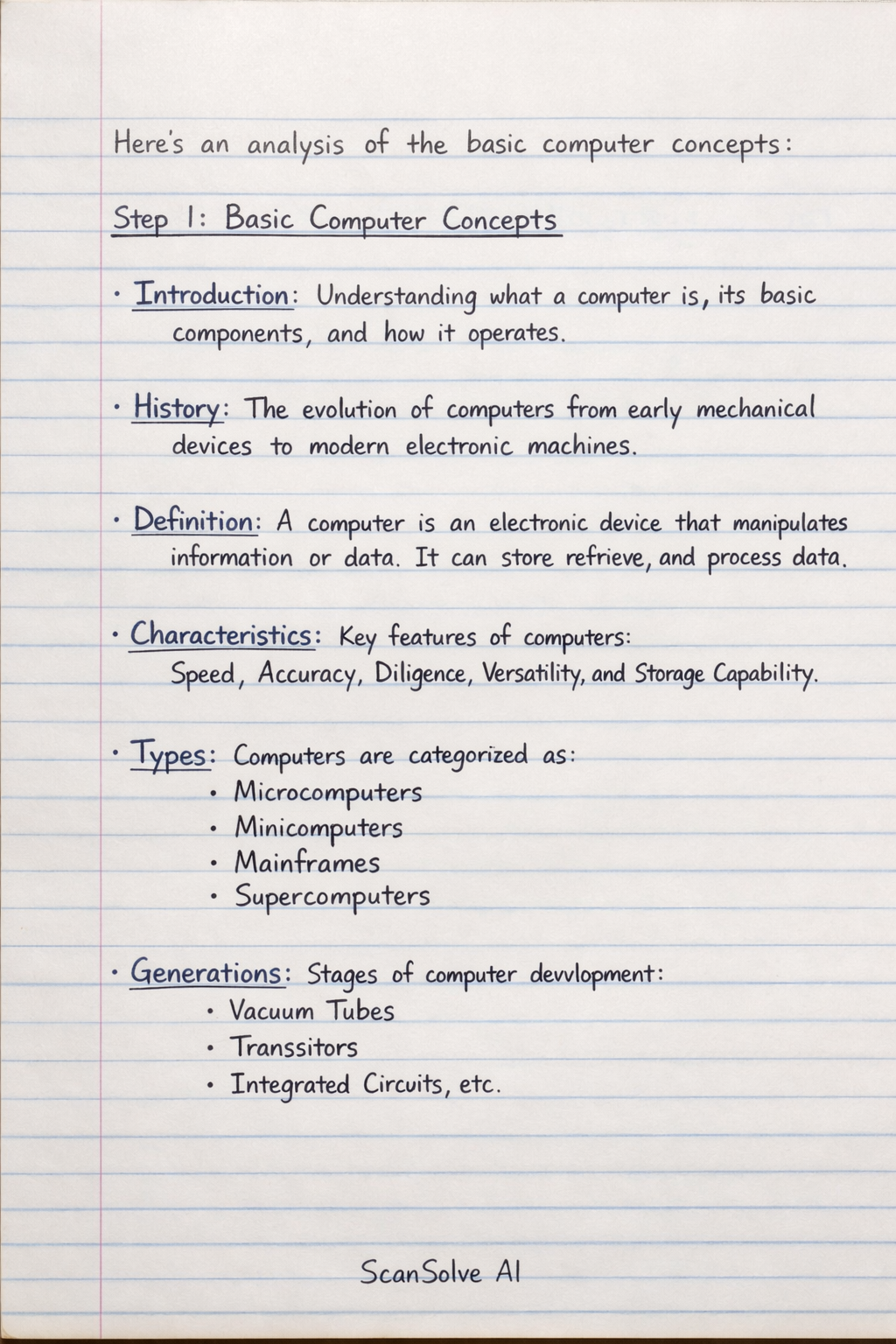
Basic Computer Concepts
- Introduction: This refers to the fundamental understanding of what a computer is, its basic components, and how it operates.
- History: This covers the evolution of computers from early mechanical devices to modern electronic machines, including key inventions and eras.
- Definition: A computer is an electronic device that manipulates information or data. It has the ability to store, retrieve, and process data.
- Characteristics: These are the key features of computers, such as speed, accuracy, diligence, versatility, and storage capability.
- Types: Computers are categorized based on their size, power, and purpose, including microcomputers, minicomputers, mainframes, and supercomputers.
- Generations: This refers to the different stages of computer development, each marked by significant technological advancements (e.g., vacuum tubes, transistors, integrated circuits).
Hardware and Software
- Hardware: These are the physical components of a computer system that you can touch, such as the CPU, monitor, keyboard, mouse, and hard drive.
- Software: This refers to the set of instructions, data, or programs used to operate computers and execute specific tasks. Examples include operating systems and application programs.
- Input: This is the process of feeding data or instructions into a computer. Input devices include keyboards, mice, scanners, and microphones.
- Output: This is the process of displaying or presenting processed data from the computer. Output devices include monitors, printers, and speakers.
- CPU (Central Processing Unit): Often called the "brain" of the computer, the CPU performs all calculations and executes instructions.
- Taskbar: A graphical user interface element of an operating system, typically located at the bottom of the screen, which displays open programs and provides quick access to applications and system functions.
Networking
- Network: A collection of two or more interconnected computers that can share data and resources.
- LAN (Local Area Network): A network that connects computers within a limited geographical area, such as a home, office, or school.
- MAN (Metropolitan Area Network): A network that spans a larger geographical area than a LAN, typically covering a city or a large campus.
- WAN (Wide Area Network): A network that covers a broad area, often connecting computers across different cities, countries, or even continents.
- PAN (Personal Area Network): A network connecting devices around an individual person, often using technologies like Bluetooth.
MS Office Applications
- MS Office: A suite of productivity software developed by Microsoft, comprising various applications.
- MS Excel: A spreadsheet program used for organizing, analyzing, and storing data in tabular form.
- MS Word: A word processing program used for creating, editing, and formatting text documents.
- MS PowerPoint: A presentation program used for creating slide shows with text, graphics, and multimedia.
Personal Documents and Other Concepts
- Bio-Data: A short form of biographical data, typically including personal details, education, and work experience, often used for job applications or matrimonial purposes.
- CV (Curriculum Vitae): A detailed document outlining a person's academic and professional history, including publications, research, and achievements, often used for academic or research positions.
- Resume: A concise document summarizing a person's skills, experience, and achievements, tailored for a specific job application.
- Number System Conversion: The process of changing a number from one number system (e.g., binary, decimal, hexadecimal) to another.
- Matrimonial Bio-Data: A specific type of bio-data used for marriage proposals, focusing on personal, family, and educational background relevant to finding a life partner.
- T. Com: This likely refers to Telecommunication, which is the transmission of information over distance.
Corrections to Your Notes
Many of the associations in your notes are incorrect. Here are the correct relationships:
- "Introduction -> Ram" is incorrect. RAM (Random Access Memory) is a type of computer memory, not an introduction.
- "History -> Rom" is incorrect. ROM (Read-Only Memory) is a type of computer memory, not related to computer history.
- "Definition -> Memory" is incorrect. Memory is a component, not the definition of a computer.
- "Characteristics -> Internet" is incorrect. The Internet is a global network, not a characteristic of a computer.
- "Types -> Network" is incorrect. Networks are ways computers connect, not types of computers themselves.
- "Generation -> PAN" is incorrect. PAN (Personal Area Network) is a type of network, not a computer generation.
- "Hard Ware -> LAN" is incorrect. LAN (Local Area Network) is a type of network, not hardware.
- "Soft Ware -> MAN" is incorrect. MAN (Metropolitan Area Network) is a type of network, not software.
- "Input -> E-mail ID" is incorrect. An E-mail ID is an identifier, not an input method or device.
- "Output -> E-mail Sending" is incorrect. E-mail sending is an action, not an output device or concept.
- "Desktop -> WAN" is incorrect. A Desktop is a type of computer, WAN (Wide Area Network) is a type of network.
- "CPU -> Operating System" is incorrect. CPU is hardware, while an Operating System is software.
- "Taskbar -> Some Shorts for" should be Taskbar -> Some Shortcuts.
- "MS Office -> Some Shorts Computerkeys" should be MS Office -> Some Shortcuts/Hotkeys.
Was this helpful?
Still stuck on this one?
Ask a follow-up, and the answer starts from this question.
Got a different question?Ask your own question
More English Questions
Handwritten Step-by-Step Solution
Get this as a handwritten image on WhatsApp — like a tutor wrote it for you.
Try on WhatsApp