

This English question involves literary analysis, grammar, or writing skills. The detailed response below provides a well-structured answer with supporting evidence and clear explanations.
ScanSolve AI Answer
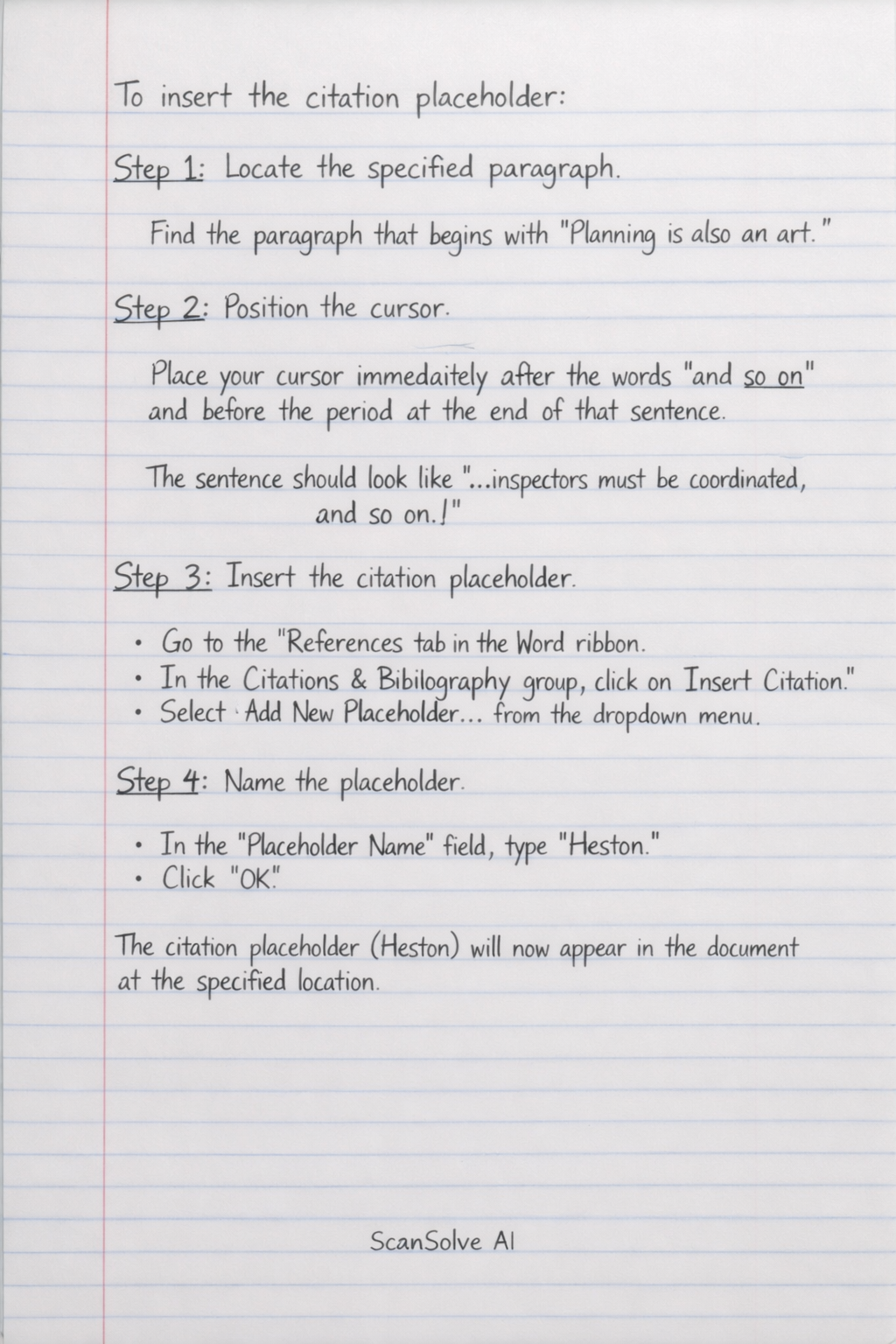
To insert the citation placeholder: Step 1: Locate the specified paragraph. Find the paragraph that begins with "Planning is also an art." Step 2: Position the cursor. Place your cursor immediately after the words "and so on" and before the period at the end of that sentence. The sentence should look like "...inspectors must be coordinated, and so on.|." Step 3: Insert the citation placeholder. • Go to the References tab in the Word ribbon. • In the Citations & Bibliography group, click on Insert Citation. • Select Add New Placeholder... from the dropdown menu. Step 4: Name the placeholder. • In the "Placeholder Name" field, type Heston. • Click OK. The citation placeholder (Heston) will now appear in the document at the specified location. Send me the next one 📸