
We read your photo as:
How do you calculate total revenue from quantity and price data in an Excel spreadsheet, using the provided example?
ScanSolve AI Answer
Answer
Step-by-step solution
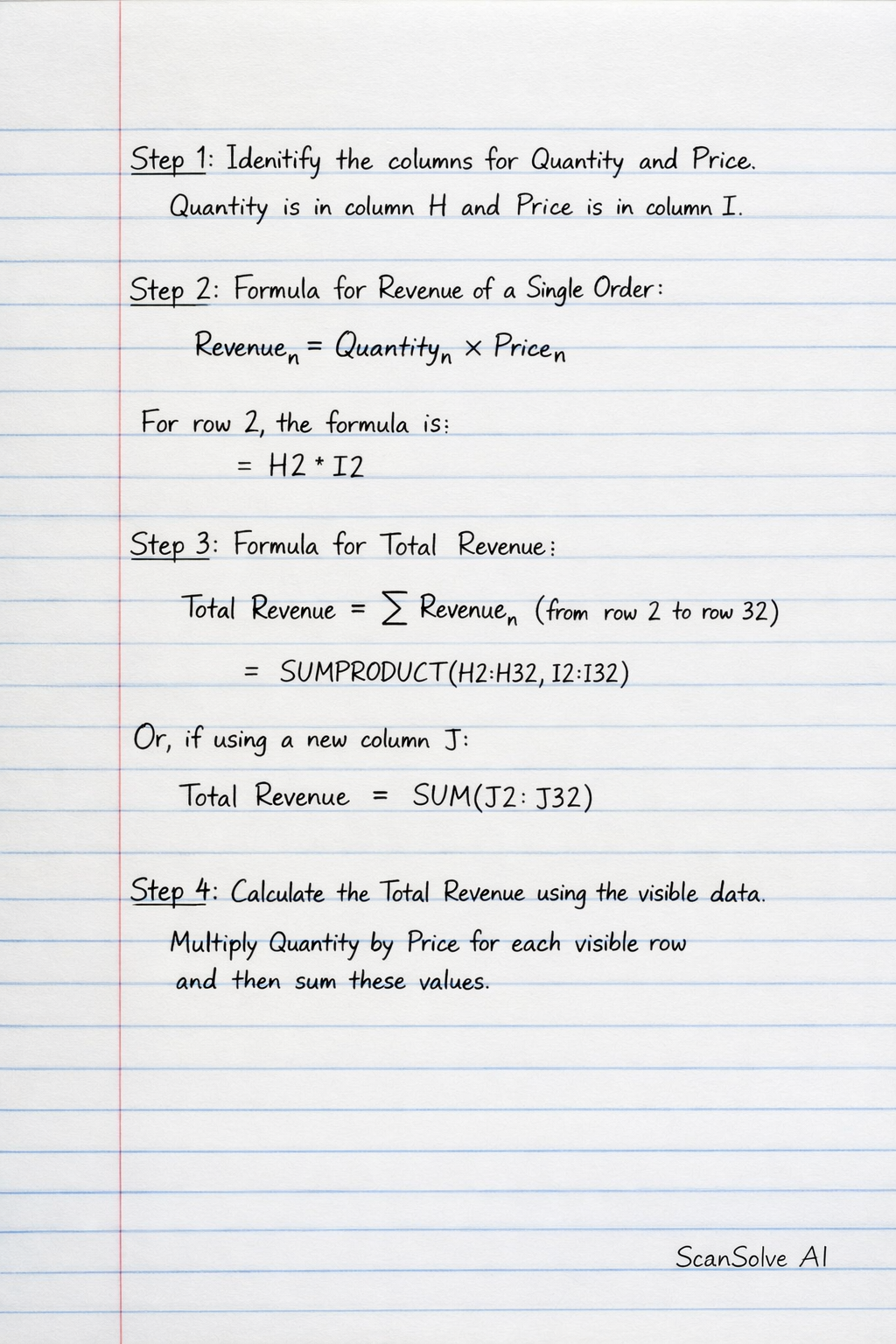
4 stepsIdentify the columns for Quantity and Price.
From the provided image, Quantity is in column H and Price is in column I.
State the formula for calculating revenue for a single order.
The revenue for a single order is calculated by multiplying its Quantity by its Price.
For any given row , the formula is:In Excel, for row 2, this would be:
State the formula for calculating Total Revenue.
To find the Total Revenue, you sum the revenue of all individual orders. Assuming the data ranges from row 2 to row 32 (based on the visible data in the image), the Excel formula for Total Revenue is:
Alternatively, if you create a new column (e.g., column J) where each cell contains , then the total revenue would be:
Calculate the Total Revenue using the visible data.
We will multiply Quantity by Price for each visible row and then sum these values.
Row Quantity (H) Price (I) Revenue (H*I) 2 8 4033 32264 3 8 1452 11616 4 1 2181 2181 5 6 3676 22056 6 5 267 1335 7 1 937 937 8 7 2716 19012 9 9 3202 28818 10 5 630 3150 11 8 1000 8000 12 8 4706 37648 13 3 2894 8682 14 6 4286 25716 15 3 2159 6477 16 4 983 3932 17 7 1764 12348 18 5 2110 10550 19 5 1942 9710 20 1 1484 1484 21 8 404 3232 22 1 3884 3884 23 4 1485 5940 24 10 4816 48160 25 2 4159 8318 26 8 2095 16760 27 10 4956 49560 28 2 271 542 29 4 2268 9072 30 4 2185 8740 31 10 1019 10190 32 10 945 9450 Total 406034 The Total Revenue is the sum of all calculated revenues:
The final answer is .
Try one yourself
A new problem that tests the same skill.
Still stuck on this one?
Ask a follow-up, and the answer starts from this question.
More Business/Management Questions
Handwritten Step-by-Step Solution
Get this as a handwritten image on WhatsApp — like a tutor wrote it for you.
Try on WhatsApp