
We read your photo as:
File: A file is a collection of data or information stored on a computer under a specific name. It can be a document, image, video, or program.
ScanSolve AI Answer
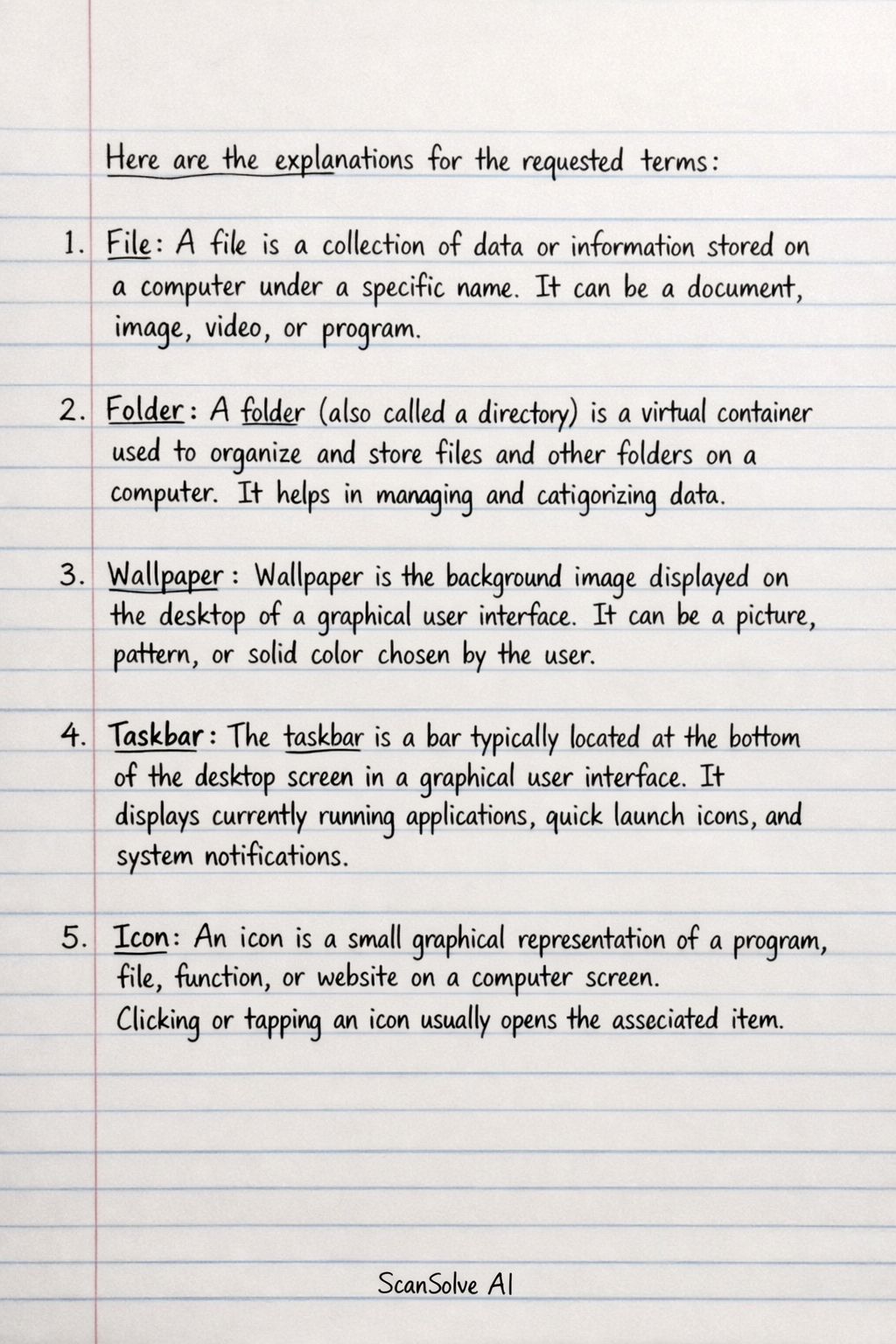
Here are the explanations for the requested terms:
-
File: A file is a collection of data or information stored on a computer under a specific name. It can be a document, image, video, or program.
-
Folder: A folder (also called a directory) is a virtual container used to organize and store files and other folders on a computer. It helps in managing and categorizing data.
-
Wallpaper: Wallpaper is the background image displayed on the desktop of a graphical user interface. It can be a picture, pattern, or solid color chosen by the user.
-
Taskbar: The taskbar is a bar typically located at the bottom of the desktop screen in a graphical user interface. It displays currently running applications, quick launch icons, and system notifications.
-
Icon: An icon is a small graphical representation of a program, file, function, or website on a computer screen. Clicking or tapping an icon usually opens the associated item.
Operating System: An operating system (OS) is software that manages computer hardware and software resources and provides common services for computer programs. It acts as an intermediary between the user and the computer hardware, allowing applications to run and users to interact with the computer. Examples include Windows, macOS, and Linux.
Still stuck on this one?
Ask a follow-up, and the answer starts from this question.
More Computer Science Questions
Handwritten Step-by-Step Solution
Get this as a handwritten image on WhatsApp — like a tutor wrote it for you.
Try on WhatsApp