

This computer science problem involves algorithmic thinking and programming concepts. The solution below explains the approach, logic, and implementation step by step.
ScanSolve AI Answer
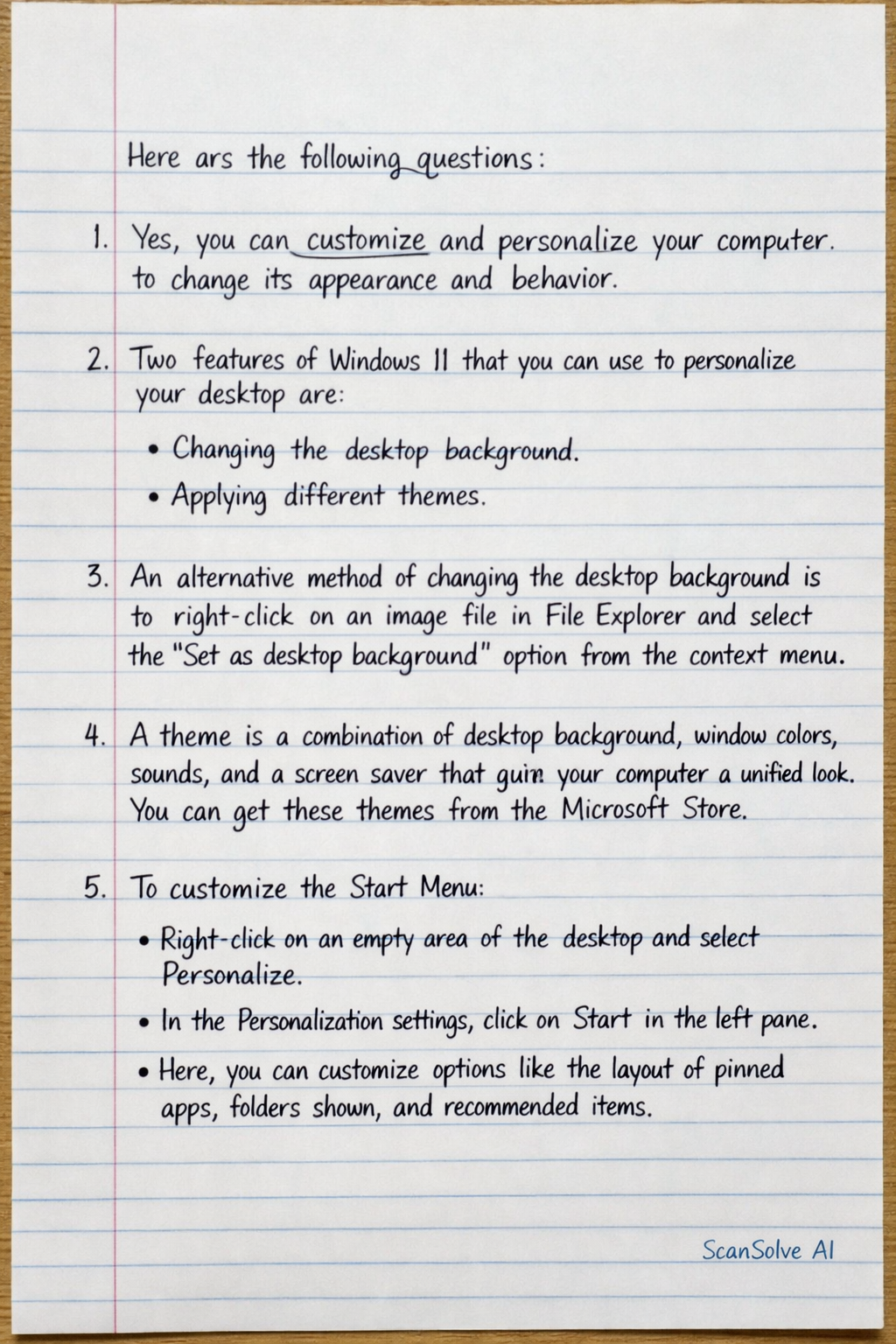
Here are the answers to the questions: D. Answer the following questions: 1. Yes, you can customize and personalize your computer to change its appearance and behavior. 2. Two features of Windows 11 that you can use to personalize your desktop are: Changing the desktop background*. Applying different themes*. 3. An alternative method of changing the desktop background is to right-click on an image file in File Explorer and select the "Set as desktop background" option from the context menu. 4. A theme is a combination of desktop background, window colors, sounds, and a screen saver that gives your computer a unified look. You can get these themes from the Microsoft Store. 5. To customize the Start Menu: Right-click on an empty area of the desktop and select Personalize*. In the Personalization settings, click on Start* in the left pane. Here, you can customize options like the layout of pinned apps, folders shown, and recommended items. 6. To unpin a particular app: Locate the app icon in the Start Menu or on the Taskbar. Right-click* on the app icon. Select "Unpin from Start" or "Unpin from taskbar*" from the context menu. EXECUTE TIME: Change the desktop icon size on your PC/Laptop: This is an instruction for you to perform. You can change desktop icon size by right-clicking on an empty area of the desktop, selecting "View", and then choosing between Large, Medium, or Small icons. You can also hold Ctrl and scroll the mouse wheel to adjust the size. Look at the images given below. One image belongs to Windows 7 and another image belongs to Windows 11. Observe them carefully and write the differences you can find. The left image shows a desktop from Windows 7. Key differences include the Start button and taskbar icons being aligned to the left side* of the taskbar. The right image shows a desktop from Windows 11. Key differences include the Start button and taskbar icons being centered* on the taskbar, and a more modern, minimalist visual design. Send me the next one 📸