
We read your photo as:
What are the answers to the following questions about Windows 11 personalization and features?
Computer Science
ScanSolve AI Answer
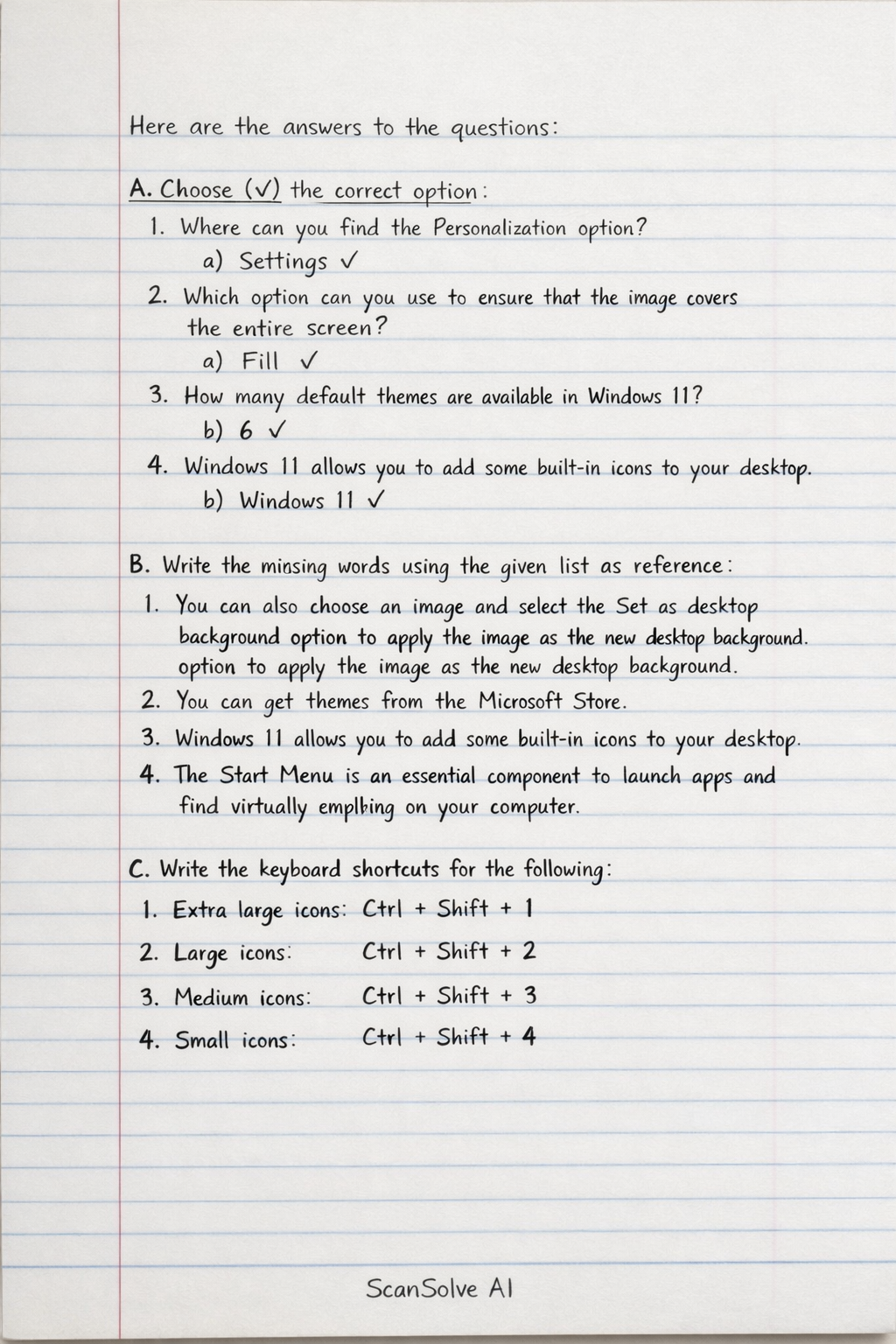
Here are the answers to the questions:
A. Choose (✓) the correct option:
-
Where can you find the Personalization option?
- a) Settings
-
Which option you can use to ensure that the image covers the entire screen?
- a) Fill
-
How many default themes are available in Windows 11?
- b) 6
-
Windows 11 allows you to add some built-in icons to your desktop.
- b) Windows 11
B. Write the missing words using the given list as reference:
- You can also choose an image and select the Set as desktop background option to apply the image as the new desktop background.
- You can get themes from the Microsoft Store.
- Windows 11 allows you to add some built-in icons to your desktop.
- The Start Menu is an essential component to launch apps and find virtually anything on your computer.
C. Write the keyboard shortcuts for the following:
- Extra large icons:
Ctrl + Shift + 1 - Large icons:
Ctrl + Shift + 2 - Medium icons:
Ctrl + Shift + 3 - Small icons:
Ctrl + Shift + 4
Was this helpful?
Still stuck on this one?
Ask a follow-up, and the answer starts from this question.
Got a different question?Ask your own question
More Computer Science Questions
QAnswer the following questions about customizing your computer's appearance and behavior in Windows…QList any two features of Windows 11.QDescribe any two accessibility features of Windows 11.QWhat are the answers to the following Microsoft Word questions?QWhat are the answers to the Paint software questions covering tools, shortcuts, and basic functions?
Handwritten Step-by-Step Solution
Get this as a handwritten image on WhatsApp — like a tutor wrote it for you.
Try on WhatsApp