

This computer science problem involves algorithmic thinking and programming concepts. The solution below explains the approach, logic, and implementation step by step.
ScanSolve AI Answer
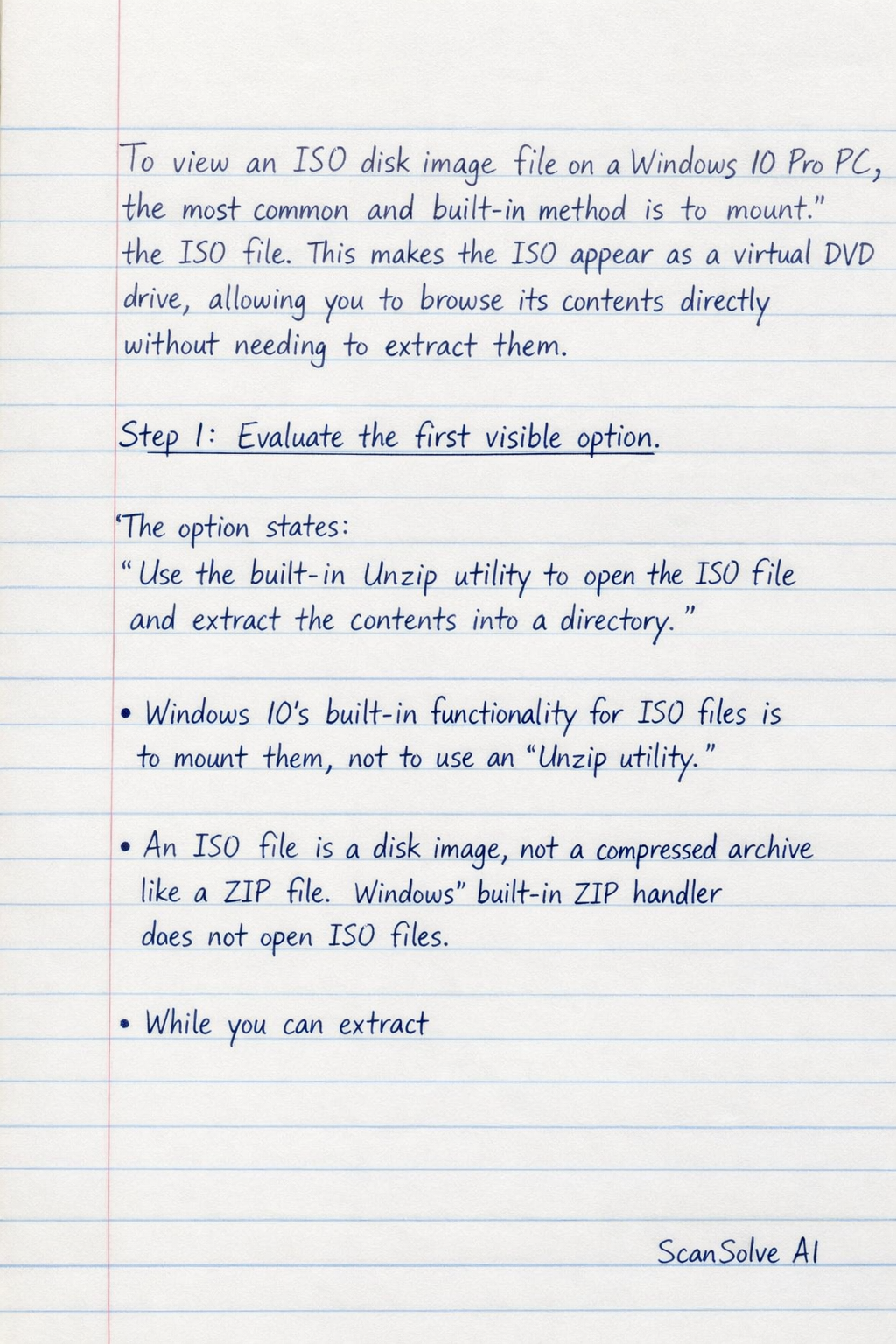
To view an ISO disk image file on a Windows 10 Pro PC, the most common and built-in method is to mount the ISO file. This makes the ISO appear as a virtual DVD drive, allowing you to browse its contents directly without needing to extract them. Step 1: Evaluate the first visible option. The option states: "Use the built-in Unzip utility to open the ISO file and extract the contents into a directory." • Windows 10's built-in functionality for ISO files is to mount them, not to use an "Unzip utility." • An ISO file is a disk image, not a compressed archive like a ZIP file. Windows' built-in ZIP handler does not open ISO files. • While you can extract