
We read your photo as:
How can you change the font size and colour in MS Word?
Computer Science
ScanSolve AI Answer
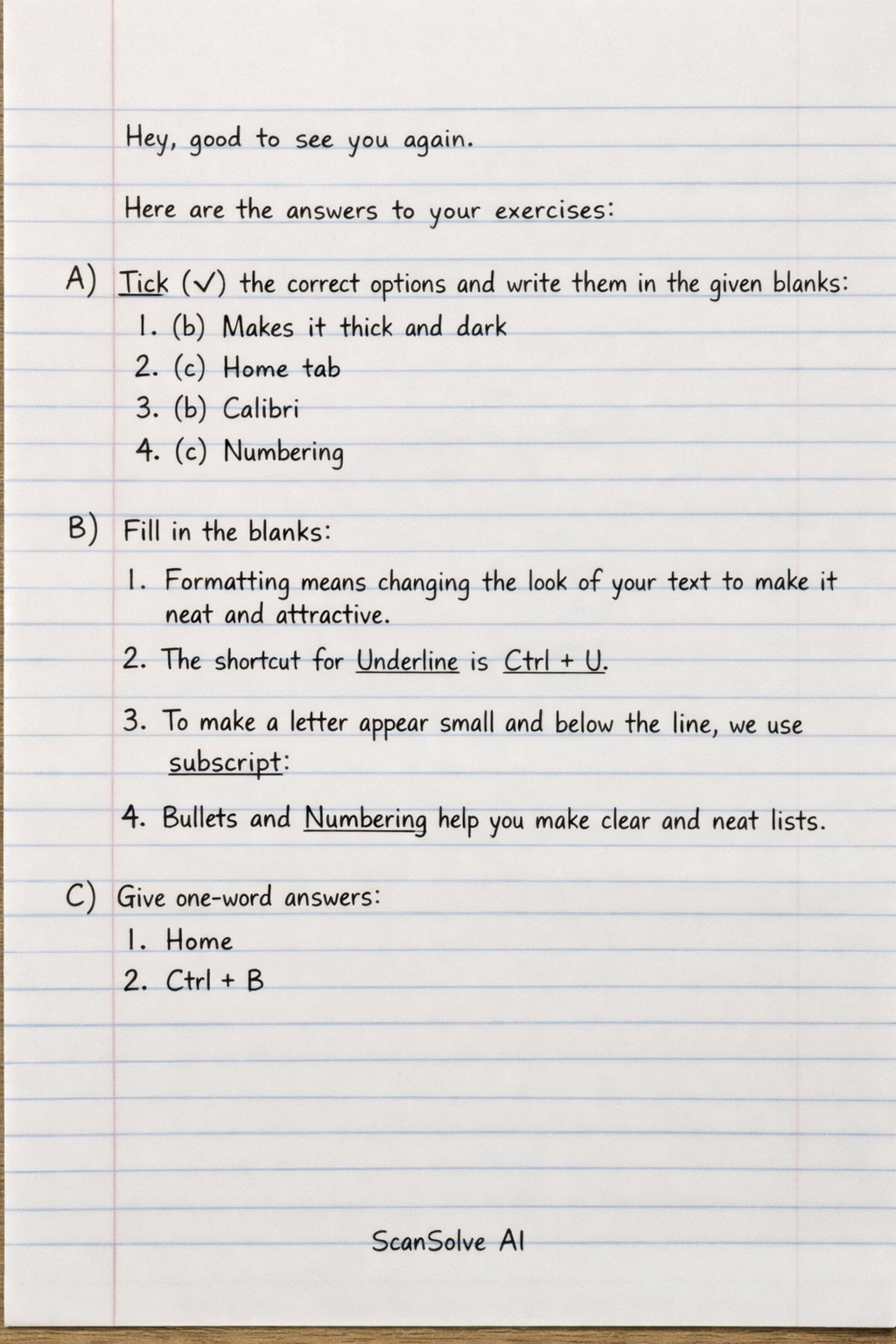
Here are the answers to your exercises:
A) Tick (✔) the correct options and write them in the given blanks.
- (b) Makes it thick and dark
- (c) Home tab
- (b) Calibri
- (c) Numbering
B) Fill in the blanks.
- Formatting means changing the look of your text to make it neat and attractive.
- The shortcut for Underline is Ctrl + U.
- To make a letter appear small and below the line, we use subscript.
- Bullets and Numbering helps you make clear and neat lists.
C) Give one-word answers.
- Home
- Ctrl + B
D) Answer the following.
- The different types of text alignments in MS Word are: Left, Right, Center, and Justify.
- Subscript places text slightly below the baseline and makes it smaller, often used for chemical formulas (e.g., ). Superscript places text slightly above the baseline and makes it smaller, often used for exponents or footnotes (e.g., ).
- You can change the font size and colour in MS Word by using the Font group on the Home tab. Within this group, there are options to select the font size from a dropdown menu and to choose a font colour from a palette.
Was this helpful?
Still stuck on this one?
Ask a follow-up, and the answer starts from this question.
Got a different question?Ask your own question
More Computer Science Questions
QHow will you highlight the text in Word?QHow do I format a table, add a header, and add a page border in Microsoft Word?QWhat are the answers to the following Microsoft Word questions?QHow do I add "Print" as the Medium for the "Michaels" source in Microsoft Word?QExplain the following in word processing: i. Font Type, Font Size (Point/Pt), Font Colour, Italics…
Handwritten Step-by-Step Solution
Get this as a handwritten image on WhatsApp — like a tutor wrote it for you.
Try on WhatsApp