
We read your photo as:
How will you highlight the text in Word?
Computer Science
ScanSolve AI Answer
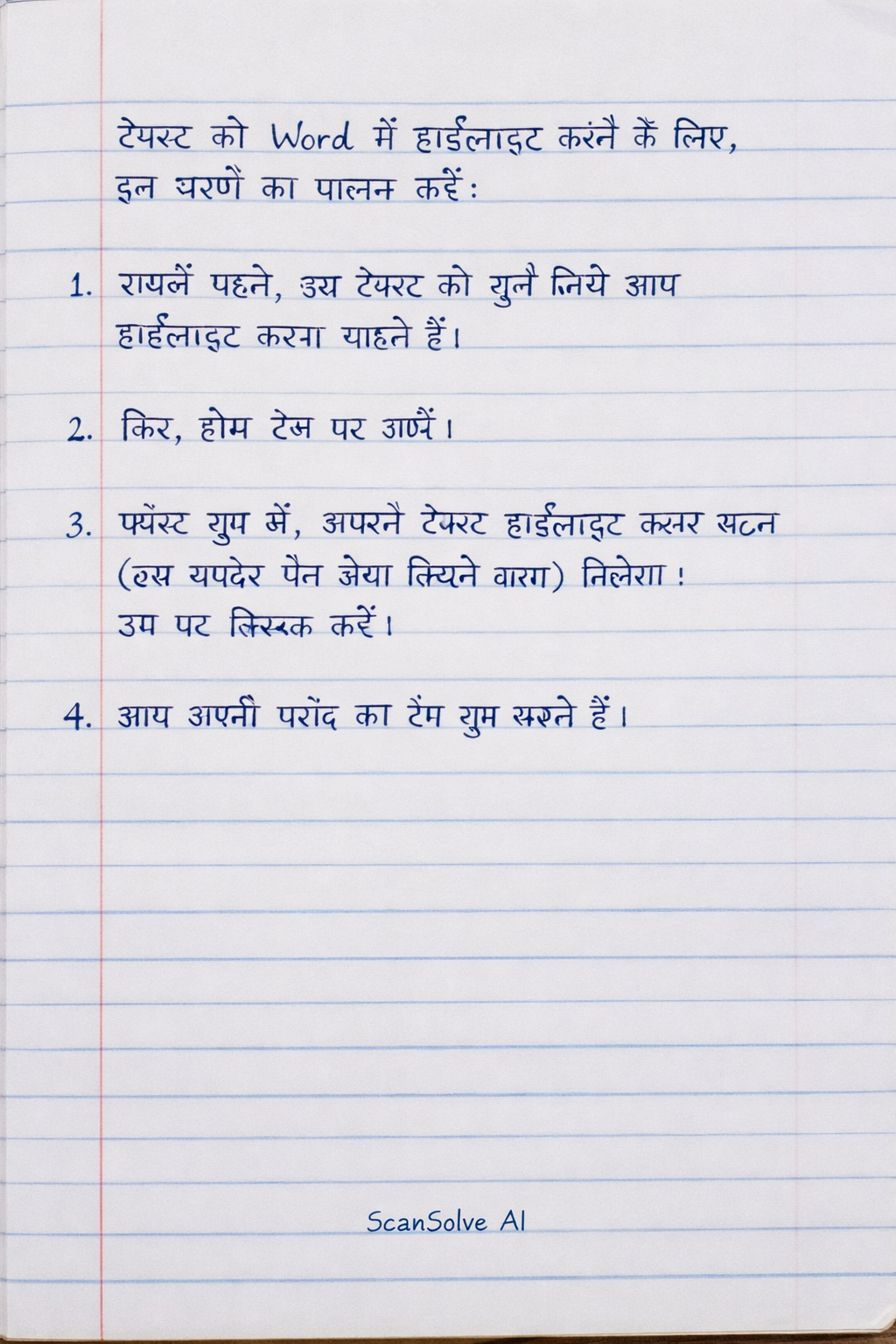
टेक्स्ट को Word में हाईलाइट करने के लिए, इन चरणों का पालन करें:
- सबसे पहले, उस टेक्स्ट को चुनें जिसे आप हाईलाइट करना चाहते हैं।
- फिर, होम टैब पर जाएँ।
- फ़ॉन्ट ग्रुप में, आपको टेक्स्ट हाईलाइट कलर बटन (एक मार्कर पेन जैसा दिखने वाला) मिलेगा। उस पर क्लिक करें।
- आप अपनी पसंद का रंग चुन सकते हैं।
Was this helpful?
Still stuck on this one?
Ask a follow-up, and the answer starts from this question.
Got a different question?Ask your own question
More Computer Science Questions
QExplain the advanced features of MS Word used in business documentation with examples.QHow do I insert a copyright symbol in Microsoft Word?QHow can Microsoft Word be used for lesson preparation and delivery? Explain its features like Insert…QHow do I format a table, add a header, and add a page border in Microsoft Word?QWhat are the answers to the following Microsoft Word questions?
Handwritten Step-by-Step Solution
Get this as a handwritten image on WhatsApp — like a tutor wrote it for you.
Try on WhatsApp