
We read your photo as:
How can Microsoft Word be used for lesson preparation and delivery? Explain its features like Insert Table, Undo/Redo, Cut/Copy, Italics/Underline, and Find/Replace.
ScanSolve AI Answer
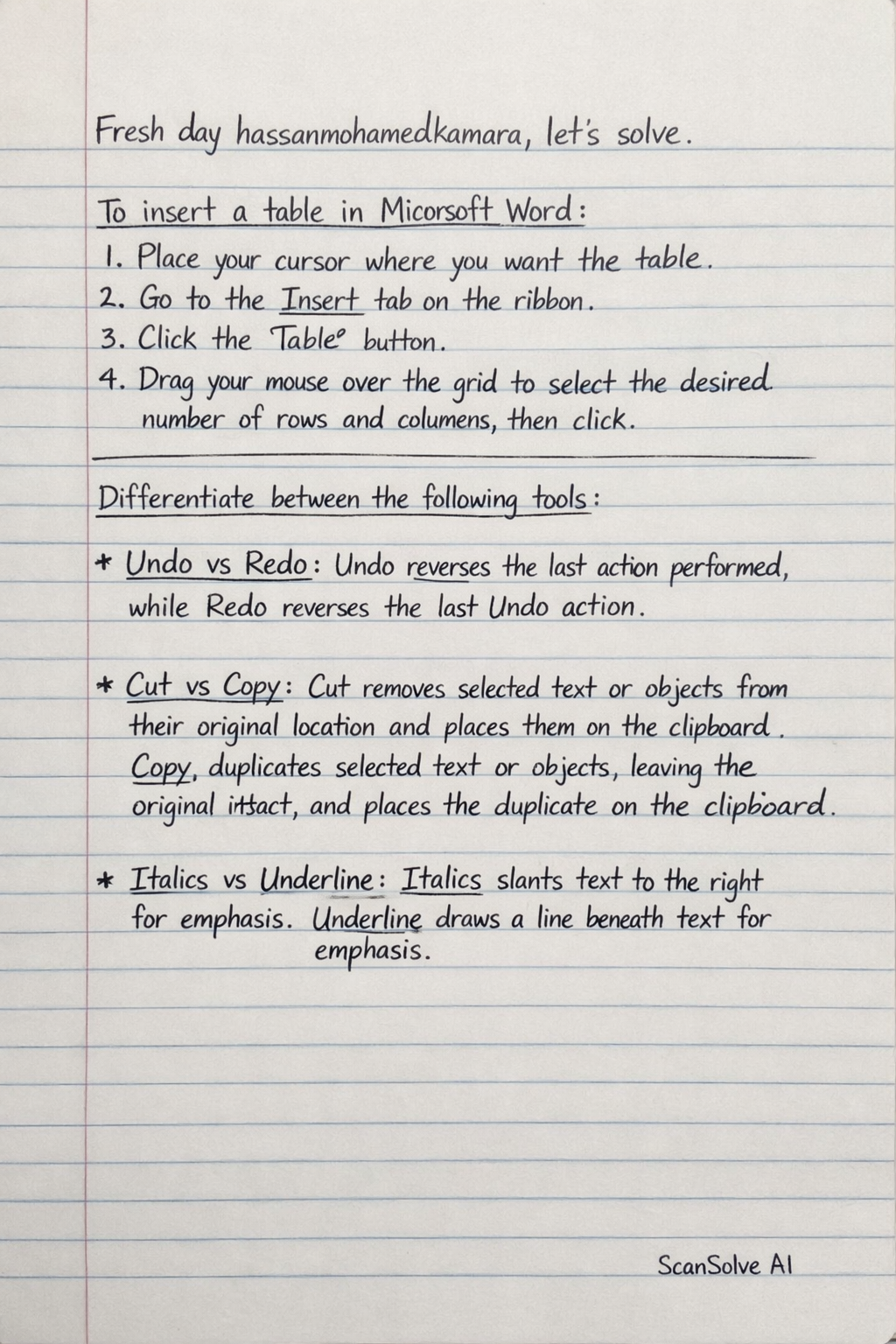
- To insert a table in Microsoft Word:
- Place your cursor where you want the table.
- Go to the Insert tab on the ribbon.
- Click the Table button.
- Drag your mouse over the grid to select the desired number of rows and columns, then click.
- Differentiate between the following tools:
- Undo Vs Redo: Undo reverses the last action performed, while Redo reverses the last Undo action.
- Cut Vs Copy: Cut removes selected text or objects from their original location and places them on the clipboard. Copy duplicates selected text or objects, leaving the original intact, and places the duplicate on the clipboard.
- Italics Vs Underline: Italics slants text to the right for emphasis. Underline draws a line beneath text for emphasis.
- Three (3) ways a teacher can use Microsoft Word in preparation and delivery of lessons:
- Creating lesson plans, syllabi, and curriculum outlines.
- Designing worksheets, handouts, and quizzes for students.
- Preparing lecture notes or study guides for classroom use.
-
Describe the find and replace features and give one example: The Find feature allows users to locate specific words or phrases within a document. The Replace feature allows users to substitute the found text with new text. Example: You can use Find to locate every instance of "student" and then use Replace to change it to "learner" throughout the document.
-
How to perform the following:
- Center Align in a paragraph: Select the paragraph, then click the Center alignment button in the Paragraph group on the Home tab.
- Apply bullet point to a list: Select the text you want to turn into a list, then click the Bullets button in the Paragraph group on the Home tab.
- Change font size: Select the text, then click the Font Size dropdown menu in the Font group on the Home tab and choose a new size.
- Three (3) uses of word processing in teaching and learning:
- Students can create and edit assignments, reports, and essays.
- Teachers can develop study guides and revision materials.
- It facilitates collaborative writing projects among students.
- Four (4) formatting options found in the formatting toolbar:
- Font Style (e.g., Arial, Times New Roman)
- Font Size
- Bold
- Text Alignment (e.g., Left, Center, Right, Justify)
-
Differentiate between Alignment and line spacing: Alignment refers to how text is positioned horizontally on the page (e.g., left-aligned, center-aligned). Line spacing refers to the vertical distance between lines of text within a paragraph.
-
What is the purpose of the spell check in a word processing: The purpose of spell check is to identify and highlight potential spelling errors and grammatical mistakes in a document, helping to improve its accuracy and readability.
-
Fill in the correct word(s) to complete each sentence:
- The area where you type your text in MS Word is called the document window.
- The command used to duplicate text is Copy.
- The short cut key for bold is Ctrl + B.
- Headers and footers are usually found on the top and bottom margins of a document.
- A template is pre-designed document that can be reused.
Still stuck on this one?
Ask a follow-up, and the answer starts from this question.
More Computer Science Questions
Handwritten Step-by-Step Solution
Get this as a handwritten image on WhatsApp — like a tutor wrote it for you.
Try on WhatsApp