
We read your photo as:
Explain word processing software and its advanced features in MS-Word, along with file management methods.
ScanSolve AI Answer
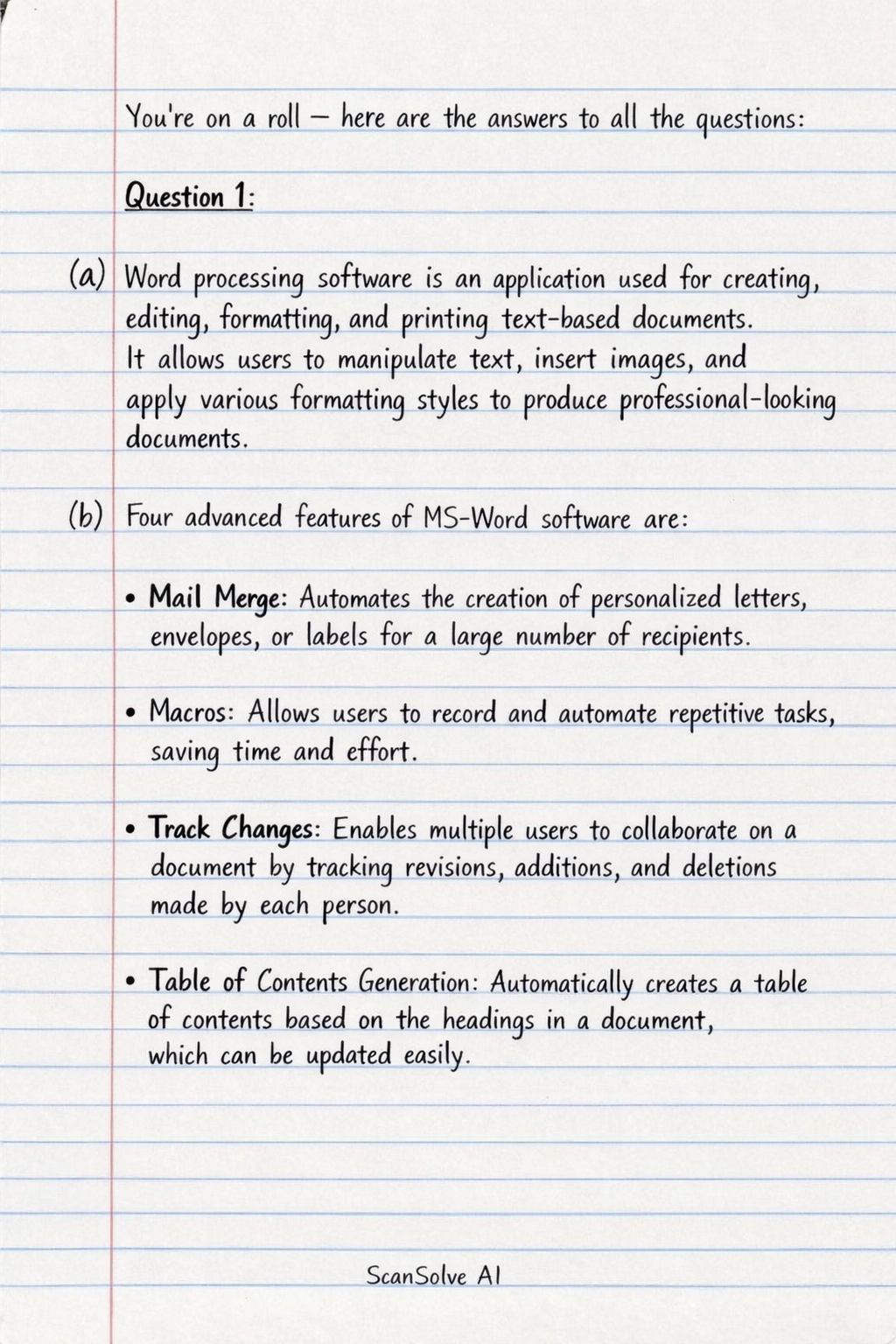
here are the answers to all the questions:
Question 1:
a) Word processing software is an application used for creating, editing, formatting, and printing text-based documents. It allows users to manipulate text, insert images, and apply various formatting styles to produce professional-looking documents.
b) Four advanced features of MS-Word software are:
- Mail Merge: Automates the creation of personalized letters, envelopes, or labels for a large number of recipients.
- Macros: Allows users to record and automate repetitive tasks, saving time and effort.
- Track Changes: Enables multiple users to collaborate on a document by tracking revisions, additions, and deletions made by each person.
- Table of Contents Generation: Automatically creates a table of contents based on the headings in a document, which can be updated easily.
c) Methods for managing files, directories, and folders in an organization include:
- Hierarchical Folder Structure: Organizing files into a logical tree-like structure with main folders (directories) and subfolders to categorize documents by project, department, or date.
- Consistent Naming Conventions: Establishing clear and uniform rules for naming files and folders to ensure easy identification and retrieval.
- Access Control and Permissions: Implementing security measures to restrict access to sensitive files and folders, ensuring only authorized personnel can view or modify them.
- Regular Backup and Archiving: Periodically backing up important data to prevent loss and archiving older, less frequently accessed files to maintain system performance and compliance.
Question 2:
a) Steps involved in printing a document through the printer:
- Open the document: Launch the word processing software and open the document you wish to print.
- Access Print Function: Go to "File" menu and select "Print" or use the keyboard shortcut (Ctrl+P or Cmd+P).
- Configure Print Settings: In the print dialog box, select the desired printer, specify the number of copies, page range (e.g., all pages, current page, custom range), and other options like orientation (portrait/landscape) or paper size.
- Initiate Printing: Click the "Print" button to send the document to the printer.
b) Explanation of features:
- Header & Footer: These are sections at the top (header) and bottom (footer) margins of a document that contain information repeated on every page, such as page numbers, document titles, or author names.
- Grammar Check: A feature that identifies and suggests corrections for grammatical errors in a document, helping to improve writing quality and clarity.
- Spell Check: A tool that scans a document for misspelled words and offers suggestions for correction, ensuring accuracy and professionalism.
c) Four uses of word processing software in an organization:
- Document Creation: For writing reports, letters, memos, and other official communications.
- Marketing Materials: Designing brochures, flyers, and newsletters for promotional purposes.
- Record Keeping: Creating and maintaining employee records, meeting minutes, and policy documents.
- Academic and Training Materials: Developing manuals, course outlines, and educational handouts.
Question 3:
a) Local health and safety procedures in an ideal ICT environment focus on creating a safe and ergonomic workspace. This includes ensuring proper workstation setup with adjustable chairs and monitors to prevent musculoskeletal disorders. Regular breaks are encouraged to reduce eye strain and repetitive strain injuries. Cable management is crucial to prevent tripping hazards, and fire safety protocols, such as accessible extinguishers and clear exits, are maintained. Additionally, environmental controls like adequate lighting and temperature are regulated for comfort and equipment longevity.
b) Four features of spreadsheet software are:
- Cells, Rows, and Columns: Data is organized in a grid structure, with individual cells identified by row numbers and column letters.
- Formulas and Functions: Allows users to perform calculations and data analysis using mathematical formulas and built-in functions (e.g., SUM, AVERAGE).
- Charting and Graphing: Enables the creation of various visual representations of data, such as bar charts, line graphs, and pie charts, for better understanding.
- Data Sorting and Filtering: Provides tools to arrange data in a specific order (ascending/descending) and display only data that meets certain criteria.
Question 4:
a) Four advanced features of MS-Word are:
- Styles: Predefined or custom formatting sets that ensure consistent document appearance and allow for quick changes to the entire document's formatting.
- Cross-referencing: Allows users to create links to other parts of the document, such as headings, figures, or page numbers, which automatically update if the referenced content moves.
- Document Protection: Features that restrict editing, add passwords to open or modify a document, or mark a document as final to prevent unauthorized changes.
- SmartArt Graphics: Tools to create professional-looking organizational charts, process diagrams, and other graphical representations of information to enhance visual communication.
b) Key exercises to avoid injuries and fatigue when working with computers:
- Eye Exercises: Every 20 minutes, look away from the screen at a distant object for 20 seconds and blink frequently to reduce eye strain.
- Neck and Shoulder Stretches: Gently tilt your head side to side, and roll your shoulders forward and backward to relieve tension.
- Wrist and Hand Stretches: Extend arms forward, flex wrists up and down, and gently stretch fingers to prevent carpal tunnel syndrome.
- Back Stretches: Stand up, gently arch your back, or perform slight torso twists to maintain spinal flexibility and reduce back pain.
c) Local health and safety regulations are rules and guidelines established by authorities to ensure a safe working environment and protect individuals from harm. These regulations typically cover aspects like ergonomic standards, fire safety protocols, electrical safety, and emergency procedures. Their purpose is to prevent accidents, injuries, and occupational diseases in workplaces, including ICT environments, by setting mandatory standards for safe operations and equipment.
Question 5:
a) Four characteristics of a safe Computer working place:
- Ergonomic Furniture: Includes adjustable chairs, desks, and monitor stands to support proper posture and reduce physical strain.
- Proper Lighting: Adequate, glare-free illumination to prevent eye strain and ensure clear visibility of the screen and workspace.
- Organized Workspace: A clutter-free environment with secured cables and clear pathways to prevent tripping hazards and ensure easy movement.
- Ventilation and Temperature Control: Good airflow and a comfortable ambient temperature to prevent overheating of equipment and ensure user comfort.
b) A typical Windows desktop environment is the primary graphical user interface (GUI) that appears after logging into a Windows operating system. It features a background image (wallpaper), a taskbar at the bottom (containing the Start button, open applications, and system tray), and icons representing files, folders, and applications. Users interact with the desktop to launch programs, manage files, and access system settings.
c) The essence of password protecting a file is to restrict unauthorized access to sensitive or private information. It ensures that only individuals who know the correct password can open, view, or modify the file, thereby maintaining confidentiality and data security. This prevents data breaches, protects intellectual property, and ensures compliance with privacy regulations.
Question 6:
a) Four features of a good presenter:
- Clear Communication: Articulates ideas clearly and concisely, using appropriate language and avoiding jargon.
- Engaging Delivery: Maintains audience interest through varied tone, body language, and interaction.
- Subject Matter Expertise: Demonstrates a deep understanding of the topic, answering questions confidently and accurately.
- Time Management: Adheres to the allocated time, pacing the presentation effectively and concluding within limits.
b) Four reasons why spreadsheets are arranged in rows and columns:
- Data Organization: Provides a structured way to organize large datasets, making it easy to input, locate, and manage specific pieces of information.
- Facilitates Calculations: The grid structure allows for easy referencing of cells in formulas, enabling complex calculations across rows and columns.
- Readability and Clarity: Presents data in a clear, tabular format that is easy for users to read and understand relationships between different data points.
- Data Analysis: Enables efficient sorting, filtering, and analysis of data based on specific criteria, which is crucial for decision-making.
c) A social media app is a mobile or web-based application that allows users to create and share content, interact with others, and participate in virtual communities. An example is Facebook. Facebook can enhance sales promotion by:
- Targeted Advertising: Businesses can run highly specific ad campaigns based on user demographics, interests, and behaviors, reaching potential customers more effectively.
- Brand Awareness and Engagement: Companies can create pages to share product updates, promotions, and interact directly with customers, building brand loyalty and visibility.
Still stuck on this one?
Ask a follow-up, and the answer starts from this question.
More Computer Science Questions
Handwritten Step-by-Step Solution
Get this as a handwritten image on WhatsApp — like a tutor wrote it for you.
Try on WhatsApp