
We read your photo as:
What are the steps for inserting an automatic Table of Contents, the purpose of Mail Merge, Track Changes, and Hyperlinks, and the definition of Character Formatting and Page Layout in word processing
ScanSolve AI Answer
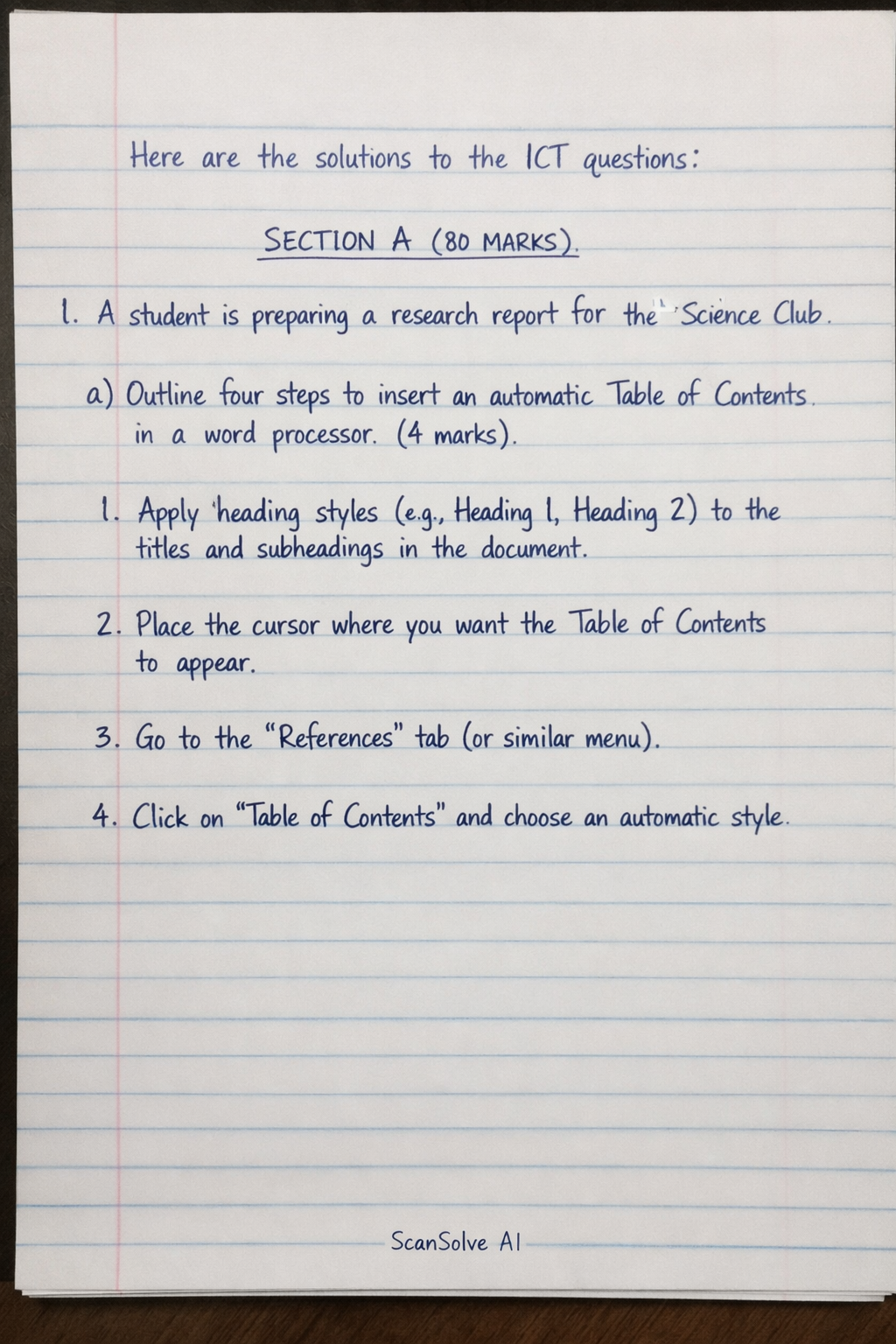
Here are the solutions to the ICT questions:
SECTION A (80 MARKS)
1. A student is preparing a research report for the Science Club.
-
a) Outline four steps to insert an automatic Table of Contents in a word processor. (4 marks)
- Apply heading styles (e.g., Heading 1, Heading 2) to the titles and subheadings in the document.
- Place the cursor where you want the Table of Contents to appear.
- Go to the "References" tab (or similar menu).
- Click on "Table of Contents" and choose an automatic style.
-
b) Explain the purpose of the following advanced features: (5 marks)
- i) Mail Merge: To create personalized documents (like letters or labels) by combining a main document with a data source containing variable information.
- ii) Track Changes: To record and display edits made to a document, allowing collaborators to review, accept, or reject modifications.
- iii) Hyperlink: A reference to data that the user can directly follow by clicking, linking to another part of the document, another document, or a web page.
-
c) Define the following word processing terms: (4 marks)
- i) Character Formatting: Refers to applying specific visual attributes to individual characters or selected text, such as font type, size, color, bold, or italic.
- ii) Page Layout: Refers to the arrangement of text, images, and other elements on a page, including settings like margins, orientation, and columns.
-
d) List three editing tools in a word processor used to correct errors. (3 marks)
- Spell Checker
- Grammar Checker
- Thesaurus
-
e) Describe four steps to save a document for the first time. (2 marks)
- Click on the "File" tab.
- Select "Save As".
- Choose a location to save the document.
- Type a file name and click "Save".
2.
-
a) Name four main components of ICT infrastructure in a modern office. (4 marks)
- Hardware (e.g., computers, servers, network devices)
- Software (e.g., operating systems, applications)
- Network (e.g., internet connection, cables, routers)
- Data (information stored and processed)
-
b) Identify three physical strains a person may suffer when using a computer incorrectly. (3 marks)
- Eye strain (Computer Vision Syndrome)
- Back pain (due to poor posture)
- Wrist/Hand pain (e.g., Carpal Tunnel Syndrome)
3. You are a computer lab assistant and notice computers are unprotected and poorly managed.
-
a) Define an Operating System (OS). (2 marks) An Operating System (OS) is a software that manages computer hardware and software resources, providing common services for computer programs and acting as an intermediary between the user and hardware.
-
b) Identify the operating systems or interfaces described. (4 marks)
- i) Open-source OS for servers: Linux
- ii) GUI on iPhones: iOS
- iii) Most common desktop OS: Windows
- iv) Interface where users type text commands: Command Line Interface (CLI)
-
c) Expand the following abbreviations: (3 marks)
- i) CPU: Central Processing Unit
- ii) GUI: Graphical User Interface
- iii) OS: Operating System
-
d) Write four steps to create a new folder called "ICT_Assignment" on the desktop. (4 marks)
- Right-click on an empty area of the desktop.
- Select "New" from the context menu.
- Click on "Folder".
- Type "ICT_Assignment" as the folder name and press Enter.
4.
-
a) Name three word processing software suitable for preparing reports. (3 marks)
- Microsoft Word
- Google Docs
- LibreOffice Writer
-
b) Explain two functions of the cursor in a word processor. (2 marks)
- Indicates insertion point: Shows where the next typed character will appear.
- Indicates selection: When dragged, it highlights text for editing operations.
-
c) Match the following word processor icons with their functions: (5 marks)
- i) Undo: Reverses the last action performed.
- ii) Redo: Reverses the undo action, reapplying a previously undone change.
- iii) Save: Stores the current document to a file on a storage device.
-
d) Explain two security measures to protect files on a computer. (4 marks)
- Password Protection: Encrypting files or folders with a password to restrict unauthorized access.
- Antivirus Software: Detecting and removing malicious software that could corrupt or steal files.
-
e) List four basic OS manipulations to customize the computer interface. (4 marks)
- Changing desktop background/wallpaper.
- Adjusting screen resolution.
- Customizing themes or color schemes.
- Rearranging icons on the desktop.
5. The village of Tumaini wants to improve communication between a local clinic and hospital.
-
a) Identify four ICT devices that can be used in the clinic. For each, state one function. (4 marks)
- Computer/Laptop: For data entry, record keeping, and communication.
- Printer: For printing patient records and prescriptions.
- Smartphone/Tablet: For mobile communication and accessing health apps.
- Internet Router/Modem: For providing internet connectivity.
-
b) Explain three ways ICT can solve community problems like slow healthcare delivery. (3 marks)
- Telemedicine/Teleconsultation: Allows patients to consult doctors remotely, reducing travel time and wait times.
- Electronic Health Records (EHRs): Enables quick and secure sharing of patient information between facilities, improving diagnosis and treatment.
- Mobile Health (mHealth) Apps: Provides health information, appointment reminders, and medication adherence support directly to patients.
-
c) State one advantage and one disadvantage of using smartphones for health communication. (2 marks)
- Advantage: Portability and accessibility, allowing healthcare professionals to access information and communicate from anywhere.
- Disadvantage: Security and privacy risks of sensitive patient data if not properly secured.
Still stuck on this one?
Ask a follow-up, and the answer starts from this question.
More Computer Science Questions
Handwritten Step-by-Step Solution
Get this as a handwritten image on WhatsApp — like a tutor wrote it for you.
Try on WhatsApp