

This computer science problem involves algorithmic thinking and programming concepts. The solution below explains the approach, logic, and implementation step by step.
ScanSolve AI Answer
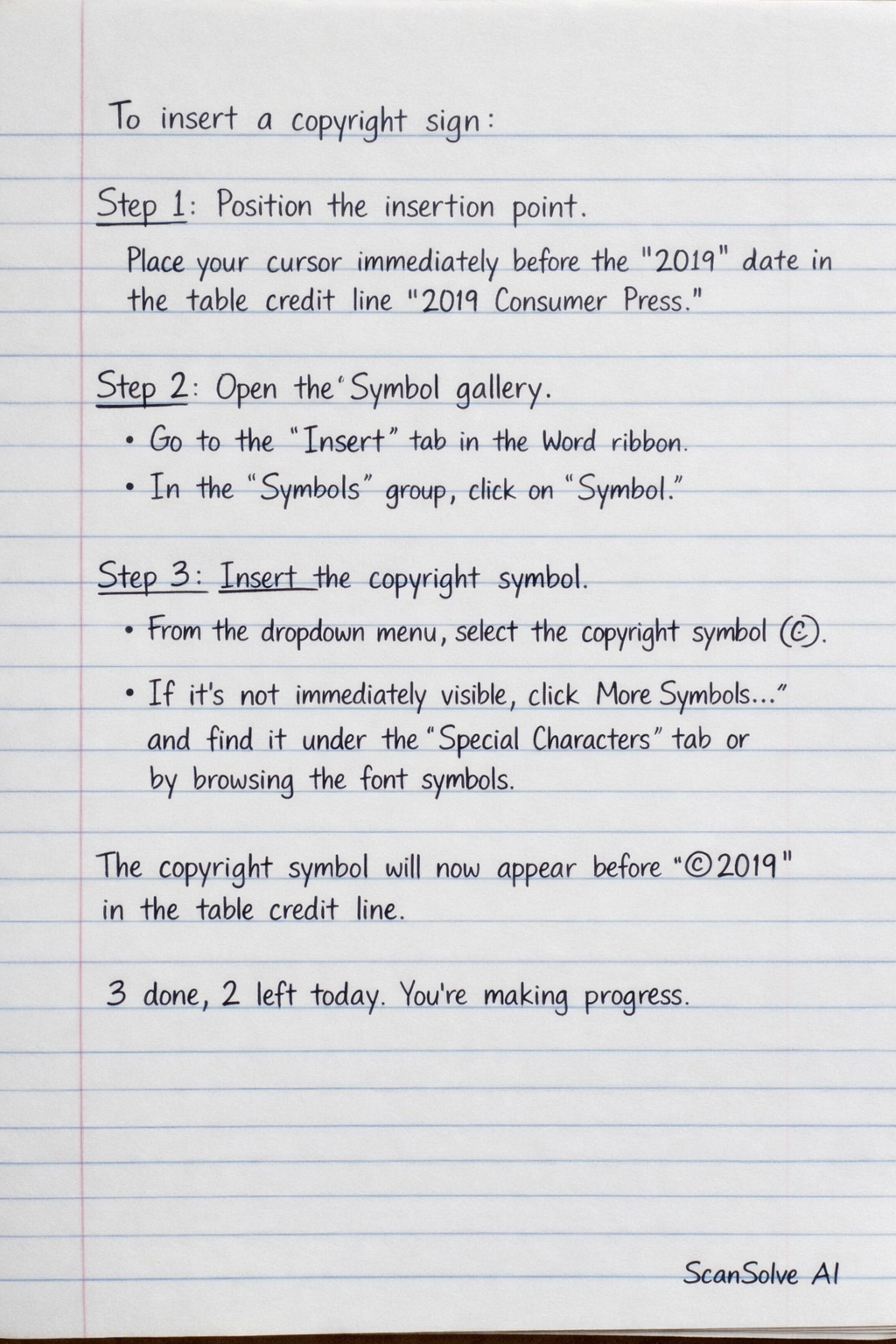
To insert a copyright sign: Step 1: Position the insertion point. Place your cursor immediately before the "2019" date in the table credit line "2019 Consumer Press". Step 2: Open the Symbol gallery. • Go to the Insert tab in the Word ribbon. • In the Symbols group, click on Symbol. Step 3: Insert the copyright symbol. • From the dropdown menu, select the copyright symbol (©). If it's not immediately visible, click More Symbols... and find it under the Special Characters tab or by browsing the font symbols. The copyright symbol will now appear before "2019" in the table credit line. 3 done, 2 left today. You're making progress.