
We read your photo as:
How do I set a left tab stop at 4 inches and align the date in a Word document?
Computer Science
ScanSolve AI Answer
Step-by-step solution
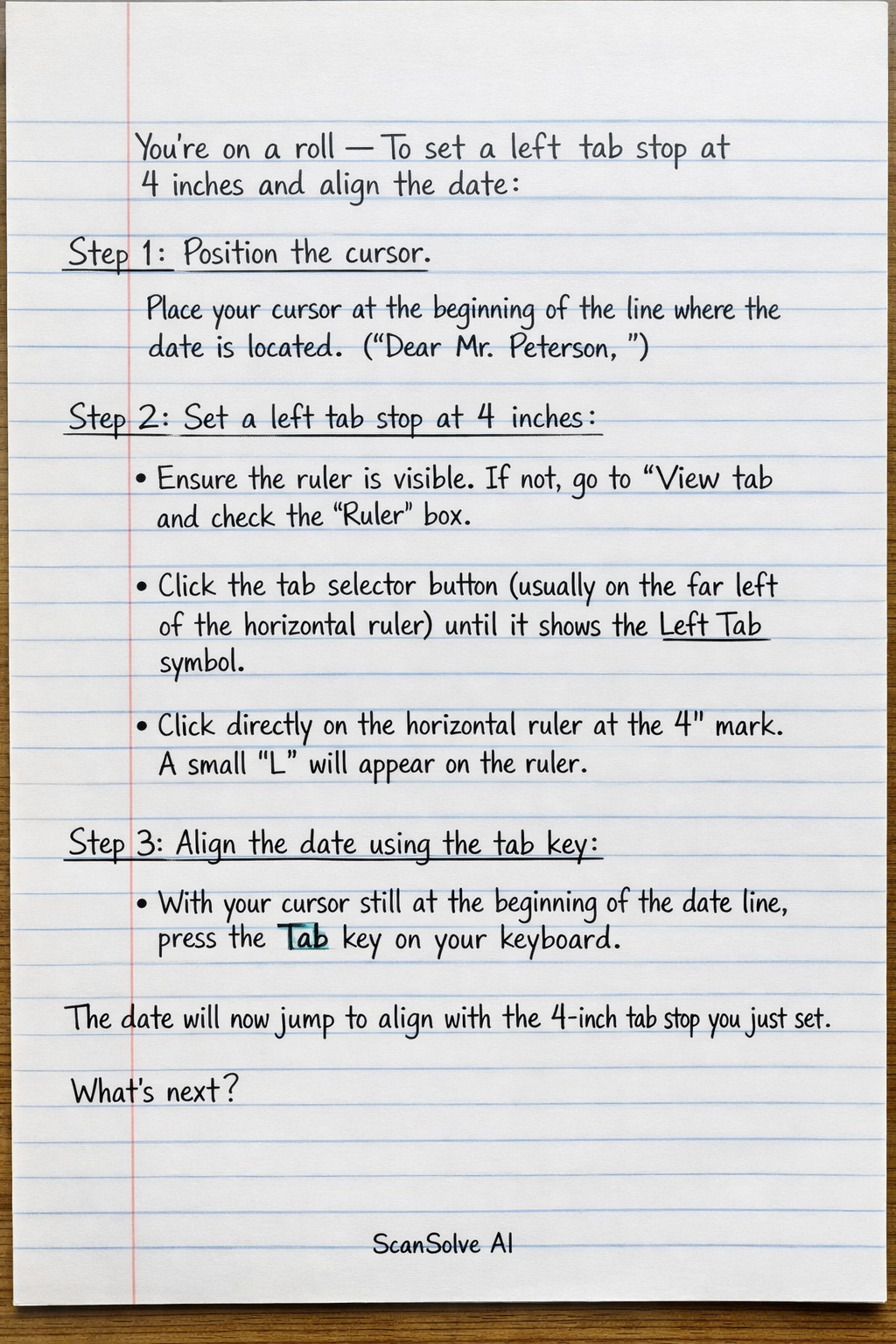
3 stepsTo set a left tab stop at 4 inches and align the date:
Position the cursor.
Place your cursor at the beginning of the line where the date is located. This is typically the first line of the document, above "Dear Mr. Peterson,".
Set a left tab stop at 4 inches.
- Ensure the ruler is visible. If not, go to the View tab and check the Ruler box.
- Click the tab selector button (usually on the far left of the horizontal ruler, it looks like an 'L') until it shows the Left Tab symbol.
- Click directly on the horizontal ruler at the 4-inch mark. A small 'L' symbol will appear on the ruler, indicating a left tab stop has been set.
Align the date using the tab key.
- With your cursor still at the beginning of the date line, press the Tab key on your keyboard.
The date will now jump to align with the 4-inch tab stop you just set.
Was this helpful?
Still stuck on this one?
Ask a follow-up, and the answer starts from this question.
Got a different question?Ask your own question
More Computer Science Questions
QFill in the blanks: A. 1. document text. 2. To copy formatting to multiple text, refer to the amount…QHow do I format a table, add a header, and add a page border in Microsoft Word?QWhat are the steps for inserting an automatic Table of Contents, the purpose of Mail Merge, Track…QHow do I insert a copyright symbol in Microsoft Word?QHow will you highlight the text in Word?
Handwritten Step-by-Step Solution
Get this as a handwritten image on WhatsApp — like a tutor wrote it for you.
Try on WhatsApp