

This computer science problem involves algorithmic thinking and programming concepts. The solution below explains the approach, logic, and implementation step by step.
ScanSolve AI Answer
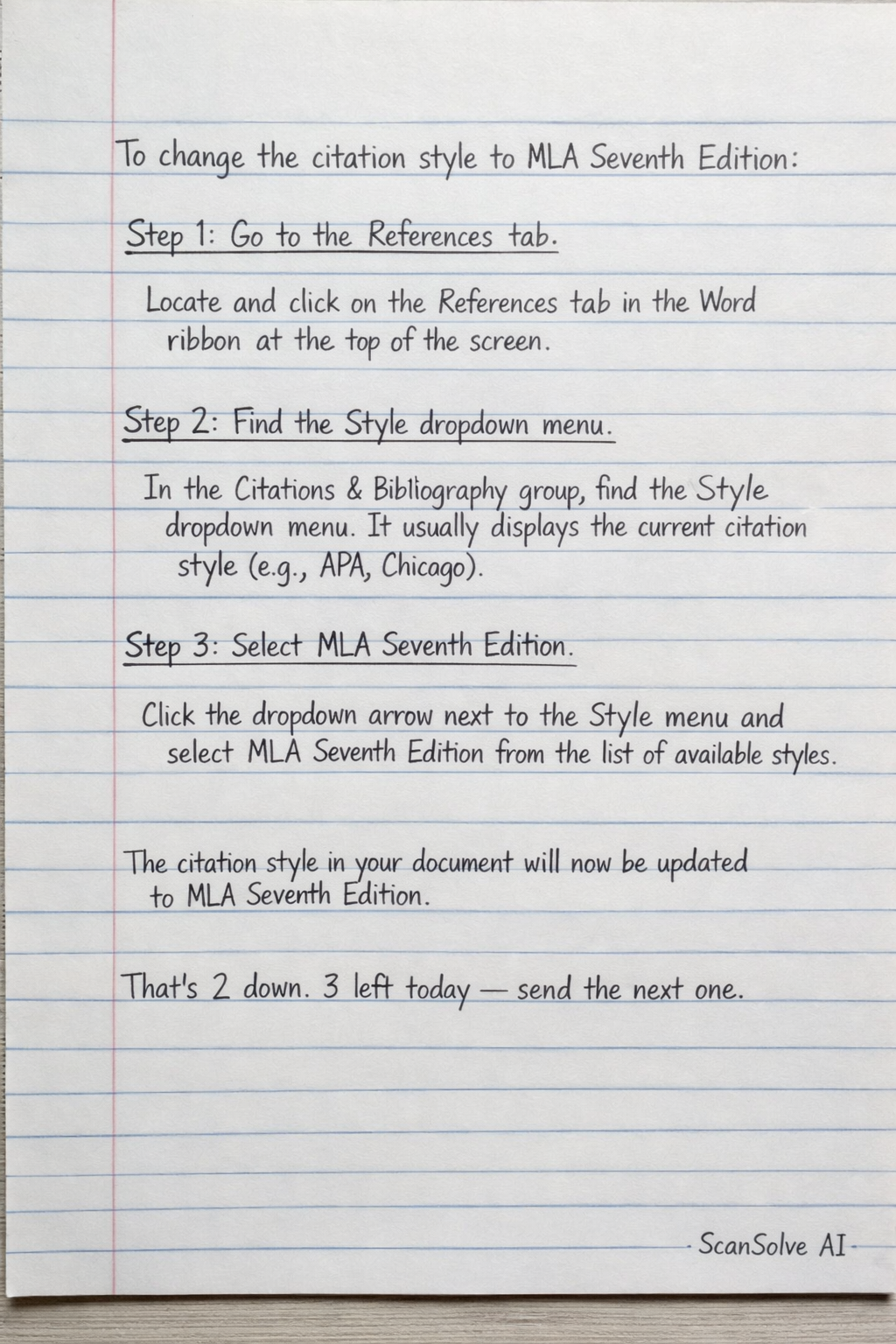
To change the citation style to MLA Seventh Edition: Step 1: Go to the References tab. Locate and click on the References tab in the Word ribbon at the top of the screen. Step 2: Find the Style dropdown menu. In the Citations & Bibliography group, find the Style dropdown menu. It usually displays the current citation style (e.g., APA, Chicago). Step 3: Select MLA Seventh Edition. Click the dropdown arrow next to the Style menu and select MLA Seventh Edition from the list of available styles. The citation style in your document will now be updated to MLA Seventh Edition. That's 2 down. 3 left today — send the next one.