

This computer science problem involves algorithmic thinking and programming concepts. The solution below explains the approach, logic, and implementation step by step.
ScanSolve AI Answer
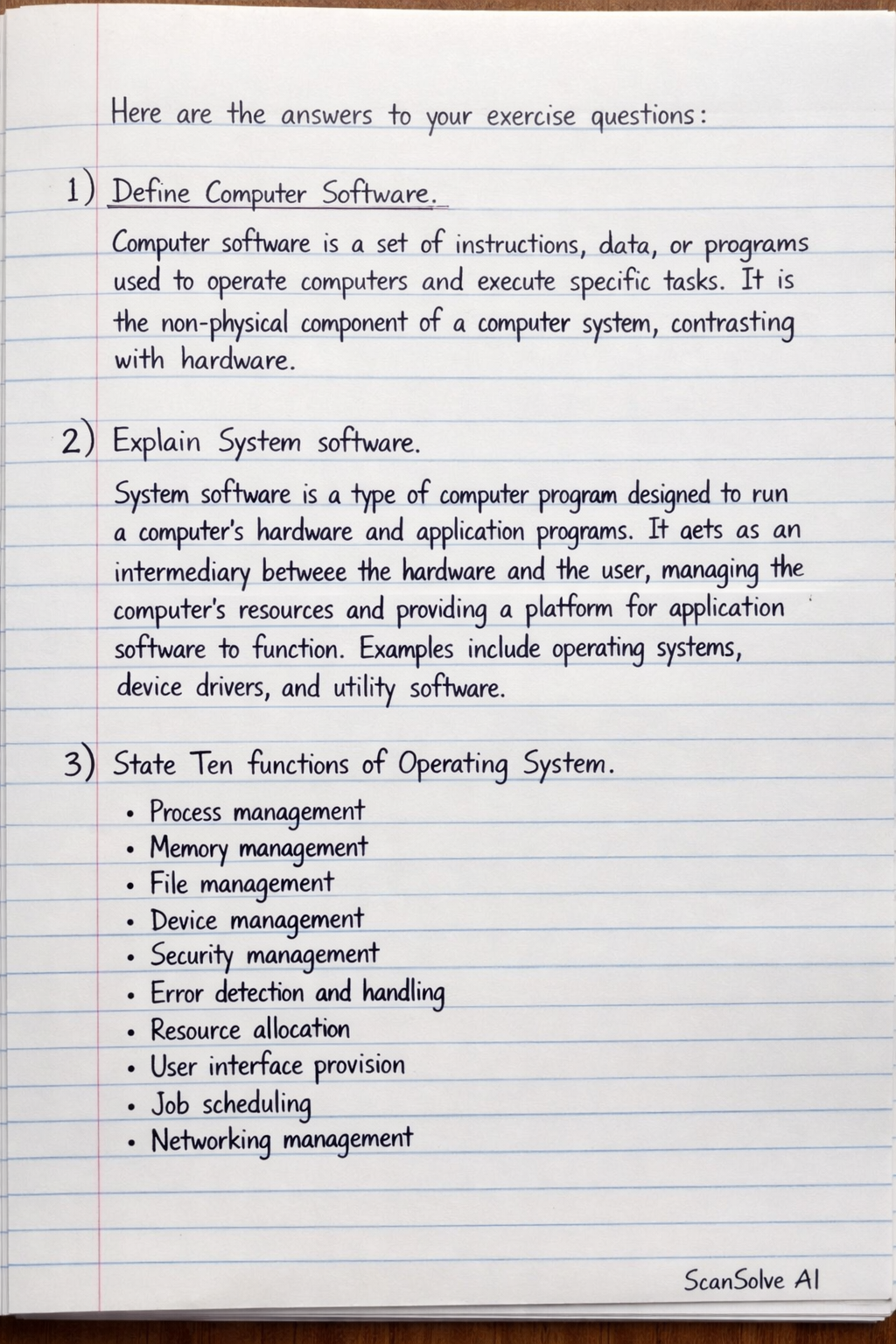
Here are the answers to your exercise questions: 1) Define Computer Software. Computer software is a set of instructions, data, or programs used to operate computers and execute specific tasks. It is the non-physical component of a computer system, contrasting with hardware. 2) Explain System software. System software is a type of computer program designed to run a computer's hardware and application programs. It acts as an intermediary between the hardware and the user, managing the computer's resources and providing a platform for application software to function. Examples include operating systems, device drivers, and utility software. 3) State Ten functions of Operating System. • Process management • Memory management • File management • Device management • Security management • Error detection and handling • Resource allocation • User interface provision • Job scheduling • Networking management 4) Classify Operating Systems, with examples. • Batch Operating Systems: Process jobs in batches without direct user interaction. Example: Early mainframe systems. • Time-sharing Operating Systems: Allow multiple users to share a computer simultaneously. Example: Unix, Linux. • Real-time Operating Systems (RTOS): Designed for applications with strict time constraints. Example: VxWorks (used in industrial control systems). • Distributed Operating Systems: Manage a group of independent computers as if they were a single computer. Example: Amoeba, Solaris. • Network Operating Systems (NOS): Run on a server and allow multiple computers to share resources. Example: Windows Server, Novell NetWare. • Mobile Operating Systems: Designed for mobile devices like smartphones and tablets. Example: Android, iOS. 5) Explain Language Translators, with examples. Language translators are programs that convert source code written in one programming language into another form, typically machine code, which the computer's processor can understand and execute. • Compilers: Translate an entire program into machine code before execution. Example: C++ compiler, Java compiler. • Interpreters: Translate and execute code line by line. Example: Python interpreter, JavaScript interpreter. • Assemblers: Translate assembly language (low-level language) into machine code. Example: NASM assembler. 6) Explain Utility programs, with examples. Utility programs are system software designed to help analyze, configure, optimize, or maintain a computer. They perform specific tasks to ensure the smooth functioning and efficiency of the computer system. • Antivirus Software: Protects against malware. Example: Avast, Norton. • Disk Defragmenter: Reorganizes fragmented data on a hard drive. Example: Windows Disk Defragmenter. • File Compression Utilities: Reduce file sizes. Example: WinZip, 7-Zip. • Backup Utilities: Create copies of data for recovery. Example: Windows Backup and Restore. 7) Explain Device Drivers, with examples. Device drivers are specific software programs that enable the operating system to communicate with a particular hardware device (e.g., a printer, graphics card, or network adapter). They act as a translator, converting the operating system's commands into instructions that the hardware device can understand. • Printer Driver: Allows the OS to send print jobs to a specific printer model. • Graphics Card Driver: Enables the OS to utilize the full capabilities of a graphics processing unit (GPU). • Network Adapter Driver: Allows the OS to communicate with the network interface card for internet access. 8) Explain Application software, with examples. Application software is a type of computer program designed to perform specific tasks or functions for the end-user. Unlike system software, which manages the computer itself, application software directly helps users accomplish their work or entertainment goals. • Word Processors: For creating and editing text documents. Example: Microsoft Word, Google Docs. • Web Browsers: For accessing and viewing websites. Example: Google Chrome, Mozilla Firefox. • Media Players: For playing audio and video files. Example: VLC Media Player, Windows Media Player. • Graphic Design Software: For creating and editing images. Example: Adobe Photoshop, GIMP. 9) State Five advantages of customised application software. • Tailored precisely to specific business needs and workflows. • Offers better integration with existing systems. • Provides greater scalability to grow with the business. • Can offer a competitive advantage through unique features. • Enhanced security features specific to the organization's requirements. 10) State Five disadvantages of customised application software. • High initial development cost. • Longer development and deployment time. • Reliance on a specific developer or team for maintenance. • Potential for bugs and errors during development. • Limited external support or community resources. 11) State Five advantages of commercial application software. • Generally lower upfront cost compared to custom solutions. • Immediate availability and quick deployment. • Extensive support, documentation, and user communities. • Regular updates and new features from the vendor. • Often well-tested and reliable due to widespread use. 12) State Five disadvantages of commercial application software. • May not perfectly fit specific business needs (generic features). • Lack of customization options. • Ongoing licensing fees or subscription costs. • Potential for vendor lock-in. • Security vulnerabilities can affect many users if exploited. 13) State Five guidelines for acquisition of application software. • Clearly define your specific needs and requirements. • Research and compare different software options available. • Check for compatibility with your existing hardware and operating systems. • Evaluate the total cost of ownership, including licensing, training, and maintenance. • Assess the vendor's reputation, support, and update policies. 14) Briefly explain the Five generations of programming languages. • First Generation (1GL): Machine Language - Consists of binary code (0s and 1s) directly understood by the CPU. It is machine-dependent and very difficult for humans to read and write. • Second Generation (2GL): Assembly Language - Uses symbolic instruction codes (mnemonics) instead of binary. It is translated into machine code by an assembler and is still machine-dependent but easier to program than 1GL. • Third Generation (3GL): High-Level Languages - Use statements resembling human language (English words and mathematical symbols). They are machine-independent and require a compiler or interpreter. Examples: FORTRAN, COBOL, C, Java, Python. • Fourth Generation (4GL): Very High-Level Languages - Designed to be closer to human language and focus on what to do rather than how to do it. They are often used for specific purposes like database management or report generation. Examples: SQL, MATLAB, Perl. • Fifth Generation (5GL): Natural Language Processing / AI Languages - Aim to allow users to interact with computers using natural human language or to solve problems using constraints rather than algorithms. They are primarily used in artificial intelligence and expert systems. Examples: Prolog, OPS5. That's 2 down. 3 left today — send the next one.