
We read your photo as:
Create queries to list products from EAI, products with price > 90 and < 180, and products not manufactured by EAI.
ScanSolve AI Answer
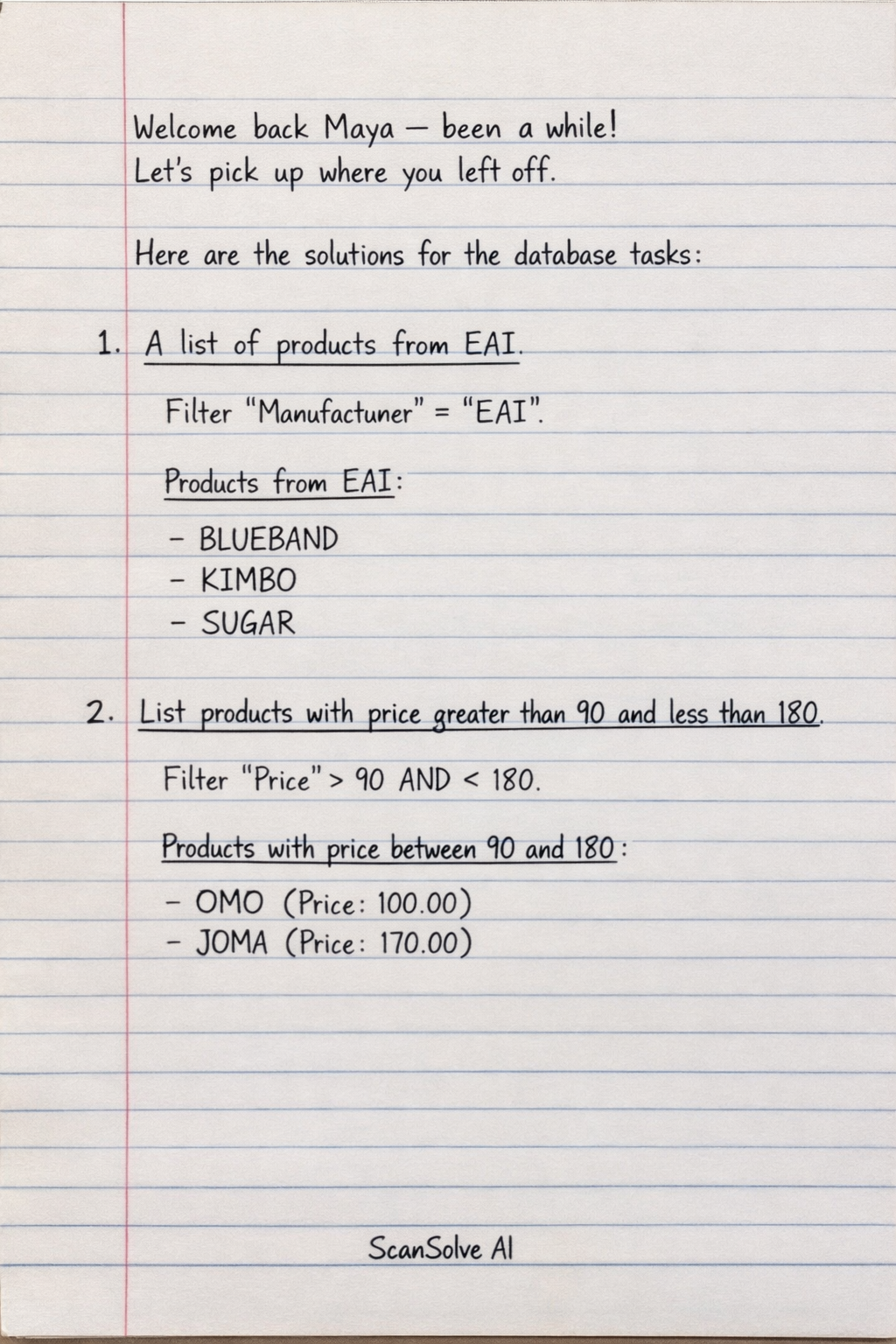
Here are the solutions for the database tasks:
Initial Setup Note: The instruction to "Open the table in design view and add a field CODE then enter the following records OCI, JT4, SB8, KE2, BE7, UB9, TK1, CB9, TB5 Save the table as Task 1" describes a setup step. For the queries below, we will use the data provided in the image. The 'CODE' field is assumed to be added, but its values for the existing records are not specified in the image, so it won't be used in the initial queries unless explicitly requested.
1. A list of products from EAI
To create this query, you would filter the 'Manufacturer' field for 'EAI'.
- Products from EAI:
- BLUEBAND
- KIMBO
- SUGAR
2. List products with price greater than 90 and less than 180
To create this query, you would filter the 'Price' field using the criteria >90 AND <180.
- Products with price between 90 and 180:
- OMO (Price: 100.00)
- JOMA (Price: 170.00)
3. List products which are NOT manufactured by EAI
To create this query, you would filter the 'Manufacturer' field using the criteria NOT "EAI".
- Products not manufactured by EAI:
- OMO (Manufacturer: AI)
- CHIPSY (Manufacturer: AI)
- DOOM (Manufacturer: BIDCO)
- JOMA (Manufacturer: WELCOME)
- TEA (Manufacturer: MUMIAS)
- UNGA (Manufacturer: KETEPA)
4. Give me a list of products which are tinned (I require the fields product, container & price)
To create this query, you would filter the 'Container' field for 'TINNED' and select the 'Product', 'Container', and 'Price' fields.
- Tinned products with Product, Container, and Price:
- BLUEBAND, TINNED, 27.30
- CHIPSY, TINNED, 338.50
- DOOM, TINNED, 86.00
- JOMA, TINNED, 170.00
- KIMBO, TINNED, 68.00
5. Produce a list of products with price 100 or less and are from EAI
To create this query, you would filter the 'Price' field using <=100 AND the 'Manufacturer' field using ="EAI".
- Products with price 100 or less from EAI:
- BLUEBAND (Price: 27.30, Manufacturer: EAI)
- KIMBO (Price: 68.00, Manufacturer: EAI)
- SUGAR (Price: 30.00, Manufacturer: EAI)
6. Create a form and add 4 records of your own to update the table
- In your database software (e.g., Microsoft Access), go to the Create tab.
- Select Form Wizard or Form Design.
- Choose the table (e.g., 'Task 1') and select all desired fields.
- Follow the wizard to create the form.
- Open the created form and navigate to a new record.
- Enter details for 4 new products, including a 'CODE' for each (e.g., your own codes like MYA1, MYA2, MYA3, MYA4).
- Save the form.
7. Create a report of each question asked
- For each query created in tasks 1-5, go to the Create tab in your database software.
- Select Report Wizard or Report Design.
- Choose the specific query you want to report on (e.g., "Products from EAI Query").
- Select the fields you want to include in the report.
- Follow the wizard to set grouping, sorting, and layout options.
- Save each report with an appropriate name (e.g., "Report - Products from EAI").
8. Create a report with the following fields in order Product, Code, Price, Tel. No. Group the data as per container
- Go to the Create tab in your database software.
- Select Report Wizard.
- Choose your table (e.g., 'Task 1').
- Select the fields in the specified order: 'Product', 'Code', 'Price', 'Tel. No.'.
- In the wizard, choose 'Container' as the grouping level.
- Set any desired sorting (e.g., by Product within each group).
- Choose your layout and title the report (e.g., "Products by Container Report").
- Save the report.
Still stuck on this one?
Ask a follow-up, and the answer starts from this question.
More Computer Science Questions
Handwritten Step-by-Step Solution
Get this as a handwritten image on WhatsApp — like a tutor wrote it for you.
Try on WhatsApp