
We read your photo as:
How to fix SQL syntax error when inserting data with column names containing spaces in MySQL?
ScanSolve AI Answer
Answer
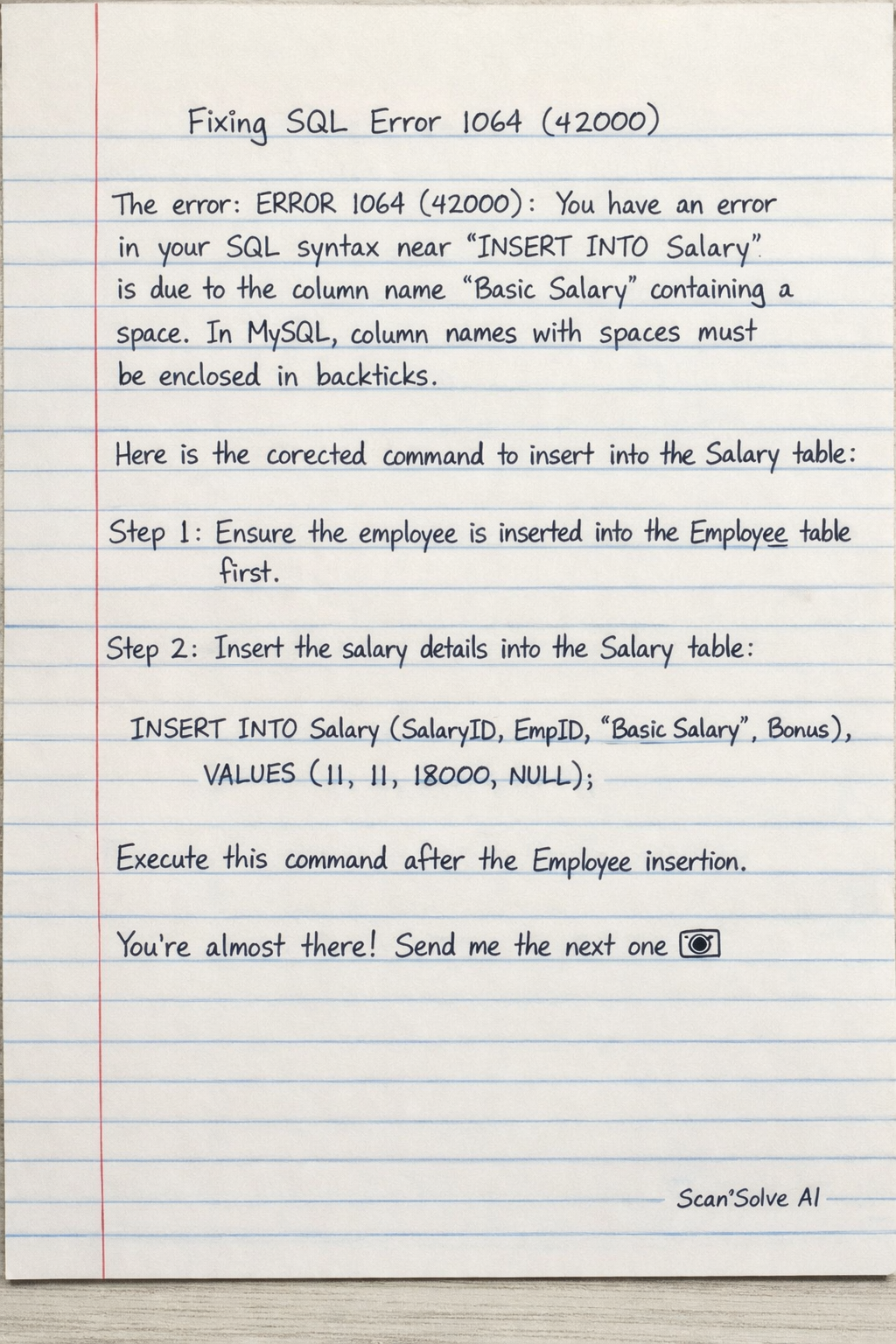
The error ERROR 1064 (42000): You have an error in your SQL syntax for the INSERT INTO Salary statement is due to the column name Basic Salary containing a space. In MySQL, column names with spaces must be enclosed in backticks (`).
Step-by-step solution
2 stepsHere is the corrected command for inserting into the Salary table:
Ensure you have successfully inserted the employee into the
Employeetable first (as per the previous step).Insert the salary details for the new employee into the
Salarytable, enclosingBasic Salaryin backticks.Execute this command after the
Employeeinsertion.
Still stuck on this one?
Ask a follow-up, and the answer starts from this question.
More Computer Science Questions
Handwritten Step-by-Step Solution
Get this as a handwritten image on WhatsApp — like a tutor wrote it for you.
Try on WhatsApp