

This computer science problem involves algorithmic thinking and programming concepts. The solution below explains the approach, logic, and implementation step by step.
ScanSolve AI Answer
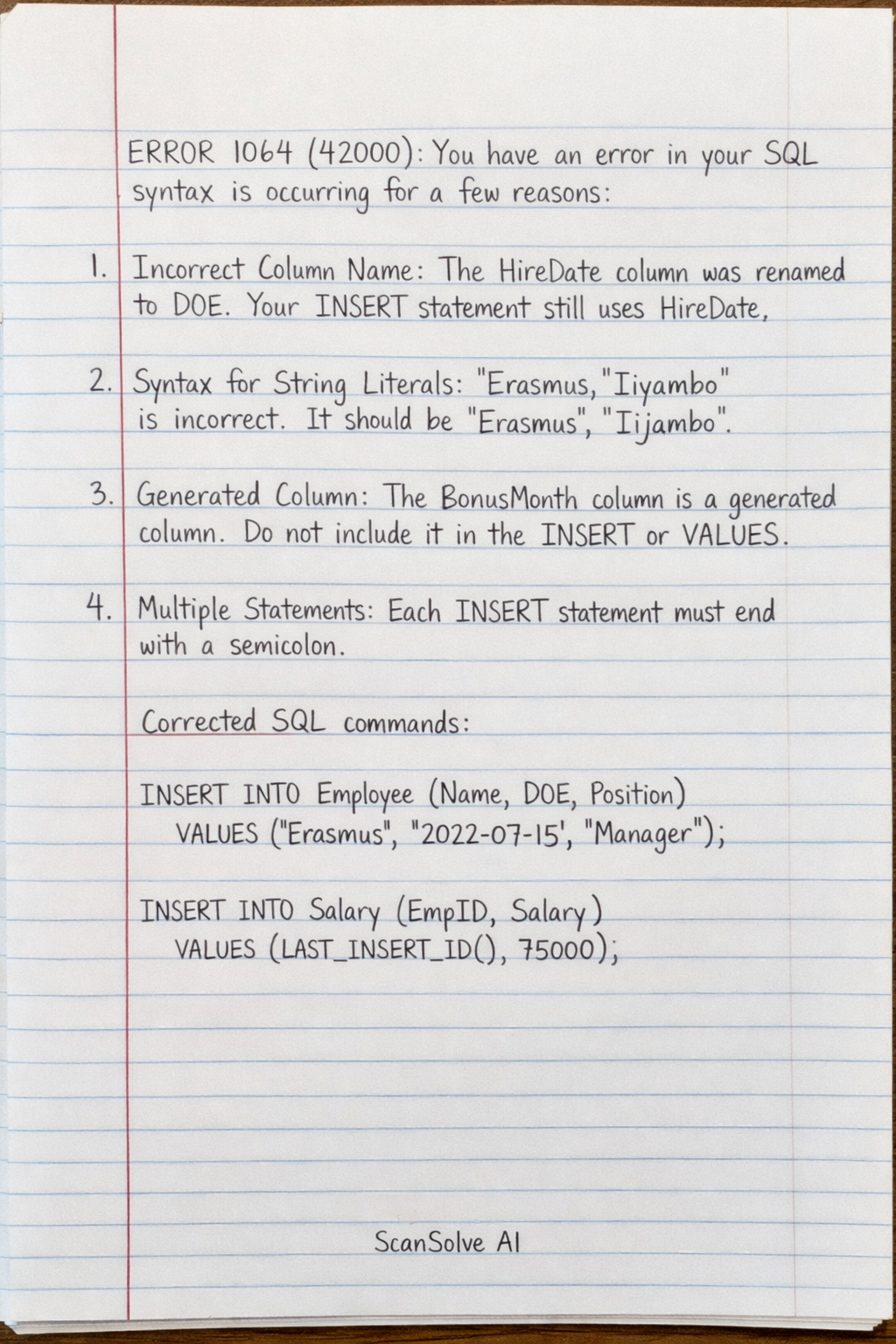
The error ERROR 1064 (42000): You have an error in your SQL syntax is occurring for a few reasons: 1. Incorrect Column Name: In the previous step, the HireDate column was renamed to DOE. Your INSERT statement for the Employee table still uses HireDate. 2. Syntax for String Literals: In your VALUES clause for Employee, 'Erasmus, 'Iiyambo' is incorrectly formatted. Each string literal needs to be enclosed in single quotes and separated by commas. It should be 'Erasmus', 'Iiyambo'. 3. Generated Column: The BonusMonth column is a generated column and should not be included in the INSERT statement's column list or VALUES. It will be automatically calculated based on the DOE. 4. Multiple Statements: Each INSERT statement needs to be executed separately, typically by ending each with a semicolon. Here are the corrected SQL commands to add the new employee and their salary: Step 1: Insert the new employee into the Employee table. Note that HireDate is changed to DOE, and BonusMonth is omitted as it's generated. INSERT INTO Employee (EmpID, FirstName, LastName, EmailAddress, DeptID, DOE) \\ VALUES (11, 'Erasmus', 'Iiyambo', 'eiiyambo@ias.com.na', 4, '2026-04-20'); Step 2: Insert the salary details for the new employee into the Salary table. INSERT INTO Salary (SalaryID, EmpID, BasicSalary, Bonus) \\ VALUES (11, 11, 18000, NULL); Execute these two commands one after the other. 3 done, 2 left today. You're making progress.