
We read your photo as:
Define the following terms: (i) Graphics (ii) Computer Graphics (iii) Application packages (iv) Desktop publishing (v) Computer-Aided Design (vi) Raster Graphics (vii) Vector Graphics
ScanSolve AI Answer
Step-by-step solution
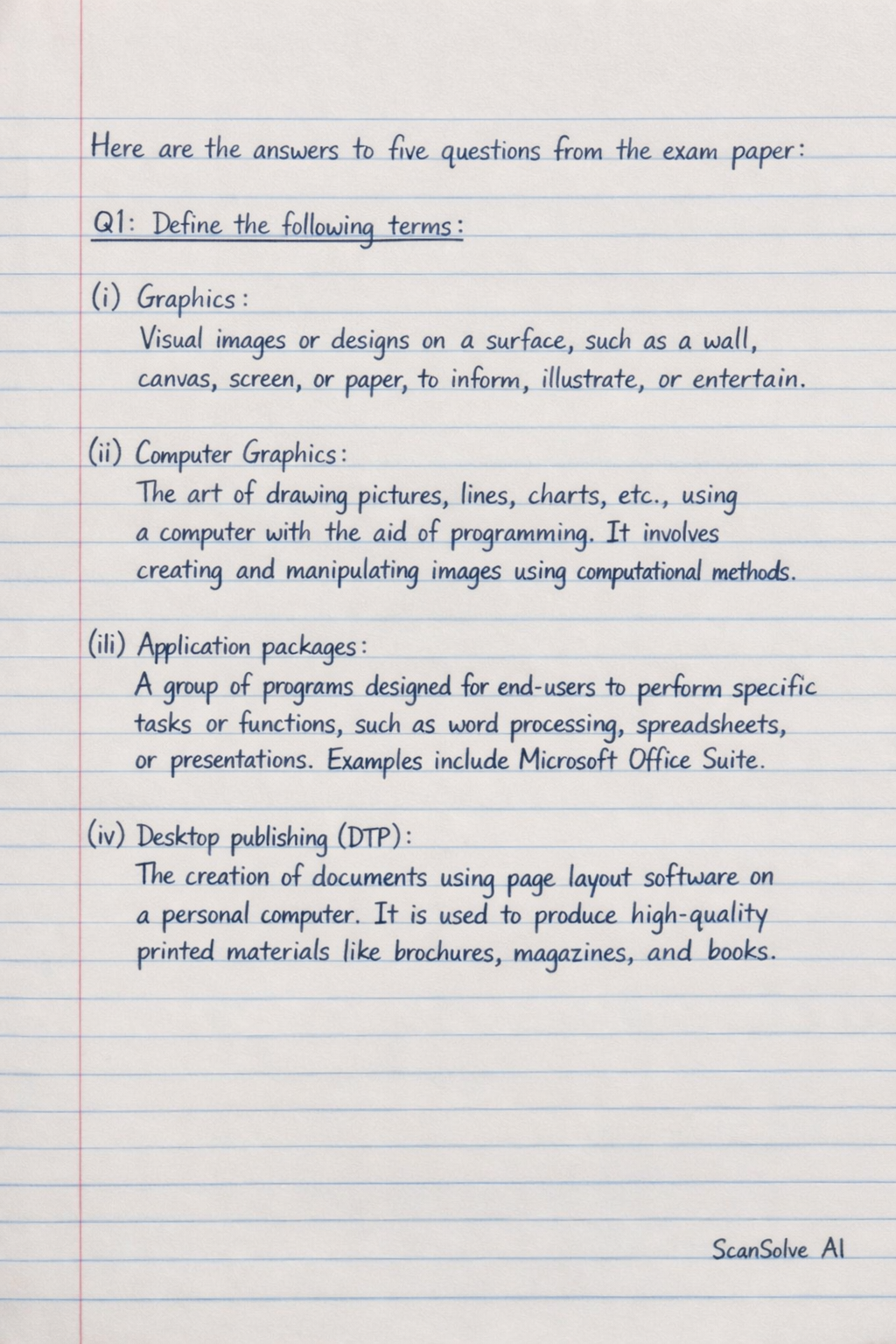
24 stepsHere are the answers to five questions from the exam paper:
Q1: Define the following terms:
- (i) Graphics: Visual images or designs on a surface, such as a wall, canvas, screen, or paper, to inform, illustrate, or entertain.
- (ii) Computer Graphics: The art of drawing pictures, lines, charts, etc., using a computer with the aid of programming. It involves creating and manipulating images using computational methods.
- (iii) Application packages: A group of programs designed for end-users to perform specific tasks or functions, such as word processing, spreadsheets, or presentations. Examples include Microsoft Office Suite.
- (iv) Desktop publishing (DTP): The creation of documents using page layout software on a personal computer. It is used to produce high-quality printed materials like brochures, magazines, and books.
- (v) Computer Aided Design (CAD): The use of computer systems to assist in the creation, modification, analysis, or optimization of a design. CAD software is used to increase productivity, improve design quality, and create a database for manufacturing.
- (vi) Raster Graphics: Images represented by a grid of pixels, where each pixel contains color information. When scaled up, raster images can appear pixelated or blurry. Examples include photographs.
- (vii) Vector Graphics: Images represented by mathematical equations that define points, lines, curves, and shapes. Vector graphics can be scaled to any size without loss of quality. Examples include logos and illustrations.
Q2a: Define Database Management System, and state a procedure for opening a new blank database reference to the Microsoft Access Database System.
Q2b: Define the following Microsoft Access Database parts:
Q2a:
-
Database Management System (DBMS): A software system designed to create, manage, and retrieve data from a database. It allows users to store, organize, and access information efficiently and securely.
Procedure for opening a new blank database in Microsoft Access:
Open Microsoft Access.
Select File from the menu, then click on New.
Choose Blank database.
Enter a File Name for your database and click Create.
Q2b:
- (i) Tables: The fundamental building blocks of a database, used to store data in an organized format of rows (records) and columns (fields).
- (ii) Forms: User-friendly interfaces for entering, viewing, and editing data in tables. They provide a structured way to interact with the database.
- (iii) Reports: Tools used to present data from tables or queries in a formatted, printable layout. They are used for summarizing and analyzing data.
- (iv) Queries: Requests for data or information from a database. They allow users to retrieve, filter, and manipulate specific data sets.
- (v) Macros: Automated sequences of actions or commands that perform a series of tasks with a single trigger. They simplify repetitive operations.
- (vi) Modules: Collections of Visual Basic for Applications (VBA) code that allow users to create custom functions, subroutines, and event procedures for advanced database functionality.
Q3: List eight (8) tools in the Microsoft PowerPoint application package, and explain their functions.
- 1. Normal View: The primary editing view for designing slides, adding text, images, and other content.
- 2. Slide Sorter View: Displays all slides as thumbnails, allowing for easy reordering, deletion, or duplication of slides.
- 3. Design Tab: Provides options to apply themes, color schemes, and background styles to slides, ensuring a consistent visual appearance.
- 4. Transitions Tab: Offers various visual effects that occur when moving from one slide to the next during a presentation.
- 5. Animations Tab: Allows users to apply motion effects to objects (text, images, shapes) on a slide, controlling how they appear, disappear, or move.
- 6. Insert Tab: Contains tools to add various elements to slides, such as pictures, shapes, charts, text boxes, videos, and audio.
- 7. Review Tab: Includes tools for spell-checking, grammar checking, adding comments, and comparing presentations.
- 8. Slide Show Tab: Manages presentation settings, such as starting the show from the beginning or current slide, and setting up custom shows.
Q4: State the formal procedure for performing the following activities, with reference to the Corel Draw application package:
- i. Starting the Corel Draw package:
Click on the Start button (Windows logo).
Navigate to All Programs or All Apps.
Find and click on the CorelDRAW Graphics Suite folder.
Click on CorelDRAW to launch the application.
- ii. Creating a new file in Corel Draw:
Once CorelDRAW is open, go to the File menu.
Select New (or press Ctrl+N).
In the Create a New Document dialog box, specify document settings like name, size, and color mode.
Click OK.
- iii. Drawing joining Freehand Lines in Corel Draw:
From the Toolbox, select the Freehand tool.
Click and drag on the drawing page to draw the first segment of the line.
Release the mouse button, then click on the end node of the previously drawn line.
Drag again to draw the next segment, which will automatically join the previous one.
- iv. Saving the File in Corel Draw:
Go to the File menu.
Select Save (or press Ctrl+S) for the first time, or Save As to save with a new name or location.
In the Save Drawing dialog box, choose the desired location and enter a File name.
Select the desired Save as type (e.g., .cdr for CorelDRAW file).
Click Save.
- v. Exiting the Corel Draw package:
Go to the File menu.
Select Exit (or press Alt+F4).
If there are unsaved changes, a prompt will appear asking if you want to save them.
Choose Save, Don't Save, or Cancel.
Q6a: State the advantages of AutoCAD.
Q6b: State five (5) major disciplines that use AutoCAD.
Q6c: State five (5) features of AutoCAD.Q6a: Advantages of AutoCAD:
- Increased Productivity: Automates many design tasks, reducing manual effort and time.
- Improved Accuracy: Allows for precise measurements and detailed designs, minimizing errors.
- Better Quality Designs: Enables designers to create complex and sophisticated designs with ease.
- Easy Modification: Designs can be easily edited, revised, and updated without redrawing from scratch.
Q6b: Five (5) major disciplines that use AutoCAD:
- 1. Architecture
- 2. Mechanical Engineering
- 3. Civil Engineering
- 4. Electrical Engineering
- 5. Interior Design
Q6c: Five (5) features of AutoCAD:
- 1. 2D Drafting and Annotation: Tools for creating precise two-dimensional drawings, including lines, arcs, circles, text, and dimensions.
- 2. 3D Modeling and Visualization: Capabilities to create three-dimensional models, including solid, surface, and mesh modeling, with rendering options.
- 3. Customization: Allows users to customize the interface, create custom commands, and develop specialized applications using APIs.
- 4. Collaboration Tools: Features for sharing designs, tracking changes, and working with multiple users on a single project.
- 5. Layer Management: Organizes drawing elements into layers, allowing for better control over visibility and properties.
Still stuck on this one?
Ask a follow-up, and the answer starts from this question.
More Computer Science Questions
Handwritten Step-by-Step Solution
Get this as a handwritten image on WhatsApp — like a tutor wrote it for you.
Try on WhatsApp