
We read your photo as:
Define the following terms: Merging cells, Multitasking, Clicking, Menu. Give two advantages of softcopy over hardcopy. Mention two types of software programs needed to run a computer efficiently.
ScanSolve AI Answer
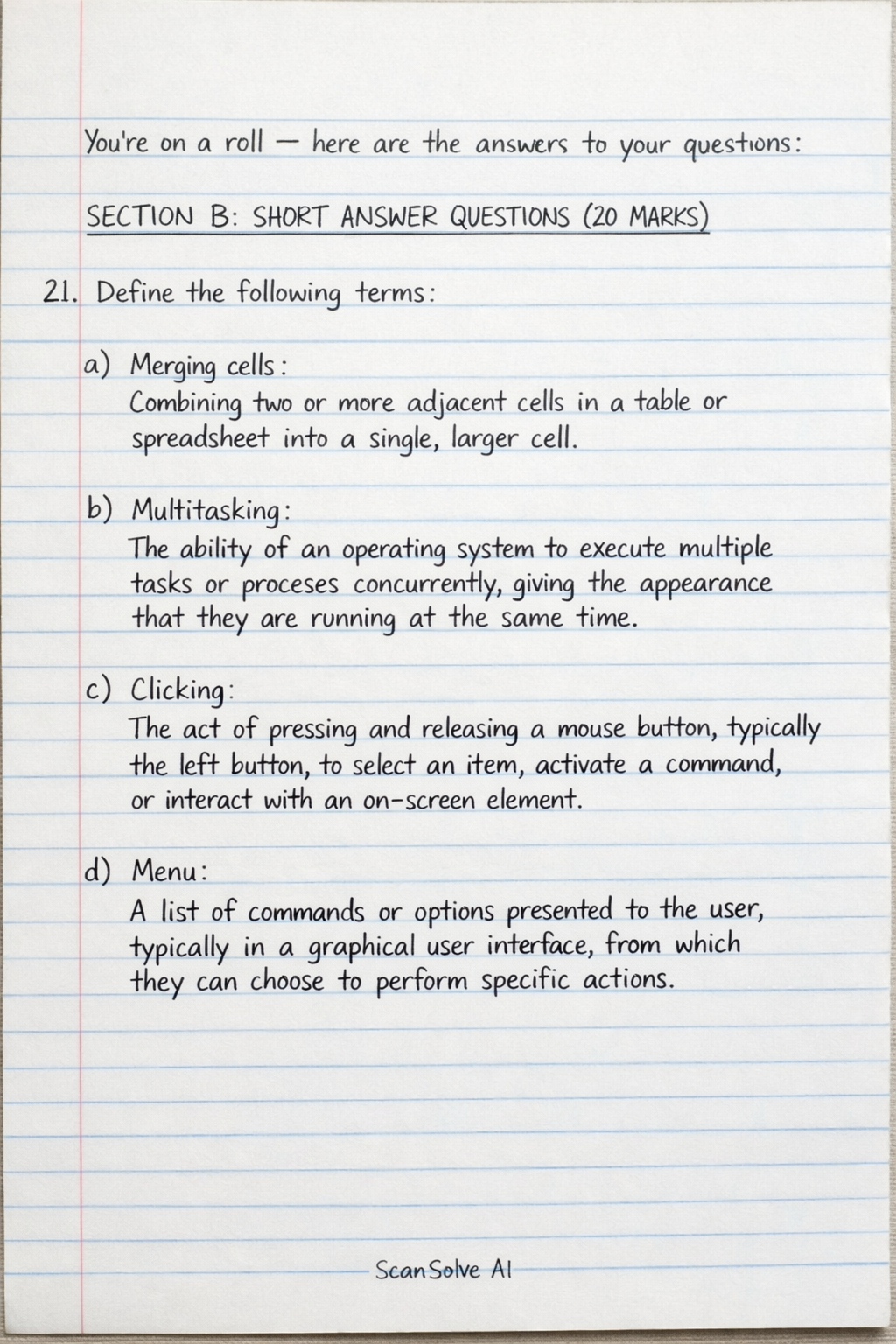
here are the answers to your questions:
SECTION B: SHORT ANSWER QUESTIONS (20 MARKS)
21. Define the following terms:
a) Merging cells: Combining two or more adjacent cells in a table or spreadsheet into a single, larger cell.
b) Multitasking: The ability of an operating system to execute multiple tasks or processes concurrently, giving the appearance that they are running at the same time.
c) Clicking: The act of pressing and releasing a mouse button, typically the left button, to select an item, activate a command, or interact with an on-screen element.
d) Menu: A list of commands or options presented to the user, typically in a graphical user interface, from which they can choose to perform specific actions.
22.
a) Give two (2) advantages of softcopy over hardcopy. * Softcopies are easily editable and modifiable, unlike hardcopies which require reprinting for changes. * Softcopies can be easily shared and distributed electronically to multiple recipients instantly, regardless of geographical distance. * Softcopies save physical storage space and reduce paper consumption, contributing to environmental sustainability. * Softcopies can be searched quickly for specific content using keywords, which is difficult with hardcopies.
b) Mention the two (2) types of software programs needed to run a computer efficiently. * System Software: Manages and controls the computer hardware and provides a platform for application software (e.g., Operating System, Device Drivers). * Application Software: Performs specific tasks for the user (e.g., Word Processor, Web Browser).
23. Give four (4) ways a text can be emphasised in a document using an electronic word processor.
- Bold: Making the text thicker and darker to stand out.
- Italic: Slanting the text to the right.
- Underline: Drawing a line beneath the text.
- Font Size: Increasing the size of the text.
- Font Color: Changing the color of the text.
- Highlight: Applying a colored background to the text.
24. Outline four (4) rules and regulations most institutions in Uganda use in their computer laboratory.
- No food or drinks allowed in the computer lab.
- Users must log in with their assigned credentials and log out after use.
- No installation of unauthorized software or modification of system settings.
- Maintain silence and avoid disruptive behavior.
- Report any hardware or software issues to the lab attendant.
- Do not visit inappropriate websites or engage in illegal activities.
25.
a) State two (2) main types of computer memory. * Primary Memory (Main Memory): This includes RAM (Random Access Memory) and ROM (Read-Only Memory). RAM is volatile and used for active data and programs, while ROM is non-volatile and stores essential boot-up instructions. * Secondary Memory (Auxiliary Memory): This is non-volatile storage used for long-term data retention, even when the computer is off (e.g., Hard Disk Drives, Solid State Drives, USB drives).
b) List two (2) examples of secondary storage devices. * Hard Disk Drive (HDD) * Solid State Drive (SSD) * USB Flash Drive * External Hard Drive * Optical Discs (CD, DVD, Blu-ray)
SECTION C: ESSAY QUESTIONS (60 MARKS)
26.
a) Define a folder in computer file management.
A folder (also known as a directory) is a virtual container within a computer's file system used to organize and store files and other folders. It helps in structuring data logically, making it easier to locate and manage information.
b) State One (1) difference between Physical and Wireless transmission medium. * Physical Transmission Medium: Uses tangible cables (e.g., copper wires, fiber optic cables) to transmit data, requiring a direct physical connection between devices. * Wireless Transmission Medium: Uses electromagnetic waves (e.g., radio waves, microwaves, infrared) to transmit data through the air, allowing devices to connect without physical cables.
c) Explain three (3) advantages of computer networks. * Resource Sharing: Networks allow users to share hardware resources (like printers, scanners) and software resources (like applications, databases) among multiple computers, reducing costs and increasing efficiency. * Data Sharing and Communication: Users can easily share files, documents, and other data across the network. Networks also facilitate communication through email, instant messaging, and video conferencing. * Centralized Data Management: Data can be stored on central servers, making it easier to back up, secure, and manage. This ensures data consistency and accessibility for all authorized users. * Enhanced Security: Centralized servers can implement robust security measures, including access controls, firewalls, and antivirus software, to protect data from unauthorized access and threats.
d) Explain five (5) special keys on the keyboard and give one (1) use for each. * Ctrl (Control) Key: Used in combination with other keys to perform shortcuts and commands. * Use: to copy selected text. * Alt (Alternate) Key: Also used in combination with other keys for special functions or to access menu commands. * Use: to close the active window. * Shift Key: Used to type uppercase letters or the upper symbols on keys. * Use: to type 'A'. * Tab Key: Used to move the cursor to the next tab stop, indent text, or navigate between fields in a form. * Use: to move to the next input field on a webpage. * Esc (Escape) Key: Used to cancel an operation, close a dialog box, or exit a full-screen mode. * Use: to close a pop-up window. * Windows Key (Super Key): Opens the Start menu or performs various system shortcuts. * Use: to open the Start menu. * Function Keys (F1-F12): Perform specific functions that vary by program or operating system. * Use: often opens the help menu in many applications.
27.
a) Explain five (5) safety measures recommended for computer users. * Ergonomic Setup: Adjust your chair, desk, monitor, and keyboard to maintain a comfortable posture, reducing the risk of repetitive strain injuries (RSIs) and back pain. * Regular Breaks: Take short breaks every 20-30 minutes to rest your eyes and stretch your body, preventing eye strain and muscle stiffness. * Antivirus Software: Install and regularly update antivirus and anti-malware software to protect against viruses, worms, and other malicious threats. * Strong Passwords: Use complex, unique passwords for all accounts and change them regularly to prevent unauthorized access. Consider using a password manager. * Data Backup: Regularly back up important files to an external drive or cloud storage to prevent data loss due to hardware failure, accidental deletion, or cyberattacks. * Firewall Protection: Enable and configure a firewall to monitor and control incoming and outgoing network traffic, blocking unauthorized access to your computer. * Software Updates: Keep your operating system and all software applications updated to patch security vulnerabilities and improve performance.
b) State five (5) examples of search engine. * Google * Bing * Yahoo Search * DuckDuckGo * Baidu * Ecosia
c) Explain five (5) types of malicious software and ways through which they manifest themselves. * Viruses: * Explanation: Malicious programs that attach themselves to legitimate programs or documents and spread to other computers when the infected file is executed. * Manifestation: Slow computer performance, unexpected pop-ups, corrupted files, system crashes, or unauthorized emails being sent from your account. * Worms: * Explanation: Self-replicating malware that spreads across networks without human intervention, often exploiting network vulnerabilities. * Manifestation: Significant network slowdowns, unusual network activity, system instability, or consumption of bandwidth. * Trojan Horses: * Explanation: Malware disguised as legitimate software. Users are tricked into installing them, after which they can perform malicious actions like creating backdoors or stealing data. * Manifestation: Unauthorized access to your system, data theft, installation of other malware, or changes to system settings without your knowledge. * Ransomware: * Explanation: Malware that encrypts a victim's files or locks their computer system and demands a ransom payment (usually in cryptocurrency) for decryption or access restoration. * Manifestation: Inability to access files, a lock screen demanding payment, or files having unusual extensions. * Spyware: * Explanation: Software that secretly monitors and collects information about a user's activities (e.g., browsing history, keystrokes, personal data) without their knowledge or consent. * Manifestation: Slow internet speeds, unexpected changes to browser homepage, excessive pop-up ads, or suspicious outgoing network activity. * Adware: * Explanation: Software that automatically displays unwanted advertisements, often in the form of pop-ups, banners, or redirects, to generate revenue for its creator. * Manifestation: Excessive pop-up ads, browser redirects to unfamiliar websites, or changes to browser settings.
28.
a) State one (1) difference between a Local Area Network and a Wide Area Network. * Local Area Network (LAN): Connects devices within a small, limited geographical area, such as a single building, office, or home. It typically has high data transfer rates and low latency. * Wide Area Network (WAN): Connects devices over a large geographical area, spanning cities, countries, or even continents. It typically uses public telecommunication links and has lower data transfer rates and higher latency compared to a LAN.
b) Explain five (5) ways of preventing eye strain caused by to long use of computer screen. * Follow the 20-20-20 Rule: Every 20 minutes, look away from the screen at an object 20 feet away for at least 20 seconds. This helps relax your eye muscles. * Adjust Screen Brightness and Contrast: Match the screen's brightness to the surrounding room light and ensure good contrast between text and background to reduce glare and improve readability. * Maintain Proper Viewing Distance: Position your monitor about an arm's length (20-28 inches or 50-70 cm) from your eyes, with the top of the screen at or slightly below eye level. * Use Anti-Glare Screens or Glasses: Apply an anti-glare filter to your monitor or wear computer glasses with anti-reflective coatings to reduce reflections and glare. * Blink Frequently: Consciously blink more often to keep your eyes moist and prevent dryness. If necessary, use lubricating eye drops. * Optimize Text Size and Font: Use a comfortable text size and a clear, easy-to-read font to avoid squinting and straining your eyes.
c) Give four (4) instances where a computer will require warm booting. * After installing new software or drivers: Many software installations require a restart to fully integrate changes into the operating system. * When the system becomes unresponsive or freezes: If the computer is not responding to commands, a warm boot can often resolve the issue without completely cutting power. * To apply system updates or patches: Operating system updates often require a restart to finalize the installation of new features or security fixes. * To clear temporary memory issues: A warm boot can clear the RAM and reset the operating system, resolving minor glitches or memory leaks. * When troubleshooting minor software conflicts: Restarting the system can sometimes resolve conflicts between applications or processes.
Still stuck on this one?
Ask a follow-up, and the answer starts from this question.
More Computer Science Questions
Handwritten Step-by-Step Solution
Get this as a handwritten image on WhatsApp — like a tutor wrote it for you.
Try on WhatsApp