
We read your photo as:
How do I change the print scaling of a spreadsheet to 85%?
Computer Science
ScanSolve AI Answer
Answer
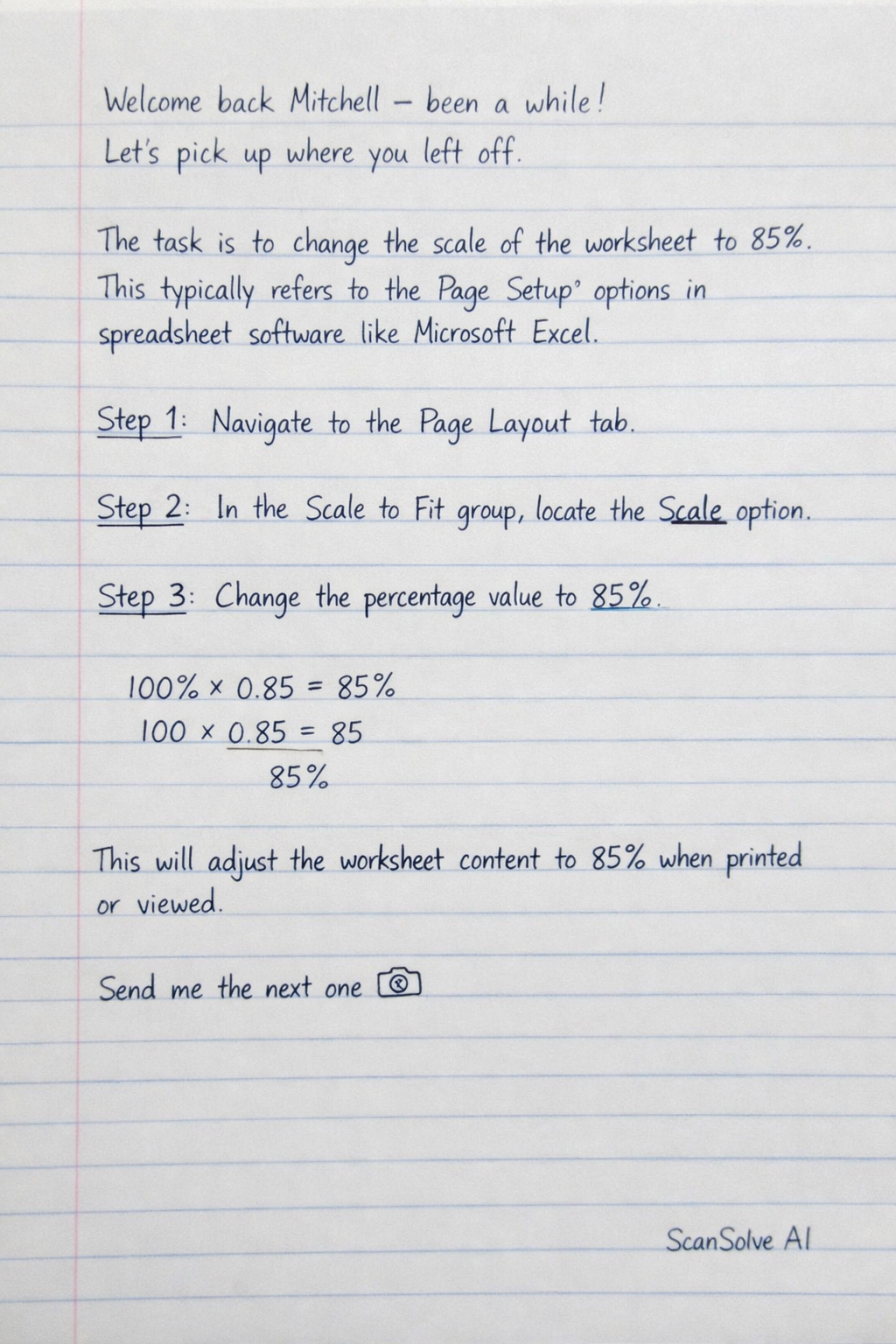
The task instruction is to change the scale of the worksheet to 85%. This typically refers to the Page Setup options in spreadsheet software like Microsoft Excel.
Step-by-step solution
3 stepsNavigate to the Page Layout tab.
In the Scale to Fit group, locate the Scale option.
Change the percentage value to 85%.
This action will adjust how the worksheet content is scaled when printed or viewed.
Was this helpful?
Still stuck on this one?
Ask a follow-up, and the answer starts from this question.
Got a different question?Ask your own question
More Computer Science Questions
QHow do I save a copy of a spreadsheet, delete the chart, change page orientation to landscape, show…QHow can you resize an Excel table?QHow do I complete a spreadsheet task including copying formulas, conditional formatting, adding…QHow do I format a spreadsheet with bold headers, borders, adjusted column widths, and centered…QHow do I apply specific borders (all and thick outside) to the cell range A3:G17 in a spreadsheet…
Handwritten Step-by-Step Solution
Get this as a handwritten image on WhatsApp — like a tutor wrote it for you.
Try on WhatsApp