
We read your photo as:
How do I complete a spreadsheet task including copying formulas, conditional formatting, adding borders, saving, and printing?
Computer Science
ScanSolve AI Answer
Step-by-step solution
5 stepsHere are the instructions for the spreadsheet task:
Overall Goal: Determine the maximum votes/ratings.
Step 1
Copy any existing formulas or functions to other relevant cells in the spreadsheet. This is typically done by dragging the fill handle (a small square at the bottom-right corner of a selected cell) to apply the formula to adjacent cells.
Step 2
Apply conditional formatting to Column D.
- Select Column D.
- Use the conditional formatting feature to create a rule: if a cell's text content is "Natural", then apply a light red fill color and change the text color to dark red.
Step 3
Add borders to the spreadsheet.
- Select the entire range of cells that contain data.
- Apply all borders (both vertical and horizontal) to this selected range, as specified by the task's visual indication (which is not provided here but would be part of the original context).
Step 4
Save the spreadsheet file.
- Go to "File" -> "Save As".
- Name the file Q2A WONDER.
- Choose a suitable location to save the file.
Step 5
Print the spreadsheet.
- Go to "File" -> "Print".
- In the print settings, ensure the page orientation is set to Landscape.
- Look for options to disable row and column headings (sometimes called "Print headings" or "Gridlines" in print settings) and uncheck them.
- Adjust scaling or margins to ensure the entire spreadsheet fits on ONE page.
- Print the document and place it in the designated folder.
Was this helpful?
Still stuck on this one?
Ask a follow-up, and the answer starts from this question.
Got a different question?Ask your own question
More Computer Science Questions
QComplete the spreadsheet tasks as outlined in sections 2.1 to 2.9, modifying text, inserting…QHow do I save a copy of a spreadsheet, delete the chart, change page orientation to landscape, show…QHow do I format a spreadsheet with bold headers, borders, adjusted column widths, and centered…QTASK B: SPREADSHEET MANAGEMENTQCreate a spreadsheet with specific formatting and use VLOOKUP to pull data from another sheet.
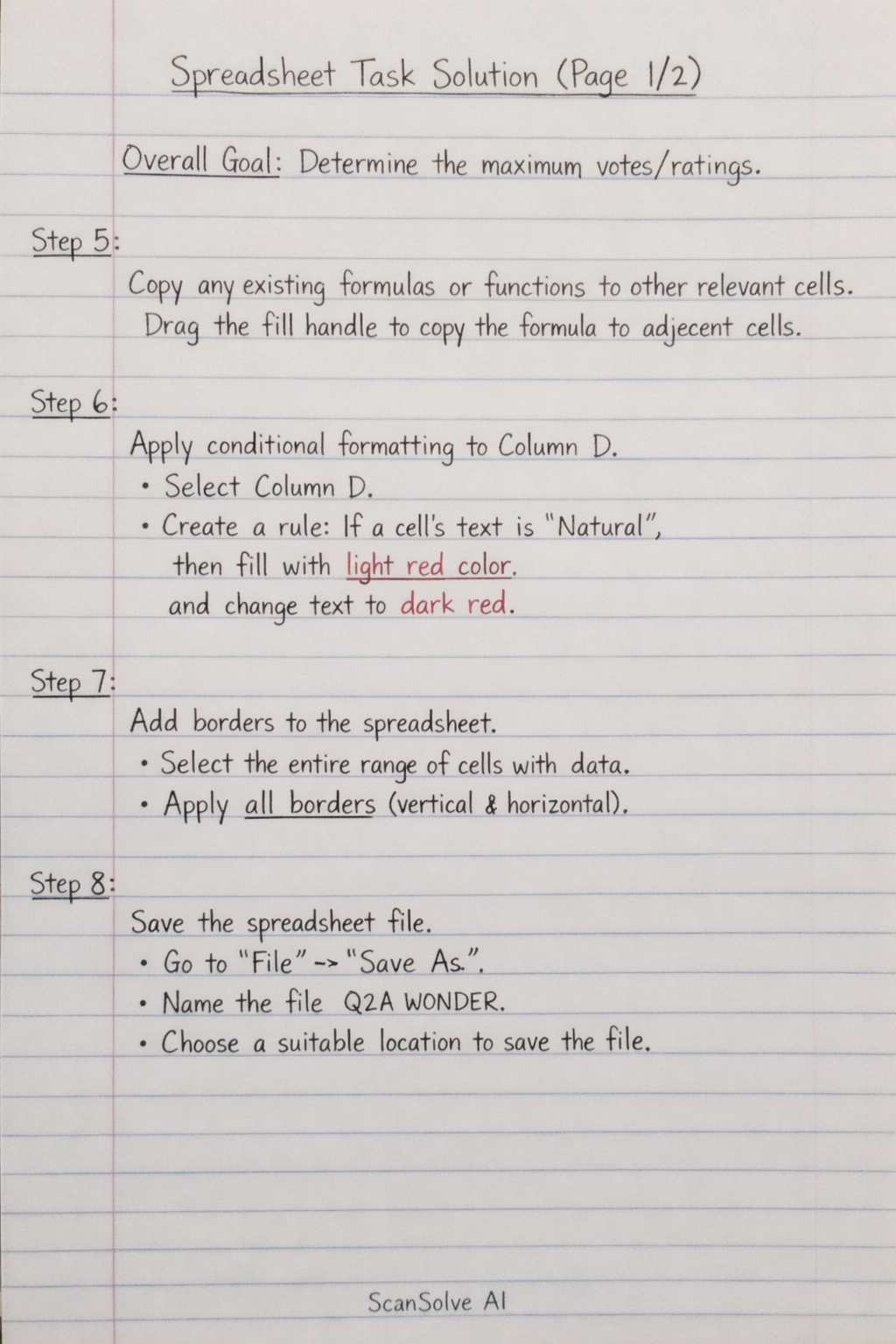
Handwritten Step-by-Step Solution
Get this as a handwritten image on WhatsApp — like a tutor wrote it for you.
Try on WhatsApp