
We read your photo as:
In a rubric grading system, what option allows you to see the specific selections made for each category?
ScanSolve AI Answer
Step-by-step solution
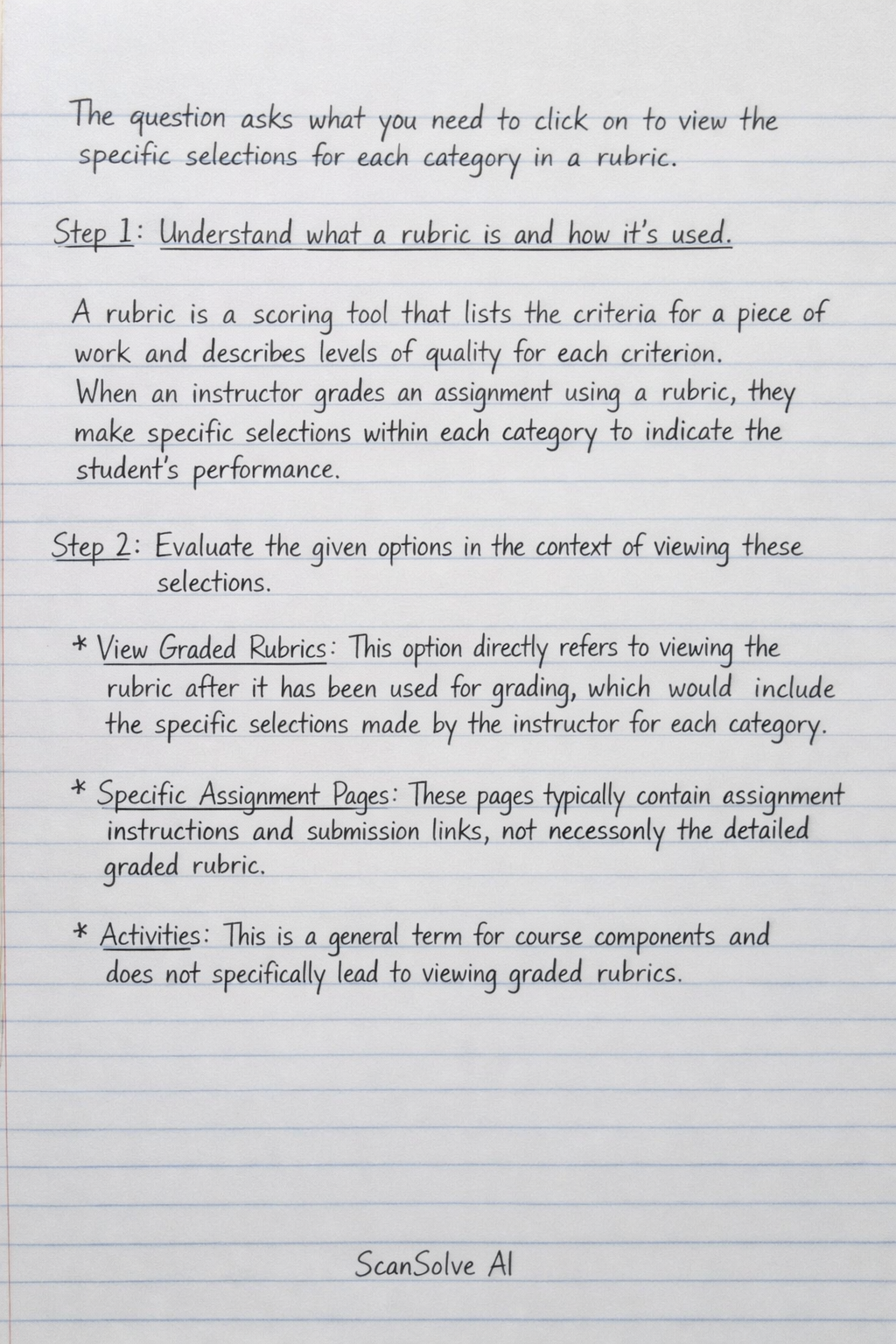
3 stepsThe question asks what you need to click on to view the specific selections for each category in a rubric.
Understand what a rubric is and how it's used.
A rubric is a scoring tool that lists the criteria for a piece of work and describes levels of quality for each criterion. When an instructor grades an assignment using a rubric, they make specific selections within each category to indicate the student's performance.
Evaluate the given options in the context of viewing these selections.
- View Graded Rubrics: This option directly refers to viewing the rubric after it has been used for grading, which would include the specific selections made by the instructor for each category.
- Specific Assignment Pages: These pages typically contain assignment instructions and submission links, not necessarily the detailed graded rubric.
- Activities: This is a general term for course components and does not specifically lead to viewing graded rubrics.
- Grades: While the "Grades" section shows your overall score, to see the specific selections for each category in a rubric, you would typically need to access the detailed feedback for that grade, which often includes the graded rubric. However, "View Graded Rubrics" is a more direct and precise description of the action needed.
Select the most appropriate option.
To view the specific selections made by an instructor within each category of a rubric, the most direct action is to view the graded rubric itself.
The correct option is:
- View Graded Rubrics
Still stuck on this one?
Ask a follow-up, and the answer starts from this question.
More Computer Science Questions
Handwritten Step-by-Step Solution
Get this as a handwritten image on WhatsApp — like a tutor wrote it for you.
Try on WhatsApp