

This computer science problem involves algorithmic thinking and programming concepts. The solution below explains the approach, logic, and implementation step by step.
ScanSolve AI Answer
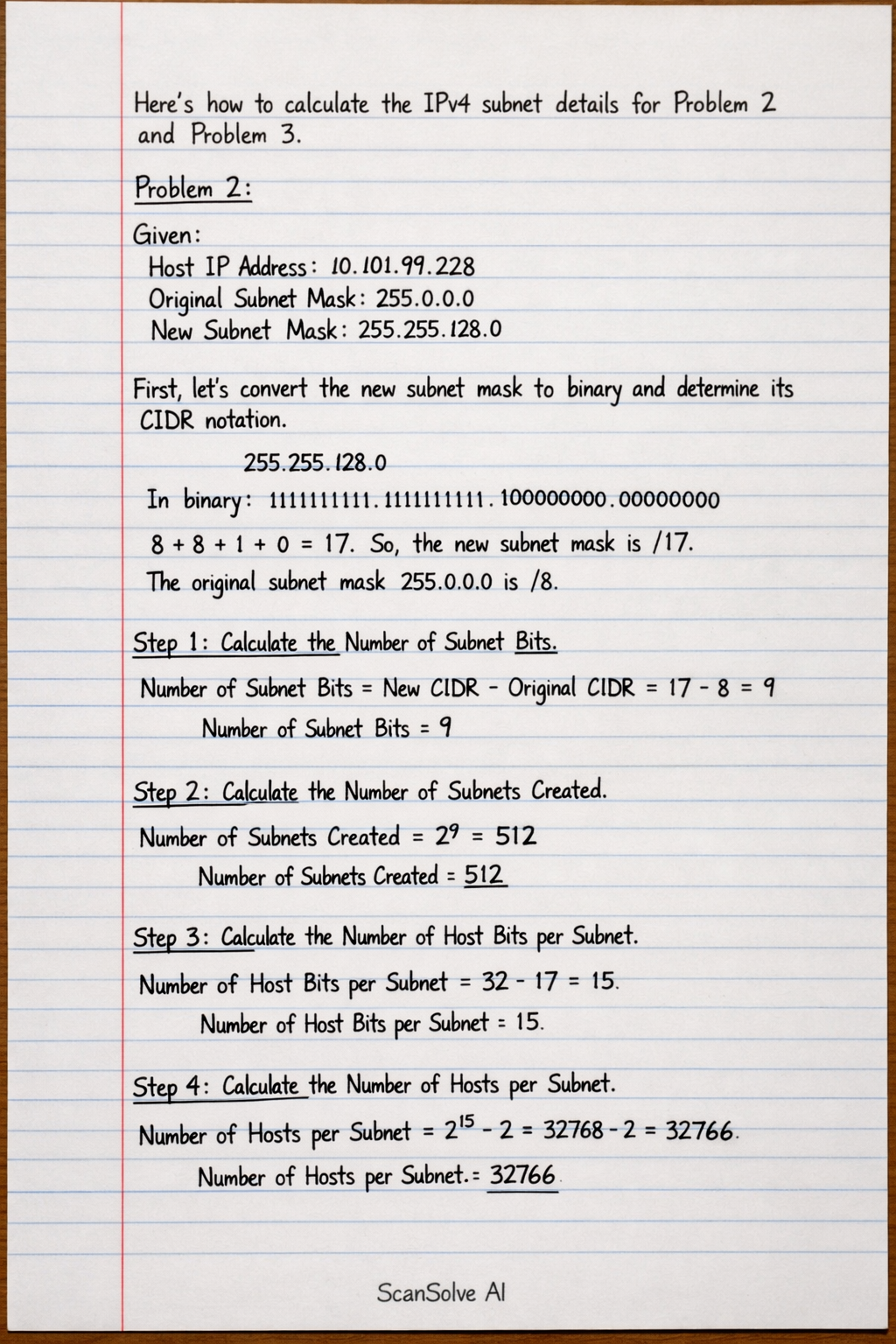
Here's how to calculate the IPv4 subnet details for Problem 2 and Problem 3. Problem 2: Given: Host IP Address: 10.101.99.228 Original Subnet Mask: 255.0.0.0 New Subnet Mask: 255.255.128.0 First, let's convert the new subnet mask to binary and determine its CIDR notation. 255.255.128.0 In binary: 11111111.11111111.10000000.00000000 The number of '1's is 8 + 8 + 1 + 0 = 17. So, the new subnet mask is /17. The original subnet mask 255.0.0.0 is /8. Step 1: Calculate the Number of Subnet Bits. Number of Subnet Bits = New CIDR - Original CIDR = 17 - 8 = 9 • Number of Subnet Bits: 9 Step 2: Calculate the Number of Subnets Created. Number of Subnets Created = 2^9 = 512 • Number of Subnets Created: 512 Step 3: Calculate the Number of Host Bits per Subnet. Number of Host Bits per Subnet = 32 - 17 = 15 • Number of Host Bits per Subnet: 15 Step 4: Calculate the Number of Hosts per Subnet. Number of Hosts per Subnet = 2^15 - 2 = 32768 - 2 = 32766 • Number of Hosts per Subnet: 32766 Step 5: Determine the Network Address of this Subnet. Host IP: 10.101.99.228 New Subnet Mask: 255.255.128.0 Bitwise AND: c 00001010.01100101.01100011.11100100 \\ AND 11111111.11111111.10000000.00000000 \\ 00001010.01100101.00000000.00000000 In decimal: 10.101.0.0 • Network Address of this Subnet: 10.101.0.0 Step 6: Determine the IPv4 Address of First Host on this Subnet. First Host Address = 10.101.0.0 + 1 = 10.101.0.1 • IPv4 Address of First Host on this Subnet: 10.101.0.1 Step 7: Determine the IPv4 Broadcast Address on this Subnet. The block size for the third octet is 256 - 128 = 128. The subnets in the third octet are multiples of 128: 0, 128. Since the host IP's third octet (99) falls into the 0 block, the next network address is 10.101.128.0. Broadcast Address = 10.101.128.0 - 1 = 10.101.127.255 • IPv4 Broadcast Address on this Subnet: 10.101.127.255 Step 8: Determine the IPv4 Address of Last Host on this Subnet. Last Host Address = 10.101.127.255 - 1 = 10.101.127.254 • IPv4 Address of Last Host on this Subnet: 10.101.127.254 Problem 3: Given: Host IP Address: 172.22.32.12 Original Subnet Mask: 255.255.0.0 New Subnet Mask: 255.255.224.0 First, let's convert the new subnet mask to binary and determine its CIDR notation. 255.255.224.0 In binary: 11111111.11111111.11100000.00000000 The number of '1's is 8 + 8 + 3 + 0 = 19. So, the new subnet mask is /19. The original subnet mask 255.255.0.0 is /16. Step 1: Calculate the Number of Subnet Bits. Number of Subnet Bits = New CIDR - Original CIDR = 19 - 16 = 3 • Number of Subnet Bits: 3 Step 2: Calculate the Number of Subnets Created. Number of Subnets Created = 2^3 = 8 • Number of Subnets Created: 8 Step 3: Calculate the Number of Host Bits per Subnet. Number of Host Bits per Subnet = 32 - 19 = 13 • Number of Host Bits per Subnet: 13 Step 4: Calculate the Number of Hosts per Subnet. Number of Hosts per Subnet = 2^13 - 2 = 8192 - 2 = 8190 • Number of Hosts per Subnet: 8190 Step 5: Determine the Network Address of this Subnet. Host IP: 172.22.32.12 New Subnet Mask: 255.255.224.0 Bitwise AND: c 10101100.00010110.00100000.00001100 \\ AND 11111111.11111111.11100000.00000000 \\ 10101100.00010110.00100000.00000000 In decimal: 172.22.32.0 • Network Address of this Subnet: 172.22.32.0 Step 6: Determine the IPv4 Address of First Host on this Subnet. First Host Address = 172.22.32.0 + 1 = 172.22.32.1 • IPv4 Address of First Host on this Subnet: 172.22.32.1 Step 7: Determine the IPv4 Broadcast Address on this Subnet. The block size for the third octet is 256 - 224 = 32. The subnets in the third octet are multiples of 32: 0, 32, 64, 96, 128, 160, 192, 224. Since the host IP's third octet (32) falls into the 32 block, the next network address is 172.22.64.0. Broadcast Address = 172.22.64.0 - 1 = 172.22.63.255 • IPv4 Broadcast Address on this Subnet: 172.22.63.255 Step 8: Determine the IPv4 Address of Last Host on this Subnet. Last Host Address = 172.22.63.255 - 1 = 172.22.63.254 • IPv4 Address of Last Host on this Subnet: 172.22.63.254 That's 2 down. 3 left today — send the next one.