
We read your photo as:
Define and explain the importance of Refresh Rate, Dot Pitch, Resolution, Screen Size, and LED Backlight. Identify Registers, Cache Memory, and the role of virtual memory.
ScanSolve AI Answer
Step-by-step solution
4 stepsFill in the blanks for Question 1.
- The Refresh Rate refers to the number of times per second the screen is redrawn, measured in hertz (Hz), and is especially important for smooth video playback and gaming.
- The Dot Pitch is the distance between two pixels of the same color and affects the sharpness of the image; a smaller value means a clearer display.
- Another important specification is the Resolution (for example, ), and determines how much content can be shown on the screen.
- The Screen Size is the diagonal measurement of the screen, typically measured in inches, and influences how large the display appears to the user.
- Modern monitors often use LED Backlight technology which provides better brightness, contrast, and energy efficiency compared to older display types like LCD and CRT.
Identify types of memory for Question 1.4.
- i) This type of memory is the fastest and smallest, located directly within the processor. It holds instructions and data currently being executed, often for only a few cycles. Answer: Registers
- ii) This memory is also very fast and sits between the CPU and main RAM. It stores frequently used instructions and data to speed up processing by reducing access time. Answer: Cache Memory
- iii) When the system runs out of RAM, it temporarily writes data to the hard drive in a special file to simulate more RAM. This type of memory is slower and can reduce system performance if overused. Answer: Virtual Memory
- iv) This is the standard type of RAM used in most computers. It must be constantly refreshed while in use and loses data when power is off. Answer: DRAM (Dynamic Random Access Memory)
- v) Unlike (iv), this type of RAM is faster and does not need refreshing. However, it is more expensive and typically used for specific applications like cache memory. Answer: SRAM (Static Random Access Memory)
Identify network devices for Question Two.
- a) This device allows students with laptops, smartphones, and tablets to connect to the network without using any physical cables. It sends and receives data over radio waves and is installed in the center of the residence hall to ensure full coverage. Answer: Wireless Router / Access Point
- b) This simple device receives incoming data from one device and broadcasts it to all connected devices, regardless of the intended recipient. It's cheap but not very efficient. Answer: Hub
- c) This component is responsible for directing traffic between the residence hall's internal network and the internet. It ensures that outgoing and incoming data is correctly routed to and from external networks. Answer: Router
- d) This device is more advanced than B. It can analyze incoming data and forward it only to the specific device it is meant for, improving both speed and security within the hall's internal network. Answer: Switch
- e) To help students who are off-campus connect to the residence hall's network securely, Mr. Polepole sets up a service that creates an encrypted "tunnel" for secure communication over the internet. Answer: VPN (Virtual Private Network)
Perform binary and hexadecimal conversions for Question Three.
-
i) Convert binary to hexadecimal. Group the binary digits into sets of four from right to left:
Convert each group to its hexadecimal equivalent:
Combine the hexadecimal digits: The hexadecimal equivalent is .
-
ii) Convert the decimal IP address 111.11.0.10 to 8-bit binary numbers for each octet. Convert each decimal octet to an 8-bit binary number:
The IP address in binary is .
-
iii) Convert the octal memory address to hexadecimal. (Note: The question states "7A7 in octal", which is invalid as 'A' is not an octal digit. Based on the student's written work, it is assumed the intended octal value was ). First, convert the octal number to binary:
Concatenate the binary digits: . Next, group the binary digits into sets of four from right to left:
Convert each group to its hexadecimal equivalent:
Combine the hexadecimal digits: The hexadecimal equivalent is .
-
Still stuck on this one?
Ask a follow-up, and the answer starts from this question.
More Computer Science Questions
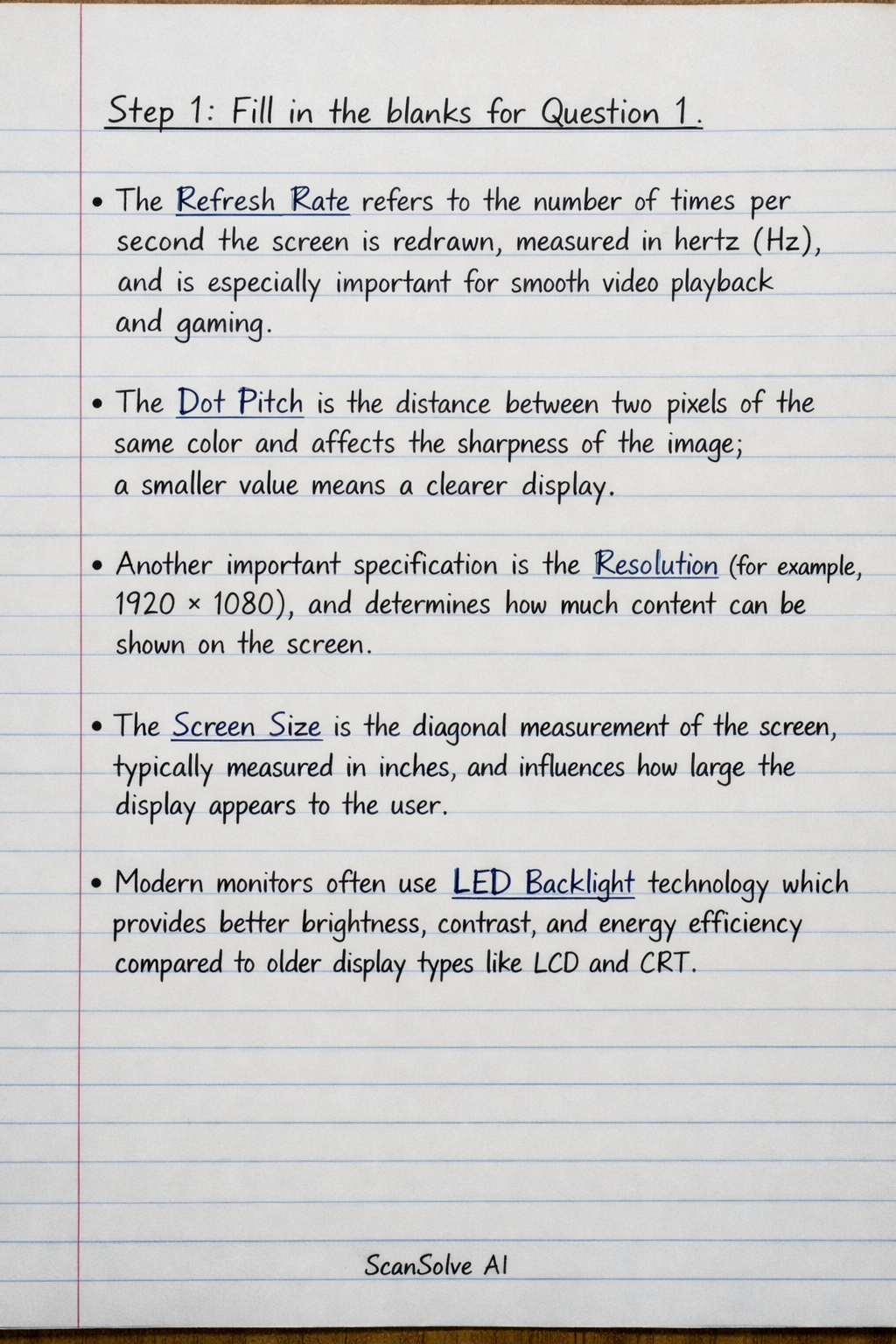
Handwritten Step-by-Step Solution
Get this as a handwritten image on WhatsApp — like a tutor wrote it for you.
Try on WhatsApp