
We read your photo as:
Define operating system and distinguish between client and server operating systems with examples.
ScanSolve AI Answer
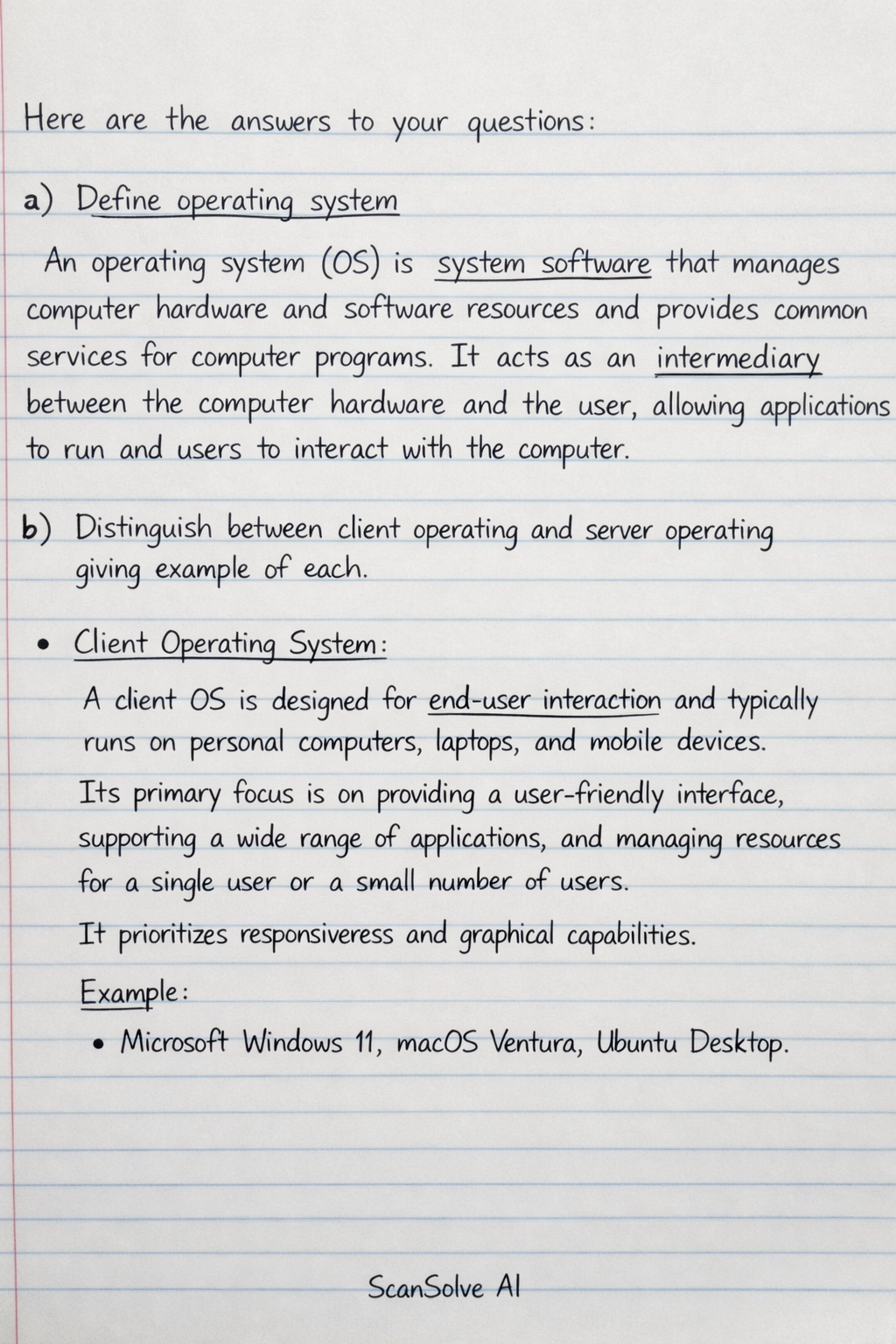
Here are the answers to your questions:
a) Define operating system
An operating system (OS) is system software that manages computer hardware and software resources and provides common services for computer programs. It acts as an intermediary between the computer hardware and the user, allowing applications to run and users to interact with the computer.
b) Distinguish between client operating and server operating giving example of each
-
Client Operating System: A client OS is designed for end-user interaction and typically runs on personal computers, laptops, and mobile devices. Its primary focus is on providing a user-friendly interface, supporting a wide range of applications, and managing resources for a single user or a small number of users. It prioritizes responsiveness and graphical capabilities. Example: Microsoft Windows 11, macOS Ventura, Ubuntu Desktop.
-
Server Operating System: A server OS is designed to manage network resources and provide services to multiple client computers over a network. It prioritizes stability, security, scalability, and efficient resource management for handling numerous concurrent requests. It often lacks a rich graphical user interface by default, focusing on command-line administration for efficiency. Example: Microsoft Windows Server 2022, Linux (e.g., Red Hat Enterprise Linux, Ubuntu Server), FreeBSD.
c) Outline ten (10) functions of operating system
- Process Management: Manages the execution of programs, including creating, scheduling, and terminating processes.
- Memory Management: Allocates and deallocates memory space to processes and manages virtual memory.
- File Management: Organizes, stores, retrieves, and protects files and directories on storage devices.
- Device Management: Controls and coordinates the operation of hardware devices (e.g., printers, keyboards, disk drives).
- I/O System Management: Handles input and output operations between the CPU and peripheral devices.
- Security and Protection: Protects system resources and user data from unauthorized access and malicious activities.
- User Interface: Provides a way for users to interact with the computer, either through a graphical user interface (GUI) or a command-line interface (CLI).
- Networking: Manages network connections and communication between computers.
- Error Handling: Detects and responds to errors in hardware and software to ensure system stability.
- Resource Allocation: Distributes system resources (CPU time, memory, I/O devices) among competing processes.
Still stuck on this one?
Ask a follow-up, and the answer starts from this question.
More Computer Science Questions
Handwritten Step-by-Step Solution
Get this as a handwritten image on WhatsApp — like a tutor wrote it for you.
Try on WhatsApp