
We read your photo as:
Q1. MICROSOFT WORD: Is word processing software used to create, edit, format, and print documents such as letters, reports, and essays Q2. Features of Microsoft Word Q3. Differences between save and save As Q4. Four formatting tools in Microsoft word
Computer Science
ScanSolve AI Answer
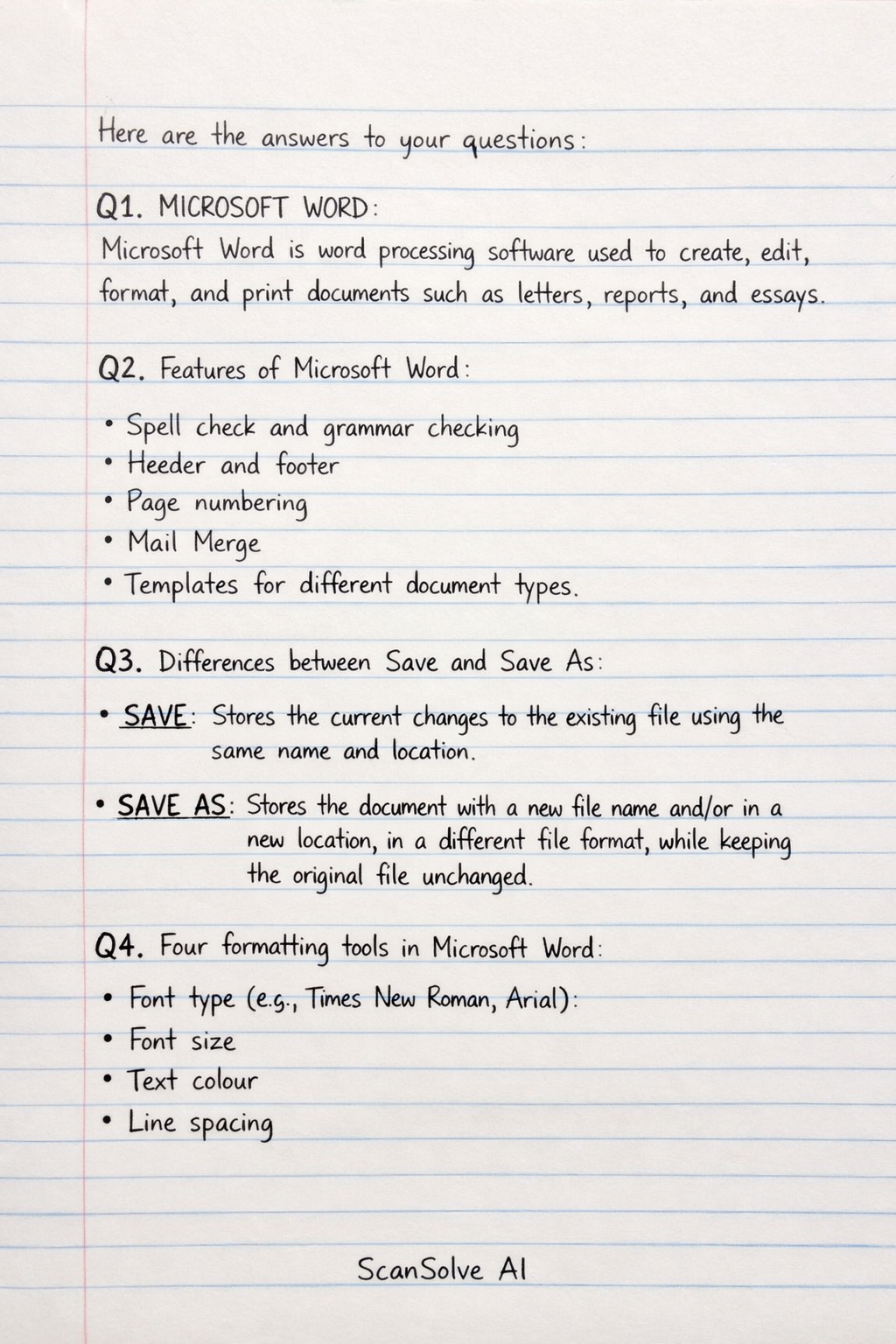
Here are the answers to your questions:
Q1. MICROSOFT WORD:
Microsoft Word is word processing software used to create, edit, format, and print documents such as letters, reports, and essays.
Q2. Features of Microsoft Word:
- Spell check and grammar checking
- Header and footer
- Page numbering
- Mail Merge
- Templates for different document types
Q3. Differences between save and save As:
- SAVE: Stores the current changes to the existing file using the same name and location.
- SAVE AS: Stores the document with a new file name and/or in a new location, in a different file format, while keeping the original file unchanged.
Q4. Four formatting tools in Microsoft Word:
- Font type (e.g., Times New Roman, Arial)
- Font size
- Text colour
- Line spacing
Q5. Definitions:
- HEADER: The header is used to place text or graphics at the top margin of every page in a document, such as titles, author name, or page numbers.
- FOOTER: The footer is used to place text or graphics at the bottom margin of every page, such as dates, page numbers, or footnotes.
- SPELL CHECK: Spell check checks documents for spelling and sometimes grammar mistakes, helping you correct them automatically or manually.
- MAIL MERGE: Mail merge allows you to create many personalized documents (like letters or certificates) by combining one main document with a list of recipient data (names, addresses, etc.).
Was this helpful?
Still stuck on this one?
Ask a follow-up, and the answer starts from this question.
Got a different question?Ask your own question
More Computer Science Questions
QFirst batch questions: What is the difference between save as and Save How is document saved in…QA) Word processing software is an application used for creating, editing, formatting, and printing…QHow can Microsoft Word be used for lesson preparation and delivery? Explain its features like Insert…QExamples of word processingQWhat are the answers to the following Microsoft Word questions?
Handwritten Step-by-Step Solution
Get this as a handwritten image on WhatsApp — like a tutor wrote it for you.
Try on WhatsApp