

This computer science problem involves algorithmic thinking and programming concepts. The solution below explains the approach, logic, and implementation step by step.
ScanSolve AI Answer
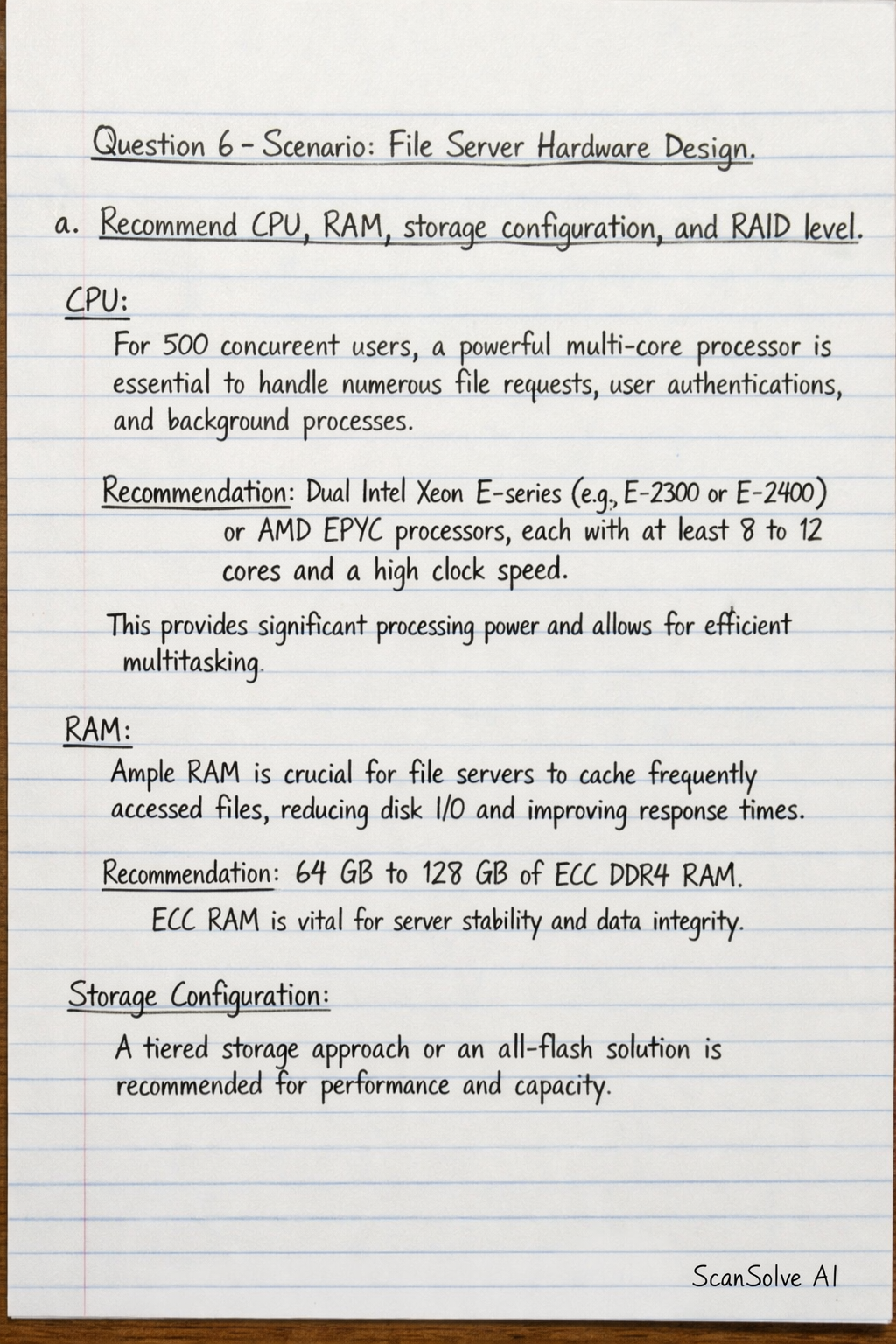
Here is a hardware design for a file server for 500 concurrent users. Question 6 – Scenario: File Server Hardware Design a. Recommend CPU, RAM, storage configuration, and RAID level CPU: For 500 concurrent users, a powerful multi-core processor is essential to handle numerous file requests, user authentications, and background processes. Recommendation: Dual Intel Xeon E-series (e.g., E-2300 or E-2400 series) or AMD EPYC processors, each with at least 8 to 12 cores and a high clock speed. This provides significant processing power and allows for efficient multitasking. RAM: Ample RAM is crucial for file servers to cache frequently accessed files, reducing disk I/O and improving response times. Recommendation: 64 GB to 128 GB of ECC (Error-Correcting Code) DDR4 RAM. ECC RAM is vital for server stability and data integrity by detecting and correcting memory errors. Storage Configuration: A tiered storage approach or an all-flash solution is recommended for performance and capacity. Operating System & Applications: Two 250 GB to 500 GB enterprise-grade SSDs (SATA or SAS) for the operating system and server applications. User Data & Files: For the primary file storage, a minimum of six to eight high-capacity enterprise NVMe or SAS SSDs (e.g., 1.92 TB to 3.84 TB each) to provide high IOPS (Input/Output Operations Per Second) and low latency for concurrent access. The total capacity should be determined by projected user data needs. RAID Level: RAID (Redundant Array of Independent Disks) is critical for data protection and performance. For OS & Applications: RAID 1 (mirroring) for redundancy, ensuring that if one drive fails, the system can still boot and operate from the mirrored drive. For User Data & Files: RAID 10 (striped mirrors) is recommended. This level provides excellent read and write performance due to striping and good fault tolerance (can withstand multiple drive failures as long as they are not in the same mirrored pair). It offers a balance of performance and reliability suitable for high-demand file access. b. Include network requirements Network Interface Cards (NICs): High-speed and redundant network connectivity is paramount for 500 concurrent users. Recommendation: At least two 10 Gigabit Ethernet (10GbE) NICs. These should be configured for NIC Teaming* (also known as Link Aggregation or LACP) to provide increased bandwidth and network fault tolerance. If one NIC fails, the other can continue to handle traffic. Network Infrastructure: The server must connect to a robust network backbone. Recommendation: Connection to a high-performance network switch (e.g., a 10GbE capable switch) with sufficient port density and backplane capacity to handle the aggregate bandwidth from the server and other network devices. IP Addressing: A static IP address should be assigned to the file server for consistent network identification and accessibility. DNS Registration: Proper DNS records should be configured to allow users to access the file server using a hostname rather than an IP address. c. Suggest any additional features to improve reliability and performance Reliability: Redundant Power Supplies (PSUs): Implement at least two hot-swappable power supplies configured in a redundant array (e.g., 1+1) to ensure continuous operation in case of a single PSU failure. Hot-swappable Drives: All storage drives should be hot-swappable, allowing for replacement of failed drives without shutting down the server. Hardware RAID Controller with Battery Backup Unit (BBU) or CacheVault: A dedicated hardware RAID controller offloads processing from the CPU and improves performance. A BBU or CacheVault protects data in the controller's write cache during power outages, preventing data loss. Uninterruptible Power Supply (UPS): Connect the server to a UPS to provide temporary power during outages, allowing for graceful shutdown and preventing data corruption. Server Monitoring Software: Deploy monitoring tools to track hardware health (CPU temperature, fan speed, disk status), network performance, and resource utilization, enabling proactive issue resolution. Regular Backups: Implement a comprehensive backup strategy to a separate storage system or off-site location to protect against data loss from hardware failure, human error, or cyber threats. Performance: High-Performance Server Chassis and Cooling: A server-grade chassis with adequate cooling systems (e.g., redundant fans) is essential to maintain optimal operating temperatures and prevent thermal throttling, ensuring consistent performance and component longevity. Optimized File System: Choose a file system (e.g., NTFS for Windows Server, ZFS or XFS for Linux) that is optimized for large file shares, concurrent access, and features like snapshots and data integrity. Dedicated Management Port: A separate network port for out-of-band management (e.g., IPMI, iDRAC, iLO) allows administrators to manage the server remotely, even if the main operating system is unresponsive, improving uptime.