Report on Computer Laboratory Rules and Threats to ICT Equipment

Computer Science
Report on Computer Laboratory Rules and Threats to ICT Equipment

ScanSolve AI Answer

Here is a report highlighting proper computer laboratory rules and identifying possible threats to ICT equipment:

Report on Computer Laboratory Rules and Threats to ICT Equipment

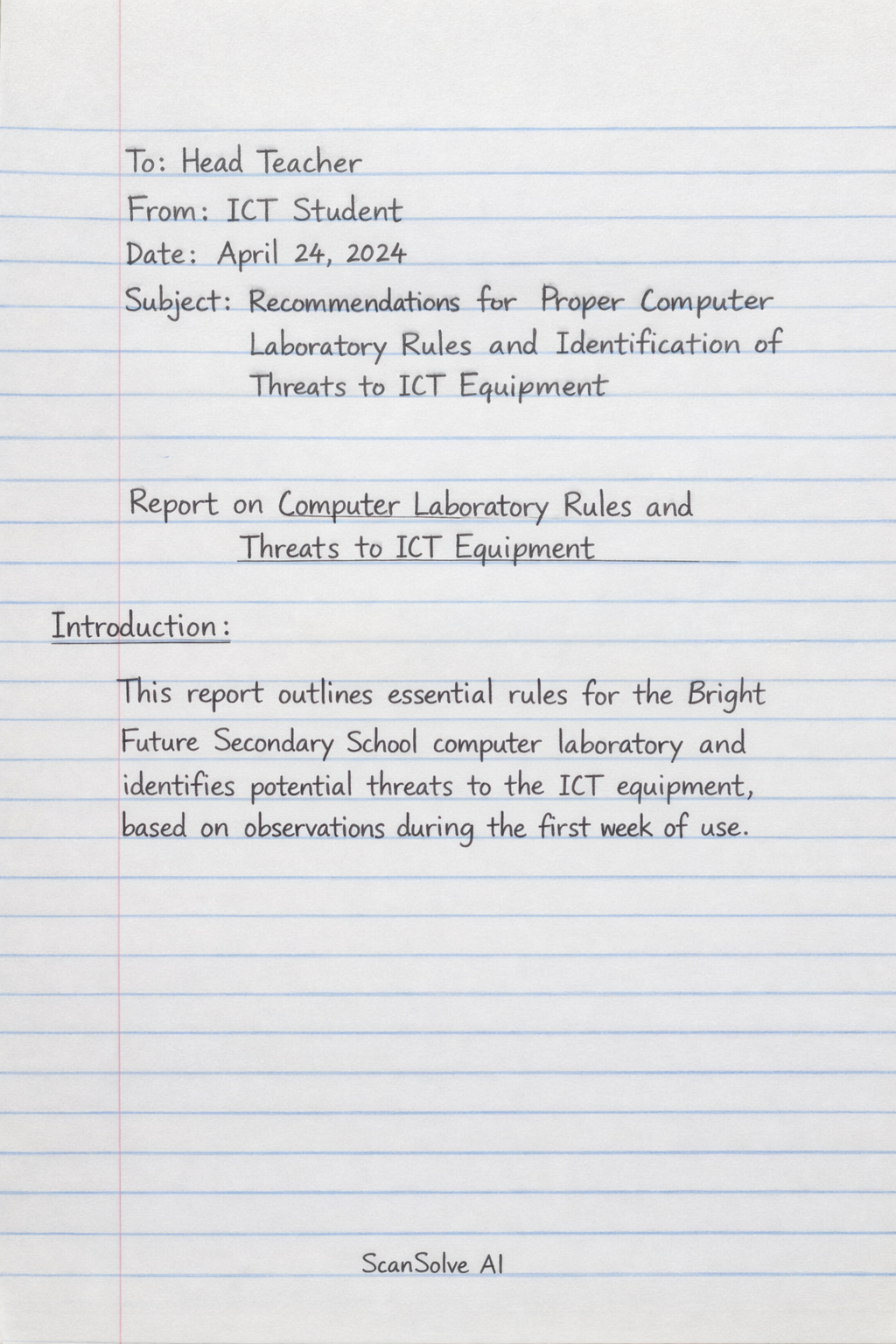
To: Head Teacher From: ICT Student Date: [Current Date] Subject: Recommendations for Proper Computer Laboratory Rules and Identification of Threats to ICT Equipment

Introduction: This report outlines essential rules for the Bright Future Secondary School computer laboratory and identifies potential threats to the ICT equipment, based on observations during the first week of use.

1. Proper Computer Laboratory Rules: To ensure the longevity and proper functioning of the lab's 25 computers, printer, projector, and internet access, the following rules should be strictly enforced:

  • No Food or Drinks: Eating snacks and drinking soda are strictly prohibited inside the computer lab to prevent spills and damage to equipment.
  • Software Installation: Learners must not install any software, games, or applications without explicit permission from the ICT teacher.
  • Safe Device Removal: Always use the "Safely Remove Hardware" option before disconnecting flash drives or any other removable storage devices.
  • Proper Shutdown: All computers must be properly shut down at the end of each session or when leaving the lab.
  • System Settings: Learners are forbidden from changing any system settings, desktop backgrounds, or software configurations.
  • Maintain Order: A quiet and orderly environment must be maintained. Avoid shouting, running, or moving carelessly to prevent accidents.
  • Cable Management: Do not disconnect or reconnect any cables (power, network, peripheral, projector) without the ICT teacher's authorization.

2. Possible Threats to ICT Equipment: The observed behaviors pose several threats to the school's ICT equipment:

  • Physical Damage from Spills: Food and drink spills can cause short circuits, sticky keys, and permanent damage to keyboards, mice, and computer internal components.
  • Malware and System Instability: Unauthorized software installations can introduce viruses, malware, and spyware, leading to data loss, system crashes, and compromised security.
  • Data Corruption and Hardware Damage: Forceful removal of flash drives can corrupt data on the drive and potentially damage the computer's USB ports.
  • Reduced Equipment Lifespan and Energy Waste: Leaving computers on unnecessarily increases wear and tear, reduces their lifespan, and wastes electricity.
  • System Malfunction and Security Risks: Altering system settings can lead to software malfunctions, loss of critical configurations, and create security vulnerabilities.
  • Accidental Damage: Careless movement and shouting increase the risk of accidental damage to monitors, keyboards, and other peripherals, as well as tripping hazards from cables.
  • Connectivity Issues and Electrical Hazards: Disconnecting and reconnecting cables improperly can damage ports, lead to loss of internet or projector connectivity, and pose electrical safety risks.

Conclusion: Adherence to these rules is crucial for maintaining a functional and safe computer laboratory environment. Implementing and enforcing these guidelines will help protect the school's investment in ICT equipment and ensure a productive learning space for all learners.

Last free one today — make it count tomorrow, or type /upgrade for unlimited.

Was this helpful?

Need help with your own homework?

Get instant step-by-step solutions to any question. Free to start.

Ask Your Question
Handwritten step-by-step solution preview

Handwritten Step-by-Step Solution

Get this as a handwritten image on WhatsApp — like a tutor wrote it for you.

Try on WhatsApp

Still have questions?

Quick Answer

Report on Computer Laboratory Rules and Threats to ICT Equipment To: Head Teacher From: ICT Student Date: [Current Date] Subject: Recommendations for Proper Computer Laboratory Rules and Identification of Threats to ICT Equipment Introduction: This re…

Report on Computer Laboratory Rules and Threats to ICT Equipment
Computer Science

This computer science problem involves algorithmic thinking and programming concepts. The solution below explains the approach, logic, and implementation step by step.

ScanSolve AI Answer
Here is a report highlighting proper computer laboratory rules and identifying possible threats to ICT equipment: Report on Computer Laboratory Rules and Threats to ICT Equipment To: Head Teacher From: ICT Student Date: [Current Date] Subject: Recommendations for Proper Computer Laboratory Rules and Identification of Threats to ICT Equipment Introduction: This report outlines essential rules for the Bright Future Secondary School computer laboratory and identifies potential threats to the ICT equipment, based on observations during the first week of use. 1. Proper Computer Laboratory Rules: To ensure the longevity and proper functioning of the lab's 25 computers, printer, projector, and internet access, the following rules should be strictly enforced: No Food or Drinks: Eating snacks and drinking soda are strictly prohibited inside the computer lab to prevent spills and damage to equipment. Software Installation: Learners must not install any software, games, or applications without explicit permission from the ICT teacher. Safe Device Removal: Always use the "Safely Remove Hardware" option before disconnecting flash drives or any other removable storage devices. Proper Shutdown: All computers must be properly shut down at the end of each session or when leaving the lab. System Settings: Learners are forbidden from changing any system settings, desktop backgrounds, or software configurations. Maintain Order: A quiet and orderly environment must be maintained. Avoid shouting, running, or moving carelessly to prevent accidents. Cable Management: Do not disconnect or reconnect any cables (power, network, peripheral, projector) without the ICT teacher's authorization. 2. Possible Threats to ICT Equipment: The observed behaviors pose several threats to the school's ICT equipment: Physical Damage from Spills: Food and drink spills can cause short circuits, sticky keys, and permanent damage to keyboards, mice, and computer internal components. Malware and System Instability: Unauthorized software installations can introduce viruses, malware, and spyware, leading to data loss, system crashes, and compromised security. Data Corruption and Hardware Damage: Forceful removal of flash drives can corrupt data on the drive and potentially damage the computer's USB ports. Reduced Equipment Lifespan and Energy Waste: Leaving computers on unnecessarily increases wear and tear, reduces their lifespan, and wastes electricity. System Malfunction and Security Risks: Altering system settings can lead to software malfunctions, loss of critical configurations, and create security vulnerabilities. Accidental Damage: Careless movement and shouting increase the risk of accidental damage to monitors, keyboards, and other peripherals, as well as tripping hazards from cables. Connectivity Issues and Electrical Hazards: Disconnecting and reconnecting cables improperly can damage ports, lead to loss of internet or projector connectivity, and pose electrical safety risks. Conclusion: Adherence to these rules is crucial for maintaining a functional and safe computer laboratory environment. Implementing and enforcing these guidelines will help protect the school's investment in ICT equipment and ensure a productive learning space for all learners. Last free one today — make it count tomorrow, or type /upgrade for unlimited.