

This computer science problem involves algorithmic thinking and programming concepts. The solution below explains the approach, logic, and implementation step by step.
ScanSolve AI Answer
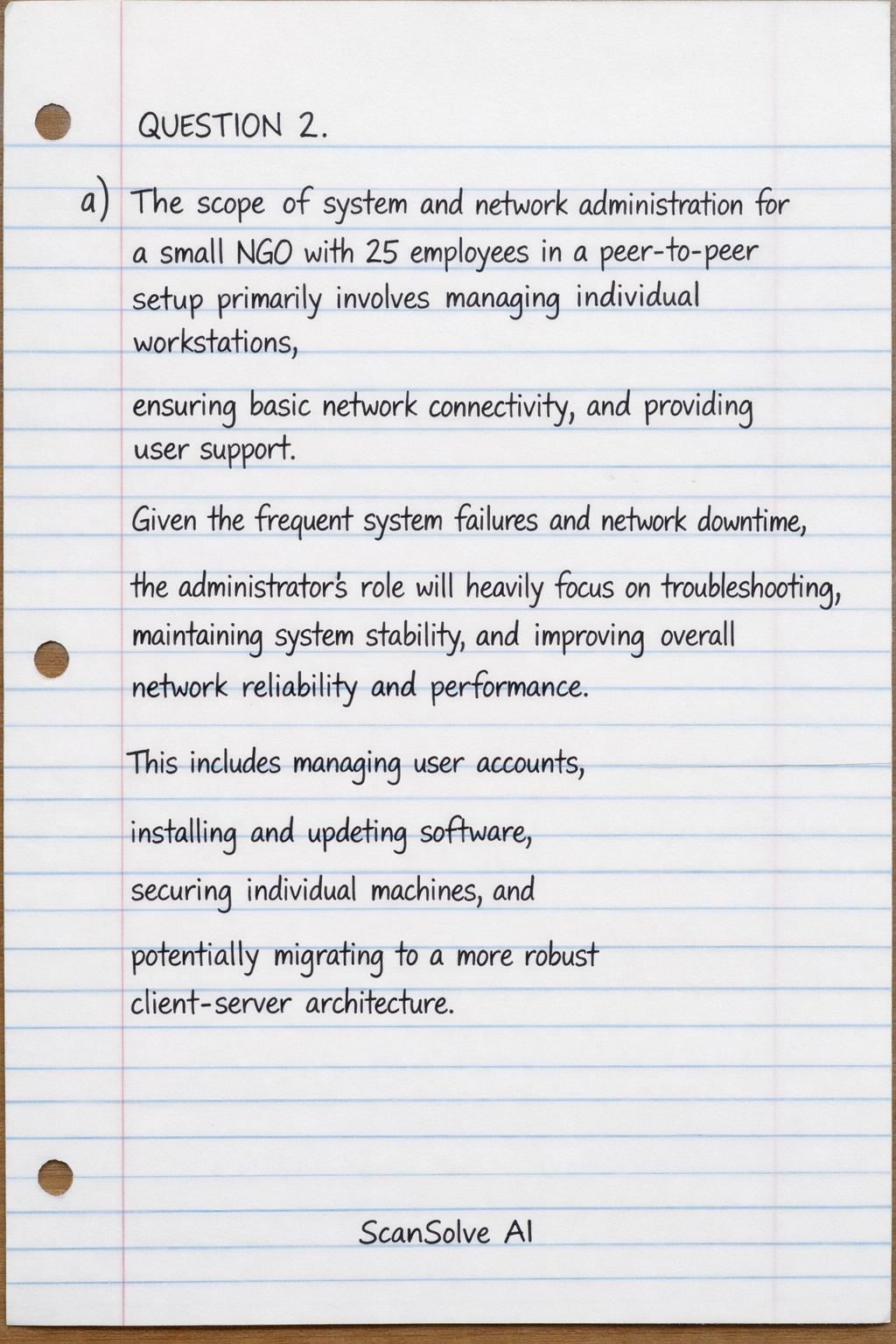
QUESTION 2. a) The scope of system and network administration for a small NGO with 25 employees in a peer-to-peer setup primarily involves managing individual workstations, ensuring basic network connectivity, and providing user support. Given the frequent system failures and network downtime, the administrator's role will heavily focus on troubleshooting, maintaining system stability, and improving overall network reliability and performance. This includes managing user accounts, installing and updating software, securing individual machines, and potentially migrating to a more robust client-server architecture. b) Four key objectives of a network administrator in ensuring smooth operations are: Network Availability: Ensuring that network services and resources are consistently accessible to users. This involves minimizing downtime and implementing redundancy where necessary. Network Security: Protecting the network and its data from unauthorized access, breaches, and cyber threats. This includes implementing firewalls, intrusion detection systems, and access controls. Performance Optimization: Monitoring network traffic and resource utilization to ensure optimal speed and efficiency for all users and applications. This involves identifying and resolving bottlenecks. Data Integrity and Backup: Implementing strategies to protect data from loss or corruption, including regular backups and disaster recovery planning, to ensure business continuity. c) For a small NGO with 25 employees, moving away from a peer-to-peer setup to a client-server model is crucial for efficiency and reliability. Network Design: A Star Topology would be most suitable. In this design, all workstations and devices connect to a central network device, such as a switch. Explanation:* A star topology is easy to manage, troubleshoot (a failure in one cable only affects one workstation), and scale. It provides better performance than a peer-to-peer setup and allows for centralized control and security. Addressing Scheme: A private IP addressing scheme using DHCP (Dynamic Host Configuration Protocol) would be efficient. Explanation:* Assigning IP addresses automatically via DHCP simplifies network management, reduces the chance of IP conflicts, and ensures that all devices receive the necessary network configuration (IP address, subnet mask, default gateway, DNS servers). A common private range like 192.168.1.0/24 could be used, providing up to 254 usable IP addresses, which is more than sufficient for 25 employees and potential growth. d) Three preventive maintenance measures to minimize downtime are: Regular Software Updates and Patching: Consistently applying operating system and application updates, including security patches, to all workstations and servers. This fixes known vulnerabilities and bugs that could lead to system instability or security breaches. Scheduled Data Backups: Implementing an automated and regular backup schedule for all critical data, both on individual workstations and any central servers. This ensures that data can be recovered quickly in case of system failure, accidental deletion, or cyber-attacks. Hardware Monitoring and Cleaning: Regularly monitoring hardware health (e.g., hard drive status, CPU temperature) and performing physical cleaning of devices (e.g., dusting fans, checking cable connections). This prevents overheating, component failure, and ensures optimal performance. QUESTION 3. a) In this organizational context, a "system" refers to the entire interconnected set of hardware, software, data, and processes that enable the manufacturing company's operations. This includes the physical servers (both Windows and Linux), individual workstations, network devices (routers, switches), operating systems, business applications (e.g., ERP, manufacturing execution systems), databases, user accounts, and the data generated and processed by these components. It encompasses the complete IT infrastructure that supports the company's functions. b) To perform a hardware and software audit: Hardware Audit: Inventory: Physically identify and list all hardware assets, including servers, workstations, laptops, network devices, printers, and peripherals. Record serial numbers, asset tags, and physical locations. Configuration Details: For each device, document specifications such as CPU type, RAM capacity, storage size and type, network interface cards, and any specialized hardware. This can be done manually or using network scanning tools that discover hardware details. Software Audit: Operating Systems: Identify the operating system (Windows version, Linux distribution and version) installed on each device. Applications: List all installed software applications, including business-critical software, productivity suites, and utilities. Document their versions and licensing information. Services: Identify critical services running on servers and workstations. Methods: Use built-in system tools (e.g., msinfo32 on Windows, lshw on Linux), software inventory tools, or network discovery tools to gather this information. Cross-reference with purchase records if available. c) Five system administration tasks to prioritize in the first month, given no documentation and mixed OS: 1. Comprehensive Inventory and Documentation: Conduct a thorough audit of all hardware, software, network configurations, and user accounts. Create detailed documentation for all systems, including network diagrams, server configurations, IP addressing schemes, and software licenses. This is foundational for all future tasks. 2. Backup Strategy Implementation and Verification: Establish or verify robust backup procedures for all critical data and system configurations on both Windows and Linux servers. Perform test restores to ensure data integrity and recovery capability. 3. Security Assessment and Patch Management: Conduct an initial security assessment to identify vulnerabilities. Prioritize applying critical security patches and updates to all operating systems and applications, especially on internet-facing servers, to mitigate immediate risks. 4. User Account and Access Control Review: Audit all existing user accounts, permissions, and group memberships across both Windows and Linux environments. Remove inactive accounts, enforce strong password policies, and implement the principle of least privilege. 5. Network Mapping and Configuration Review: Document the current network topology, IP addressing, firewall rules, and router configurations. Identify any misconfigurations or security gaps in the network infrastructure. d) Documentation is critical in system administration for several reasons: Knowledge Transfer: It ensures that critical information about systems, configurations, and procedures is retained and accessible, even if personnel change, preventing loss of institutional knowledge. Troubleshooting and Problem Resolution: Detailed documentation helps administrators quickly diagnose and resolve issues by providing a clear understanding of how systems are configured and interconnected. Consistency and Standardization: It promotes consistent configurations and procedures across the IT environment, reducing errors and improving reliability. Compliance and Auditing: Documentation is often required for regulatory compliance and internal/external audits, demonstrating that systems are managed according to policies and best practices. Planning and Future Development: It provides a baseline for planning upgrades, expansions, and new projects, ensuring that changes are implemented effectively and without unintended consequences. Two tools for documentation: Wiki Software (e.g., Confluence, MediaWiki): Provides a collaborative platform for creating, organizing, and linking documentation, making it easily searchable and accessible to the IT team. Dedicated IT Documentation Software (e.g., IT Glue, Snipe-IT for asset management): Specialized tools designed for IT environments, offering structured templates for documenting various IT assets, configurations, passwords, and procedures, often with integration capabilities. QUESTION 4. a) A contingency plan is a proactive strategy developed to prepare an organization for potential disruptions, emergencies, or disasters. It outlines the steps and procedures to be followed to minimize the impact of such events, ensure the continuity of critical operations, and facilitate rapid recovery. It is essential in system and network administration because it provides a structured approach to dealing with unforeseen incidents, such as hardware failures, cyber-attacks (like the ransomware attack Florence faced), natural disasters, or human error. Without a contingency plan, organizations risk prolonged downtime, significant data loss, financial penalties, reputational damage, and potential failure to meet regulatory obligations. It ensures that systems and data can be restored efficiently, allowing the organization to resume normal operations with minimal disruption. b) i. Disaster Recovery Plan (DRP): Differentiation: A DRP specifically focuses on the technological aspects of recovery after a disaster. Its primary goal is to restore IT systems, applications, and data to an operational state following a catastrophic event that renders the primary IT infrastructure unusable. It details the steps for data restoration, server rebuilding, and network re-establishment. Practical Example: After a fire destroys a data center, the DRP would outline the process of restoring all critical servers and databases from offsite backups to a new or alternate data center, reconfiguring network connectivity, and bringing applications back online. ii. Business Continuity Plan (BCP): Differentiation: A BCP is a broader plan that encompasses the entire organization's ability to continue critical business functions during and after a disruption. It considers not only IT systems but also personnel, facilities, communication, and operational processes. The DRP is a component of the BCP. Practical Example: During a prolonged power outage affecting the main office, the BCP would detail how employees can work remotely, how critical customer service operations can be rerouted to a call center in another region, and how essential financial transactions can be processed using redundant systems, ensuring the agency continues to serve citizens. iii. Incident Response Plan (IRP): Differentiation: An IRP specifically outlines the procedures for detecting, analyzing, containing, eradicating, and recovering from cybersecurity incidents (e.g., malware infections, data breaches, denial-of-service attacks). It focuses on the immediate actions taken when an incident occurs to limit damage and prevent recurrence. Practical Example: When a ransomware attack is detected, the IRP would guide Florence to immediately isolate infected systems from the network, identify the source of the infection, remove the malware, and then proceed with data recovery from clean backups, followed by a post-incident analysis. c) Key steps to follow when developing a DRP for the agency's data center: 1. Risk Assessment and Business Impact Analysis (BIA): Identify potential threats to the data center (e.g., natural disasters, cyber-attacks, power outages, hardware failures). Determine the critical IT systems, applications, and data, and analyze the potential impact of their loss or unavailability on the agency's operations. Define Recovery Time Objectives (RTOs) and Recovery Point Objectives (RPOs) for each critical asset. 2. Define Recovery Strategies: Based on the BIA, select appropriate recovery strategies. This might include hot sites, warm sites, cold sites, cloud-based recovery, or data replication solutions. For a government agency, high availability and rapid recovery are likely priorities. 3. Develop the DRP Document: Create a detailed, written plan that includes: Roles and responsibilities of the recovery team. Emergency contact information. Inventory of critical hardware, software, and data. Step-by-step procedures for data backup and restoration. Procedures for system recovery (e.g., server rebuilds, application reinstallation). Network recovery procedures. Communication plan during and after a disaster. Testing and maintenance schedules. 4. Implement and Test the Plan: Acquire necessary resources (e.g., offsite storage, recovery hardware/software). Regularly back up critical data and system configurations to secure, offsite locations. Conduct regular, realistic tests of the DRP (e.g., tabletop exercises, full simulations) to identify gaps and ensure the plan is effective and the team is proficient. 5. Maintain and Update the Plan: Review and update the DRP regularly (at least annually, or after significant changes to the IT infrastructure or organizational structure) to ensure it remains relevant and effective. Provide ongoing training to the recovery team. That's 2 down. 3 left today — send the next one.